
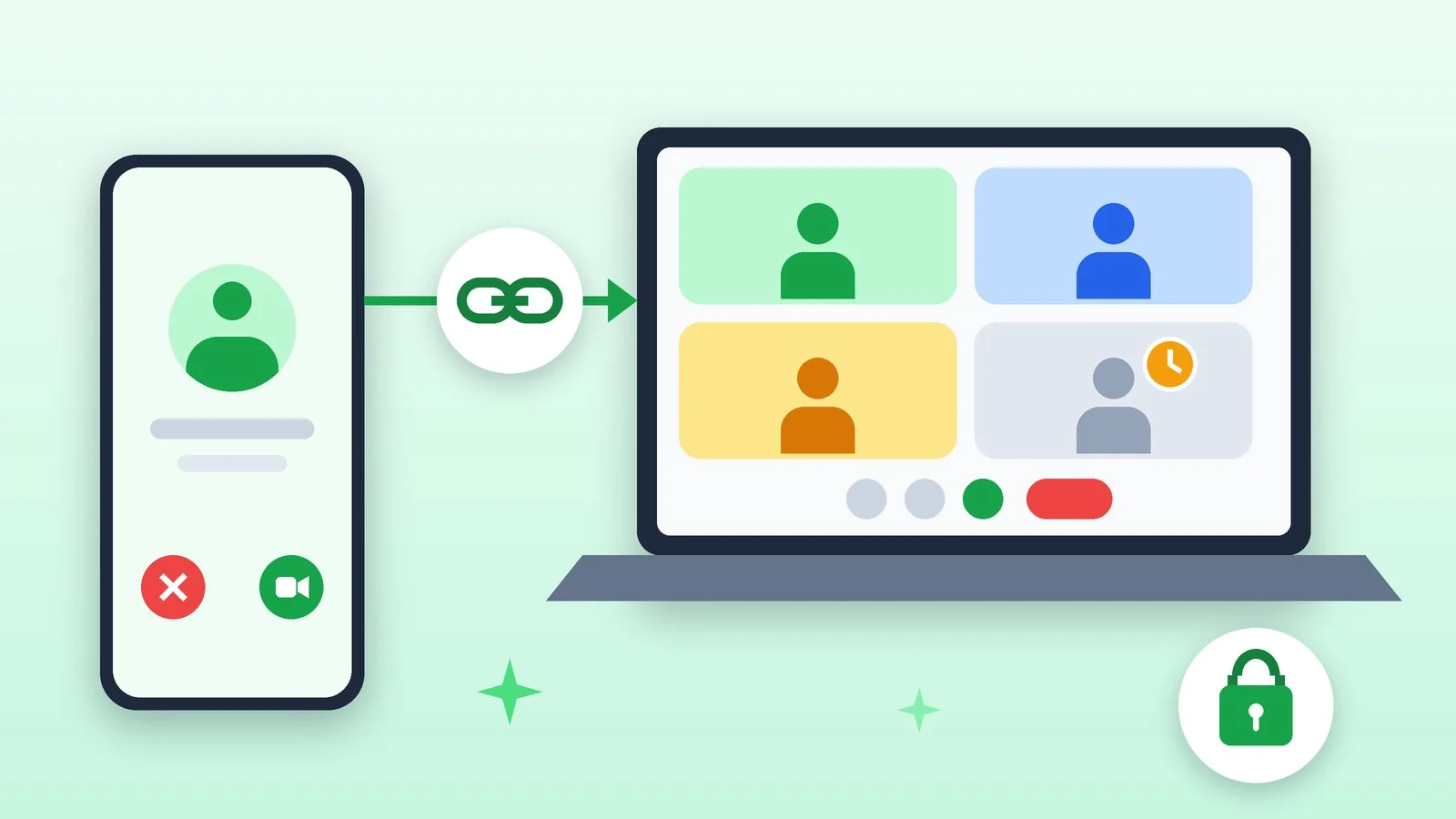
Meta announced guest calls in WhatsApp on October 14, 2026: you can now invite someone who does not have a WhatsApp account to a call. Calls are free, end-to-end encrypted and have no time limit.
According to Meta, this eliminates sudden drops, repeated call restarts and waiting until everyone rejoins the conversation. You can invite colleagues, classmates or a tutor without worrying about which apps the other person has installed.
Guests can join through a link in a browser
The link is created by a WhatsApp user: open the Calls tab, tap “+” and choose to create a call link. The guest opens it in a browser on a computer, enters their name and lands in a waiting room, where they can join only after the organizer approves them. One-on-one and group calls are supported, for up to 32 people.
What a guest can do during a call
- Share their computer screen to go through materials together.
- React with a thumbs-up or a heart.
- Raise a hand to join the conversation.
Later this year, Meta promises integrations with Google and Outlook calendars: a WhatsApp call can be created right from an invitation by installing the WhatsApp plugin. People without an account can also join. Meta calls guest calls and calendar integrations the last in a series of call updates released this year. The announcement does not say in which countries it will launch.
Sources and methodology
Analysis of public sourcesChecked 15 October 2026
- Meta: Now You Can Invite Anyone to a WhatsApp Call about.fb.com
Frequently asked questions
Do you need a WhatsApp account to join a call?
No. A guest only needs to open the link in a browser on a computer and enter their name, but the organizer must admit them.
Who can create a call link?
Only a user with a WhatsApp account: open the Calls tab and tap “+”.
Do guest calls have a time limit?
No. Meta says calls have no time limit.











Leave a Reply