
Google has updated what its AI subscriptions can do. The main change is more scenarios in which Gemini helps you work with text, email, notes, spreadsheets and images. The new features don’t replace people at work, but they can speed up drafting, finding information in your email and preparing recurring materials.
What’s new in Gmail, Docs and Keep
In Gmail and Keep, you can use your voice to write drafts, search your content and capture thoughts. That’s handy for quick notes after a meeting or for an email you need to talk through first and then edit. In Docs, voice features aren’t available on every plan, so it’s important to check the terms of your subscription before you sign up.
The practical rule hasn’t changed: AI is good at speeding up a first draft, but it doesn’t guarantee accuracy. Client emails, figures, contract wording and publications still need to be checked before they go out.
Sheets Canvas: mini-apps from a spreadsheet
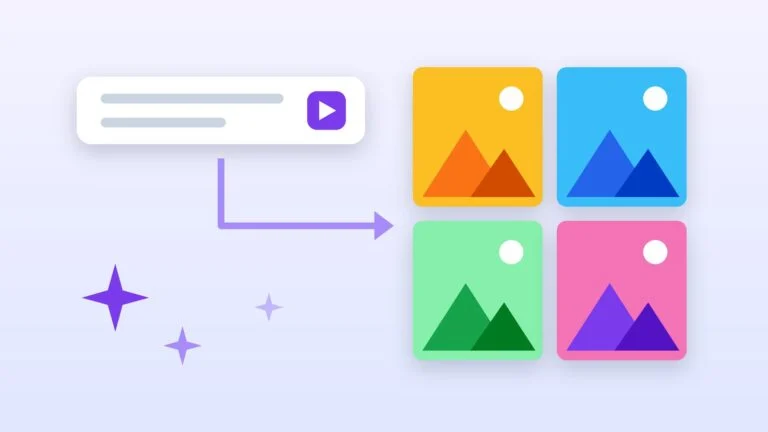
One of the most interesting features is Sheets Canvas. From a text prompt, it can build an interactive tool on top of your data: a tracker, a form, a simple calculator or an internal dashboard. It’s no substitute for full-fledged development, but for a small team it can shorten the path from a spreadsheet to a working prototype.
Before launching a tool like this, it’s worth cleaning up the source spreadsheet: remove duplicates, assign a data owner and restrict access to confidential information. The quality of the result depends directly on how the data is structured and how specific the prompt is.
Gemini Spark, Chrome and Google Photos
Google is also expanding what Gemini Spark can do: the assistant can work together with Chrome and Google Photos, helping you complete web tasks, edit images and put together albums. These features are especially useful for repetitive household and office tasks, but they aren’t available in every country or on every plan.
| Tool | Use case | What to watch for |
|---|---|---|
| Gmail and Keep | Voice drafts, notes, finding information | Check facts and recipients before sending. |
| Docs | Working with text and documents | Availability depends on the plan. |
| Sheets Canvas | Small interactive tools built on a spreadsheet | Requires clean source data. |
| Gemini Spark | Browser tasks and working with photos | Regional restrictions apply. |
Who will find it useful
The update will be most useful to people who already live in Gmail, Docs, Sheets and Keep: editors, managers, entrepreneurs, students and small teams. If you rarely use Google’s services, start by defining one specific task — say, a weekly report or preparing product listings — and check whether AI cuts the time it takes.









Leave a Reply