
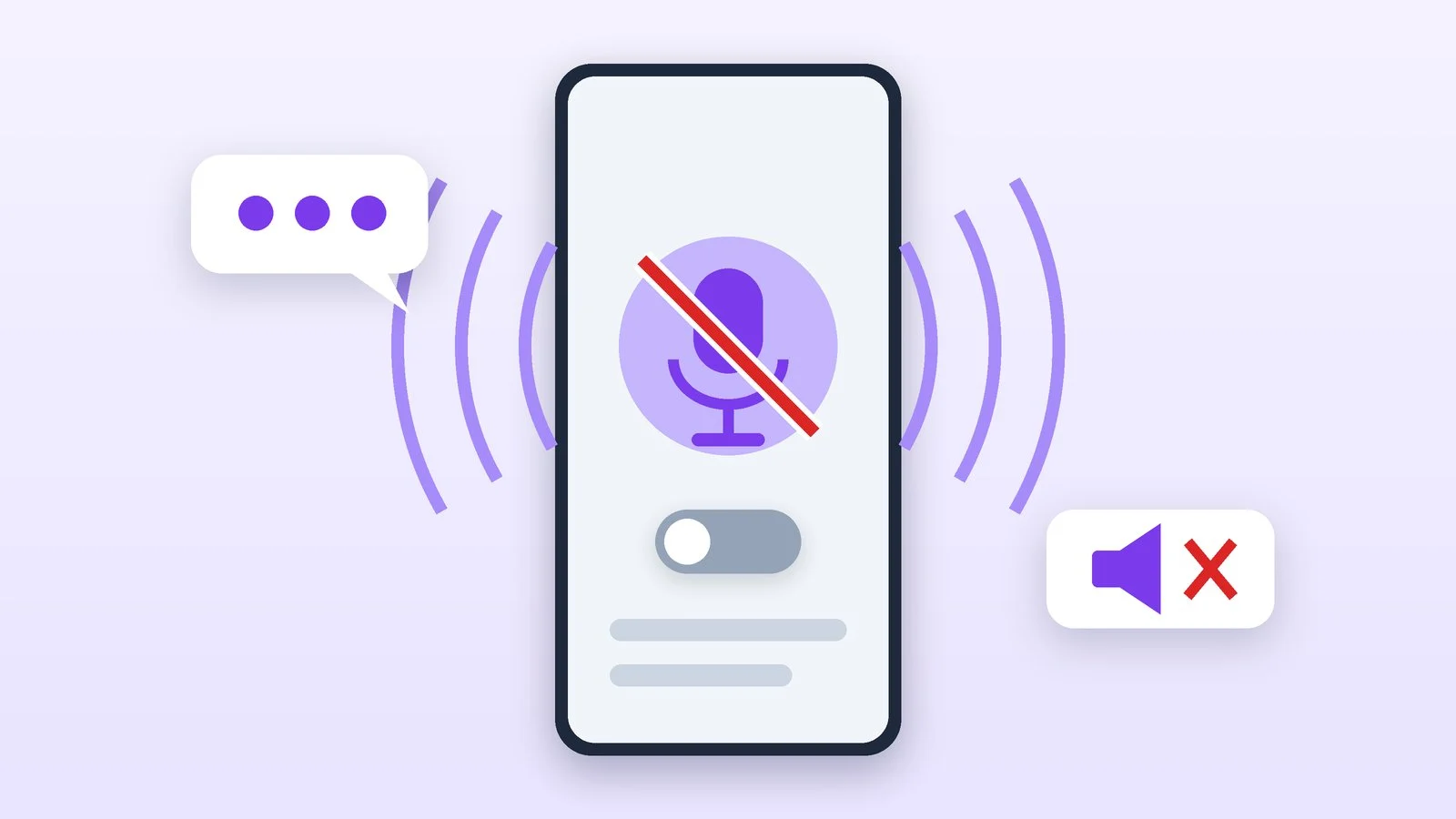
To turn off the voice assistant on Android, open the Gemini app, tap the menu icon, then your profile icon → Settings → Gemini voice controls, and turn off Hey Google. To stop the assistant from opening with the power button, change the action in Settings → System → Gestures → Press and hold power button, or on Samsung, in Advanced features → Side button. On iPhone, open Settings → Siri → Turn Off Siri.
If your phone reads out everything you touch, that’s not an assistant but the TalkBack or VoiceOver screen reader, and it’s turned off separately. Below are instructions for Gemini and Google Assistant, Bixby, Siri and screen readers. Menu names are taken from Google, Samsung and Apple help as of October 25, 2026. They may differ on phones from different manufacturers; if you can’t find an item, type its name into the settings search — that’s what Google itself advises.
How to turn off Gemini on an Android phone
You don’t need to uninstall the app, and it wouldn’t help anyway: Google warns that after you uninstall it, Gemini remains the default digital assistant. Instead, turn off the ways it launches. You don’t have to do every step — pick the ones that bother you.
Turn off Hey Google
Open the Gemini app. On the left side of the screen, tap the menu icon, then your profile icon, and select Settings → Gemini voice controls. Turn off Hey Google detection.
Result: The phone no longer responds to “Hey Google.”
Remove the assistant from the power button
Open Settings → System → Gestures → Press and hold power button and choose another action, such as the power menu. If the option is called Digital assistant, the button will still open the default assistant.
The items depend on the manufacturer. If there’s no Gestures section, search the settings for “power,” “side button” or “gesture” — that’s Google’s advice. For Samsung, the path is described in the Bixby section below.
Result: Pressing and holding the power button no longer calls the assistant.
Block Gemini on the lock screen
In the Gemini app, tap the menu icon → profile icon → Settings → Gemini on lock screen and turn off Use Gemini while device is locked.
Result: Gemini doesn’t launch while the phone is locked.
Remove the default assistant
This is the most drastic option. Open Settings → Apps → Default apps → Digital assistant app, tap Default digital assistant app and select None. If Google is selected in the list, that means Gemini or Google Assistant is currently working as your assistant. If you can’t find the item, search the settings for “digital assistant.”
Result: The phone has no default assistant: gestures and buttons don’t call it.
How to turn off Google Assistant
In March 2025, Google announced that the classic Google Assistant would no longer be available on most mobile devices and that Gemini would take its place. On phones that aren’t eligible for Gemini, Assistant remains for now. If that’s what you have:
- Say “Hey Google, open Assistant settings,” or open the Google Assistant app and say “Assistant settings.”
- Under All settings, select General. If there’s no such item, first tap See all Assistant settings.
- Turn off Google Assistant.
If you don’t like Gemini and Assistant is still available on your phone, you can switch back to it: in the Gemini app, tap the menu icon → profile icon → Switch to Google Assistant → Google Assistant and confirm with the Switch button. Then Assistant will answer “Hey Google” and the power button. Our comparison ChatGPT, Gemini or Claude: which to choose will help you compare Gemini with other AI assistants.
How to turn off Bixby on Samsung
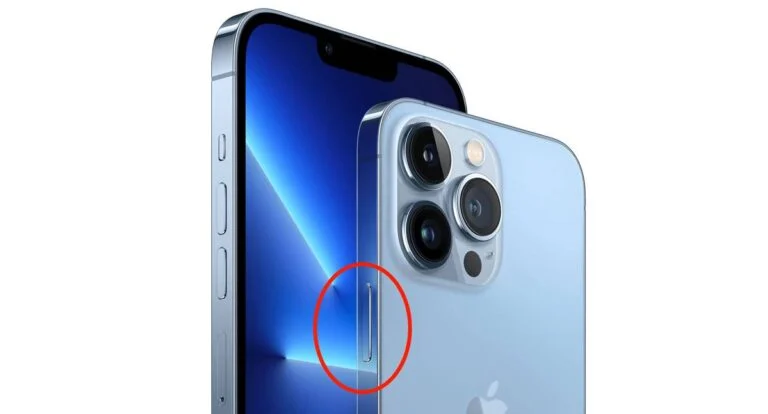
Samsung warns that Bixby can’t be turned off completely, but you can stop it from launching by accident. On recent Galaxy phones, pressing and holding the side button launches Gemini by default (or Google Assistant where Gemini isn’t available), but you can assign Bixby to it as well. To make the button call no assistant at all and open the power off menu again:
- Open Settings → Advanced features → Side button.
- Select Press and hold.
- Instead of Wake Bixby or the digital assistant, select Power off menu.
While an assistant is assigned to press and hold, you can’t open the power off menu with the side button. Samsung suggests other ways: the quick panel, or pressing and holding the side button and the volume down button at the same time — this combination opens the power off menu no matter what.
How to turn off Siri on iPhone
The paths below follow the iPhone User Guide for iOS 27; for other changes in the system, see our overview iOS 27: what’s new. Apple notes that the available options depend on the version of Siri on your iPhone.
Voice activation only
Open Settings → Siri → Requests, tap “Siri” or “Hey Siri” and select Off. Your iPhone will stop responding to these phrases, while Siri stays available with the button. A temporary option Apple suggests: place your iPhone face down — then it also won’t respond to “Siri.”
Side button activation
In the same Requests section, turn off Press Side Button for Siri. Siri will stop opening when you hold the side button.
Completely
Open Settings → Siri, tap Turn Off Siri at the bottom of the screen and confirm by tapping Turn Off Siri again. To bring the assistant back, tap Turn On Siri in the same section and follow the onscreen instructions.
If your phone reads everything aloud: TalkBack and VoiceOver
If your phone reads every item aloud and a frame appears around it, a screen reader is on. In this mode, the controls change: to select an item, tap it once, and to activate it, double-tap the screen. You scroll with two fingers.
Android: TalkBack (also Voice Assistant on Samsung)
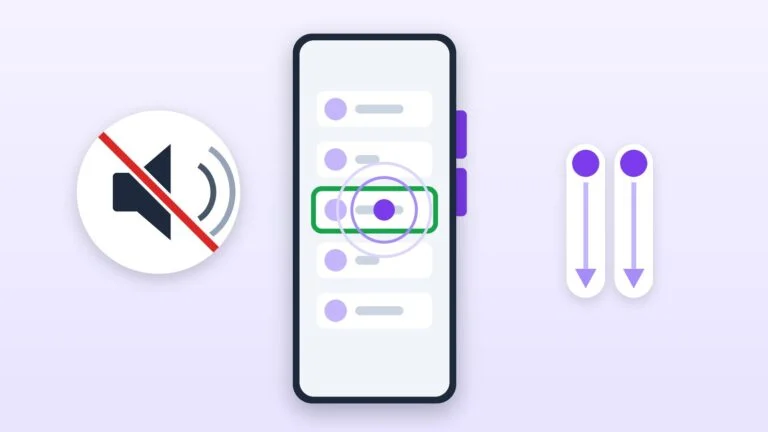
- With the volume buttons. Press and hold both volume buttons for a few seconds and wait for the voice message saying the feature is off. This works if the TalkBack shortcut is turned on.
- By voice. Say “Hey Google, turn off TalkBack.”
- In settings. On Samsung with Android 11–15: Settings → Accessibility → TalkBack → toggle → Turn off. Select each item with a tap, then double-tap the screen. On Android 9 and 10, Samsung calls the feature Voice Assistant, and it’s under Accessibility → Screen reader.
To keep TalkBack from turning on by accident, open Settings → Accessibility → TalkBack and turn off TalkBack shortcut — then the volume buttons will no longer turn it on.
iPhone: VoiceOver
- In settings: Settings → Accessibility → VoiceOver, turn the feature off — tap the toggle, then double-tap the screen.
- With Siri: say “Turn off VoiceOver.”
- With a triple-click: if VoiceOver is assigned to the Accessibility Shortcut, triple-click the side button (on iPhone SE, the Home button).
How to turn off the voice assistant: quick summary
| What’s bothering you | Where to turn it off | What remains |
|---|---|---|
| “Hey Google” (Gemini) | Gemini → Gemini voice controls | Launch with the button |
| Power button on Android | System → Gestures | Gemini in the app |
| Any assistant at all | Digital assistant app → None | Apps keep working |
| Bixby on Samsung | Side button → Press and hold | Bixby in the app |
| “Hey Siri” | Siri → Requests → Off | Activation with the button |
| Siri completely | Siri → Turn Off Siri | Can be turned on again |
| Screen reader | Both volume buttons / VoiceOver | Normal controls |
If it didn’t work
- The item you need isn’t in settings. Names depend on the manufacturer and the Android version. Use the settings search: “power,” “side button,” “gesture,” “digital assistant.” You can also look for instructions on your phone manufacturer’s support site.
- The assistant still opens with the button. Check both the press-and-hold action and the default assistant: if Digital assistant is still selected, the button will call whichever assistant is set as the default.
- You can’t turn off your Samsung after changing the settings. Press and hold the side button and the volume down button — the power off menu will open.
- TalkBack won’t turn off with the volume buttons. That means the shortcut is off. Turn TalkBack off in Accessibility: tap to select, double-tap to activate. If the screen is locked, Google advises swiping up from the bottom with two fingers and entering your PIN by tapping each digit.
- It’s not the assistant that bothers you but ads and pop-ups. That’s a separate setting — see how to turn off ads on an Android or Xiaomi phone.
Sources and methodology
Analysis of public sourcesChecked 25 October 2026
- Google — Manage or uninstall the Gemini app on your Android device support.google.com
- Google — Talk to Google Assistant with your voice support.google.com
- Samsung — How to customize the side button with new features on your Galaxy phone and tablet samsung.com
- Apple — Set up and activate Siri on iPhone support.apple.com
- Google — Turn off TalkBack support.google.com
Frequently asked questions
How do I turn off Hey Google on Android?
If Gemini answers: open the Gemini app → menu icon → profile icon → Settings → Gemini voice controls and turn off Hey Google. The assistant will remain available with the button and in the app.
Can I just uninstall Gemini?
You can, but Google warns: after you uninstall the app, Gemini doesn’t stop being the default digital assistant. To keep it from launching, turn off Hey Google, change the power button action or select None under Default digital assistant app.
How do I turn off the voice assistant that reads everything on the screen?
That’s TalkBack (also Voice Assistant on Samsung) or VoiceOver on iPhone. On Android, hold both volume buttons for a few seconds. On iPhone, open Settings → Accessibility → VoiceOver and turn the feature off: tap to select, double-tap to activate.
How do I turn Siri back on?
Open Settings → Siri, tap Turn On Siri and follow the instructions. Voice activation is turned on in Requests → “Siri” or “Hey Siri.”

Leave a Reply