
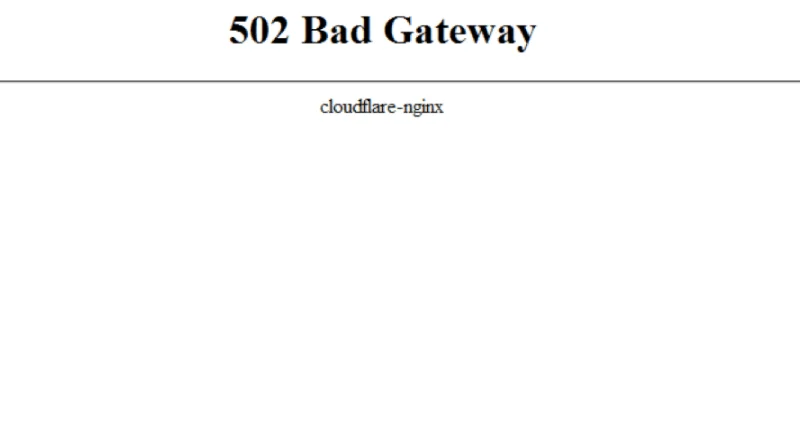
A 502 Bad Gateway error means the server that takes the request did not get a valid response from another server or application. Most of the time the problem is on the site’s side, not on the visitor’s phone or computer. So the first thing to work out is whether a single page fails to open or every site does.
What to do about a 502 error: a quick check
| Situation | What to do | What not to do |
|---|---|---|
| One site will not open | Reload the page, open it in another browser or on another network, try again later. | Do not change DNS or system settings after the very first error. |
| The error shows up only in your browser | Open a private window, turn off suspicious extensions for a while, clear the site’s data. | Do not wipe all browser data unless you have to. |
| The error is on your own site | Check monitoring, the logs, recent updates, the state of PHP and the database. | Do not update plugins and the theme blindly during an outage. |
| The error started after a DNS or proxy change | Check the DNS records, the CDN settings, the reverse proxy and the timeouts. | Do not roll everything back without a backup and a record of the changes. |
Five steps for a visitor
- Reload the page in a minute or two. A short server overload or a service restart often passes with nothing to do on your side.
- Open another site. If the other pages load, your internet connection is most likely fine.
- Open the address that fails in a private window or another browser. That rules out the cache and extensions.
- If the error repeats only on your network, restart the router and try mobile data.
- Send the site owner the exact page address, the time the error appeared and a screenshot. That helps more than a message saying “the site is down.”
Why a 502 error appears
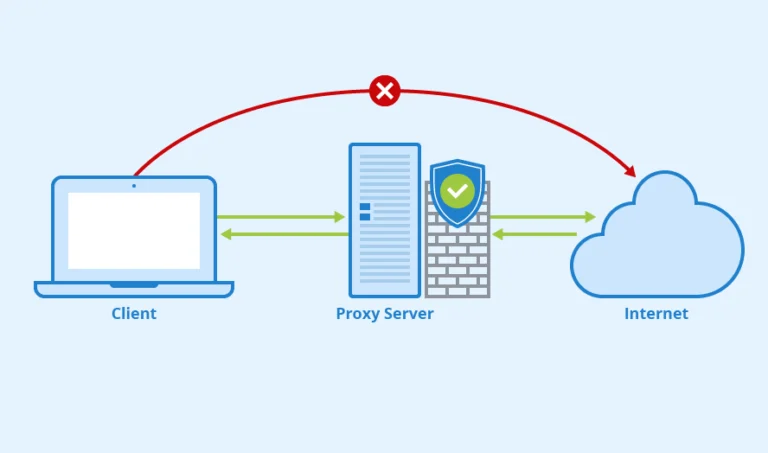
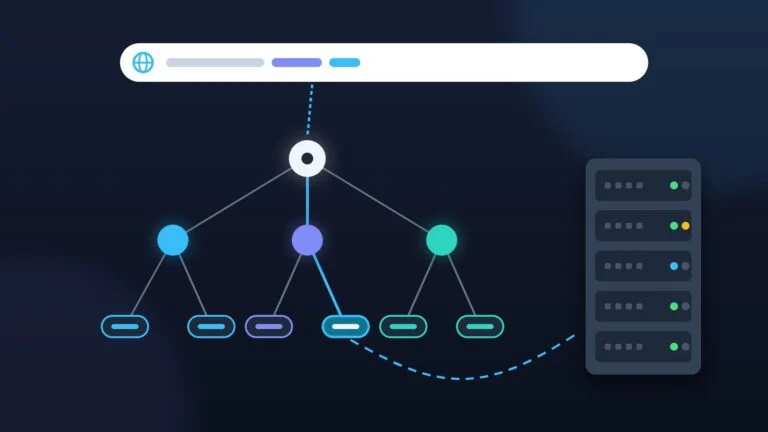
The cause is almost always on the side of the site and its servers, not yours. Most often it is an overload, an application failure or wrong settings in the link in between — the proxy, the CDN or the load balancer.
- Overload: a traffic spike, heavy database queries or too many sites packed onto one server.
- Application failure: a PHP error, not enough memory or a PHP-FPM process that crashed.
- Chain settings: a wrong address for the upstream service, firewall rules, recent changes in the CDN or DNS.
- Planned maintenance: a service restart or an update during which requests are not served.
Checklist for the site owner
- Write down the time of the outage and check whether the error repeats from another network.
- Look at the error log of the web server, of PHP and of the application: especially the messages about a timeout running out, low memory and problems connecting to the database.
- Go through the recent changes: updates to WordPress, the theme, plugins, PHP, the CDN, DNS and firewall rules.
- Check that the upstream service, PHP-FPM, the database and the cache are available, if you use them.
- If the outage started after a deployment, roll back only the last change in a controlled way and save the logs before they are cleared.
FAQ
Can you fix a 502 on a phone?
Sometimes reloading the page, switching to another network or clearing the data of that one site helps. But if the error shows up on a single site only, the cause is usually on its side.
How is a 502 different from a 504?
A 502 means an invalid response from an intermediate server, while a 504 means the wait for a response ran out. In both cases the source of the problem is often in the server side of the site.
Does the site owner have to turn off every plugin?
No. Check the logs and the recent changes first. Turning off plugins in bulk is fine as a diagnostic step on a backup or in a controlled way.







Leave a Reply