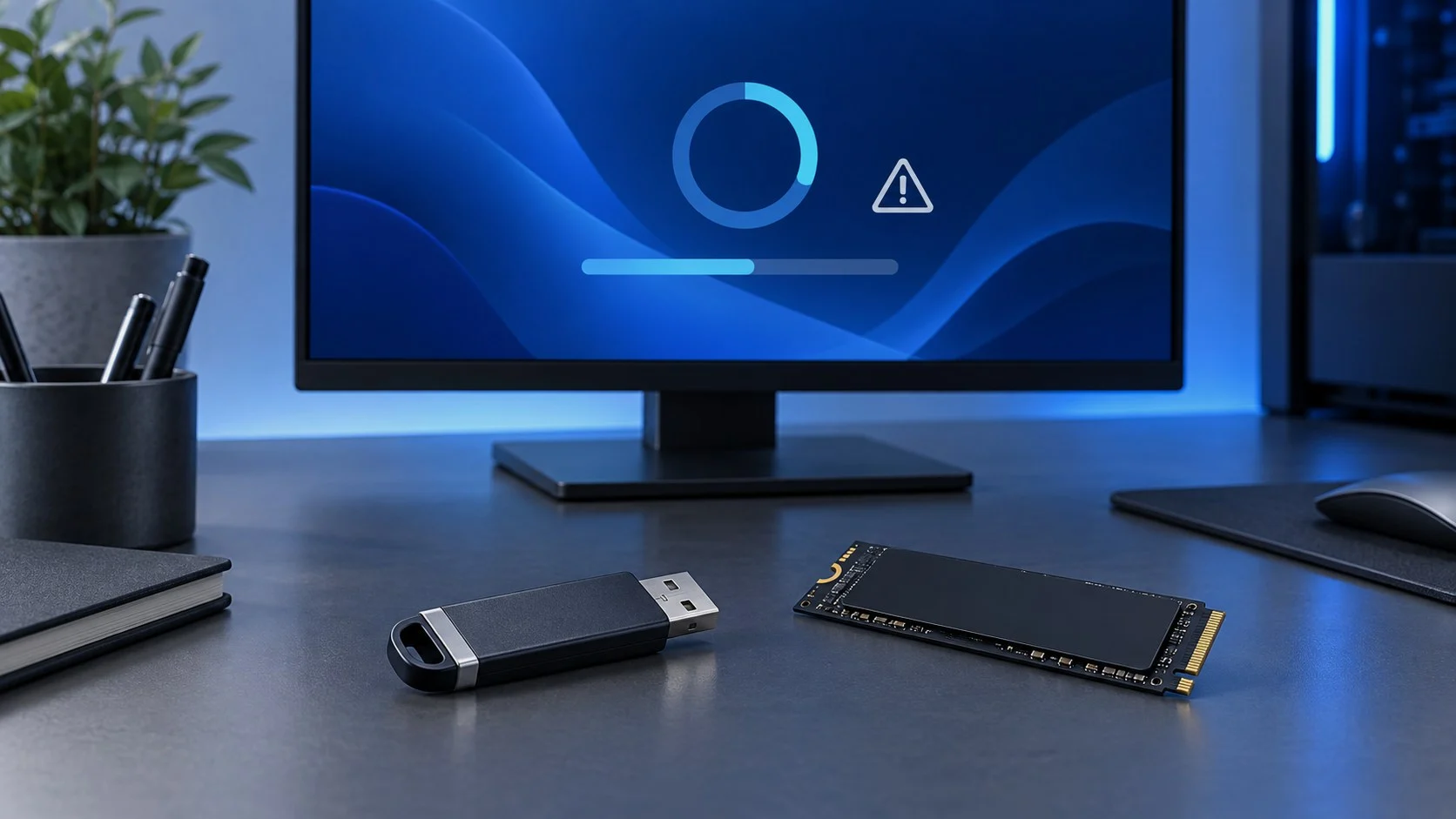
If Windows won’t install from a USB flash drive, gets stuck at a certain percentage, doesn’t see the SSD or shows an error code, don’t rush to delete partitions and recreate the installation media. First, pin down the stage where it fails: booting the installer, choosing a disk, copying files or upgrading a system that’s already running.
This guide applies to Windows 10 and Windows 11. It will help you safely check the installation media, the drive, the partitions and the drivers, and then understand when you need a specific error code or hardware diagnostics.
Quick diagnosis: where the installation stops
| Symptom | Where to start |
|---|---|
| The installer won’t start from USB | Check the image, the USB flash drive and the boot order, and try a different USB port. |
| “Windows cannot install required files” | Recreate the installation media from an official image and rule out a memory or drive fault. |
| The SSD or HDD doesn’t show up | Check the controller mode in UEFI and the storage driver from the device manufacturer. |
| You can’t select a partition | First find out whether the MBR/GPT partition style matches the boot mode. |
| The PC isn’t compatible with Windows 11 | Enable TPM 2.0 and Secure Boot in UEFI and check the processor against Microsoft’s list of compatible models. |
| An upgrade fails | Free up space, disconnect unneeded peripherals and note the error code. |
What to check before trying again
- Disconnect external drives, printers, card readers and USB devices you don’t need.
- Make sure the target disk has enough space and is detected in UEFI.
- Windows 11 needs a drive of 64 GB or more, a TPM 2.0 module and UEFI with Secure Boot support.
- Use an official installation image, not a modified build.
- Write down the exact error text or code: it matters more than general advice.
Check the USB flash drive and the image
If the error appears even before you choose a disk or while files are being copied, create the installation media again from an official Microsoft image. Try a different USB flash drive and a port directly on the computer, without an extension cable or USB hub.
To create a bootable USB flash drive with the Media Creation Tool, you need a drive with at least 8 GB of space. Everything on it will be deleted.
Result: You’ll know whether the error is caused by the installation USB flash drive or by the computer itself.
If the installer doesn’t see the SSD
First check whether the drive shows up in UEFI. On modern laptops, the cause may be the storage controller mode: some configurations need a driver that the device manufacturer provides for installing Windows. Don’t download random drivers from third-party sites.
Result: The installer gets access to the target drive, or it becomes clear that you need a driver or a hardware check.
Sort out MBR, GPT and the boot mode
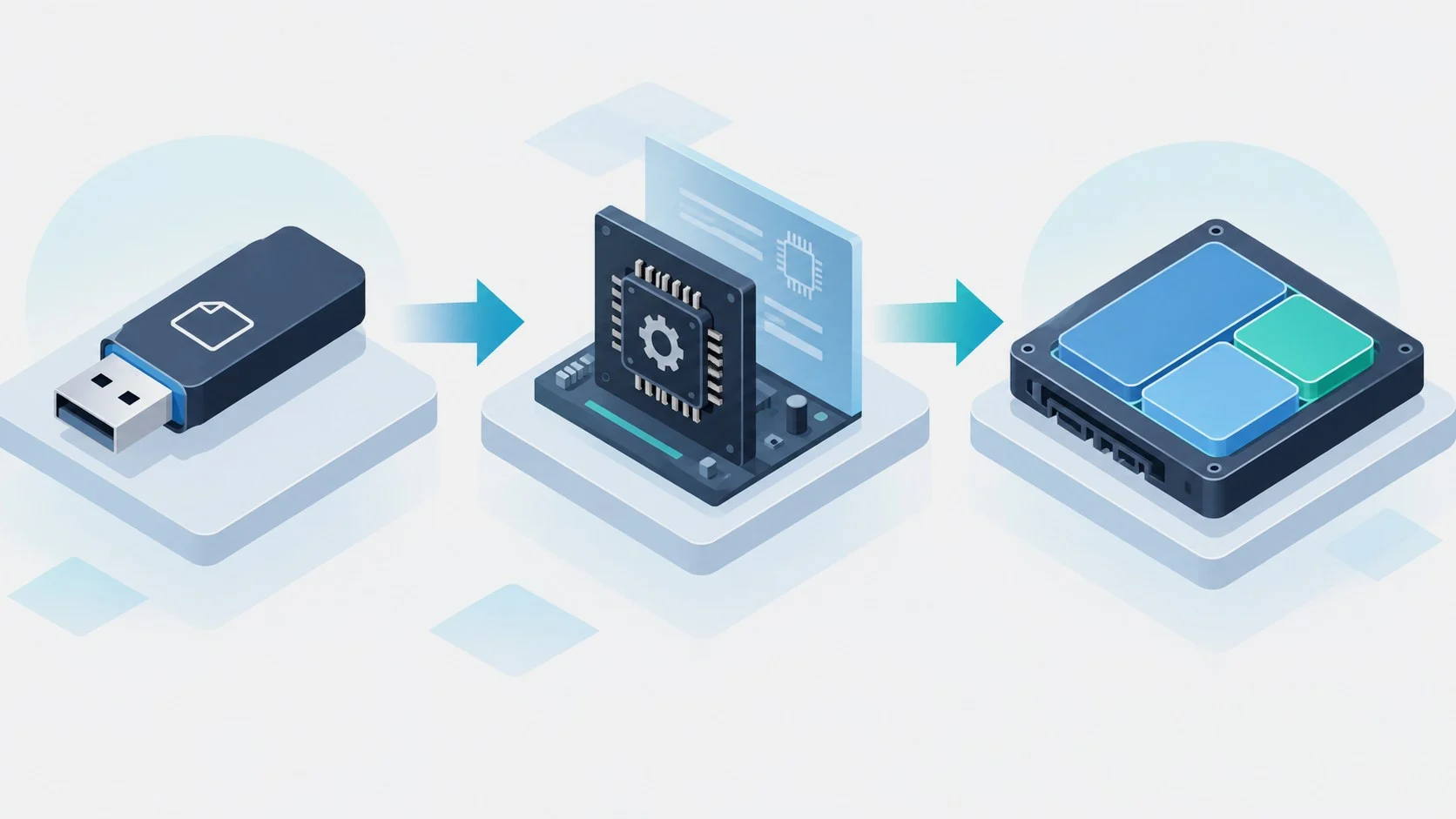
Messages about GPT or MBR appear when the way the installer was booted doesn’t match the disk’s partition style. Typically, UEFI works with GPT, and Legacy/CSM with MBR. Don’t delete all the partitions just to experiment: first check the boot mode and make sure you have a backup.
If Windows 10 is already installed on an MBR disk in Legacy mode, you can convert it to GPT with the built-in MBR2GPT tool without deleting data. Only do this after making a backup, and then switch the computer to boot in UEFI mode.
Result: You won’t delete data blindly and will be able to choose the right installation option.
Unplug extra peripherals and check the RAM
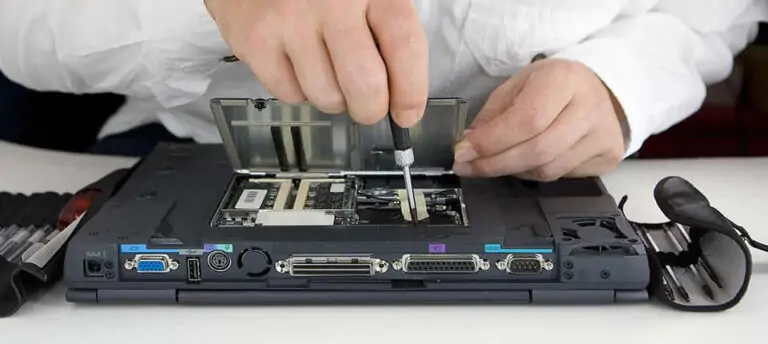
Leave only the keyboard, mouse, monitor and installation USB flash drive connected. If the error repeats with different installation media, check the RAM with the built-in Windows Memory Diagnostic or a dedicated diagnostic test, and the drive with the manufacturer’s tools.
Result: You’ll rule out the typical external causes of an installation failure.
Save the error code and the logs
Don’t stop at the phrase “Windows won’t install.” Take a photo of the screen and write down the code and the stage where it failed. For upgrade problems, the Windows Setup logs are useful: they help you tell a driver conflict apart from a media error or a lack of space.
During an upgrade, the setupact.log and setuperr.log files are in the C:\$WINDOWS.~BT\Sources\Panther folder; after installation, they’re in C:\Windows\Panther. Microsoft’s free SetupDiag tool analyzes them for you and shows the likely cause of the failure.
Result: You’ll have information you can use to look for an exact fix or contact support.
Common errors and safe fixes
| Message | What it means | What to do |
|---|---|---|
| 0x8007025D or “required files” | Often a problem with the media, the image, the RAM or reading from the disk. | Recreate the USB flash drive, try different media, then check the RAM and the SSD. |
| “A media driver your computer needs is missing” | The installer can’t access the controller or the media. | Check the installation media and download the storage driver only from the PC manufacturer’s website. |
| “Windows cannot be installed to this disk” | A possible conflict between GPT/MBR and the boot mode. | Compare UEFI/Legacy with the partition style before deleting partitions. |
| “This PC can’t run Windows 11” | The PC failed the requirements check: TPM 2.0, Secure Boot support, the processor, memory or disk size. | Enable TPM and Secure Boot in UEFI, check the processor against Microsoft’s list and check the free space. |
| 0x80070070 | There isn’t enough space on the disk. | Free up space on the system drive and retry the installation or upgrade. |
| 0xC1900101 during an upgrade | Usually related to a driver or a peripheral device. | Disconnect unneeded devices, update the drivers and try again. |
FAQ
Can I delete all the partitions if Windows won’t install?
Only if your data has already been copied and you’re sure you’re choosing the right physical disk. Deleting partitions isn’t a universal fix.
Do I need an internet connection for a clean install?
Copying the files works without a network connection. But Windows 11 Home and Windows 11 Pro for personal use require an internet connection and a Microsoft account during initial setup. You’ll need a connection for drivers, activation and updates in any case.
Why do I get the same error with two USB flash drives?
In that case, the cause may not be the media: check the RAM, the drive, the controller mode and the compatibility of the storage driver.
Can I still install Windows 10?
You can install it, but support for it ended on October 14, 2025. Home users get security updates only through the ESU program, which runs until October 12, 2027. On a compatible computer, it’s better to install Windows 11.
Where can I download an official Windows image?
On Microsoft’s website, on the Windows 10 or Windows 11 download page. There you’ll find the Media Creation Tool, which creates the installation USB flash drive for you, and the ISO image.

Leave a Reply