
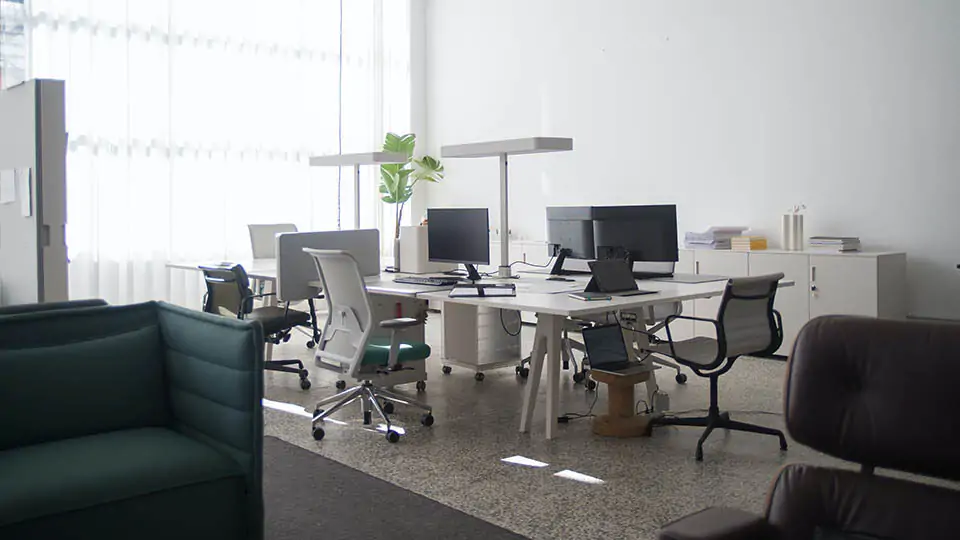
Changes in office work:
- Rise in Remote Work: The COVID-19 pandemic has accelerated the shift to hybrid and remote work models.
- Growing Use of Cloud Services: More and more companies are using cloud applications for data storage, collaboration, and communication.
- The rise of video conferencing: Video calls have become an important part of business communication, putting a strain on computers.
- Automate routine tasks: Artificial intelligence and other technologies automate routine tasks, allowing employees to focus on more complex projects.
Important: Choosing the right office computer in 2024 plays a key role in ensuring:
- Performance: The PC should be able to handle multitasking, cloud applications, and video conferencing without lag.
- Reliability: The equipment must be uninterrupted so as not to lose working time due to breakdowns.
- Security: The computer should be protected from viruses and malware, and have data backup functions.
- Ergonomics: A comfortable monitor, keyboard and mouse will help maintain the health and productivity of employees.
What characteristics are optimal in 2024
A modern office computer is not just a tool for working with text and tables. In 2024, it must cope with multitasking, work with large amounts of data, cloud services, video conferencing and graphic editors.
CPU:
- Type: Intel Core i3/i5/i7, AMD Ryzen 3/5/7
- Number of cores: 4-6
- Frequency: 3.0 GHz and above
- Integrated Graphics: Intel UHD Graphics, AMD Radeon Vega Graphics
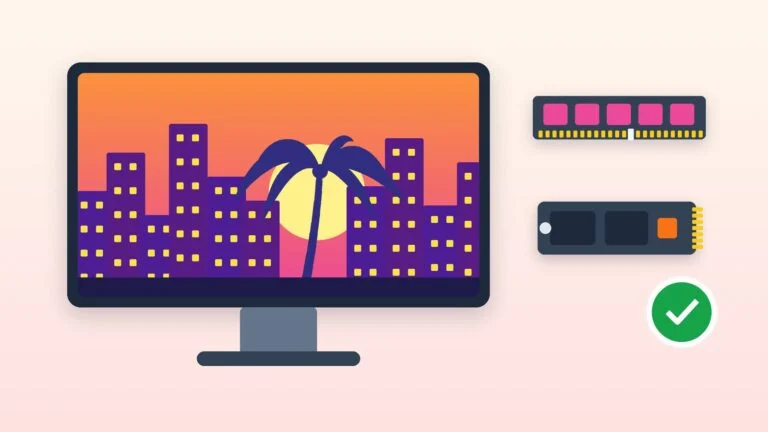
RAM:
- Minimum size: 8 GB
- Recommended capacity: 16 GB
- Type: DDR4
Storage:
- Type: SSD (Solid State Drive)
- Minimum capacity: 256 GB
- Recommended capacity: 512 GB
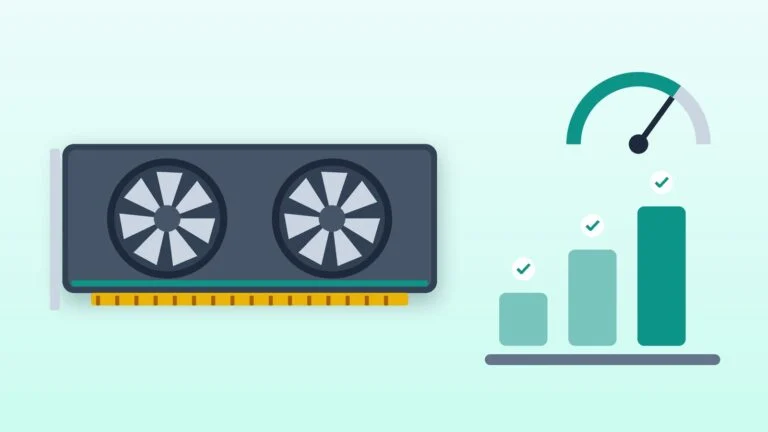
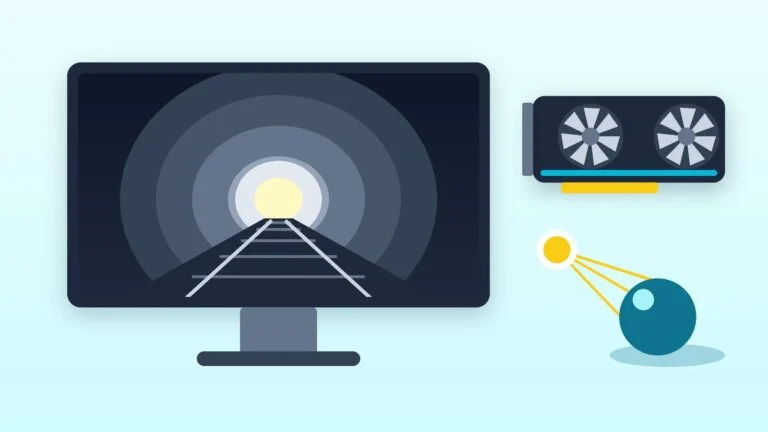
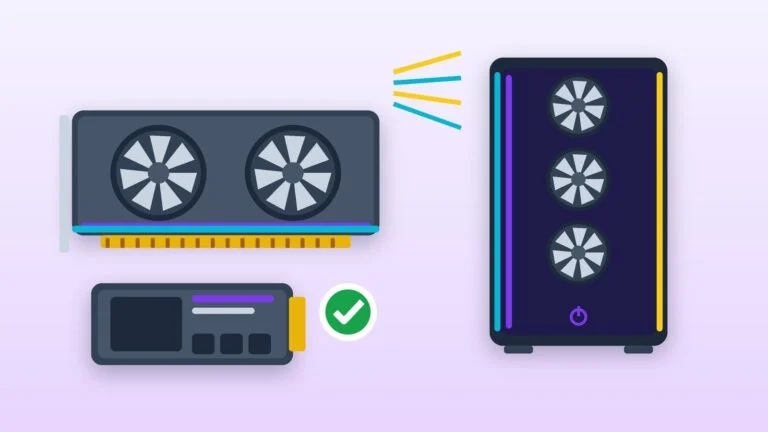
Video card:
- For basic tasks: integrated into the processor
- For working with graphics (minimum): NVIDIA GeForce GTX 1650, AMD Radeon RX 570
Operating system:
- Windows 11 Pro
- Linux Mint
- Ubuntu
- macOS Monterey (for iMac)
Additional features:
- Monitor: Full HD (1920×1080) or higher, IPS-matrix
- Keyboard and mouse: ergonomic models
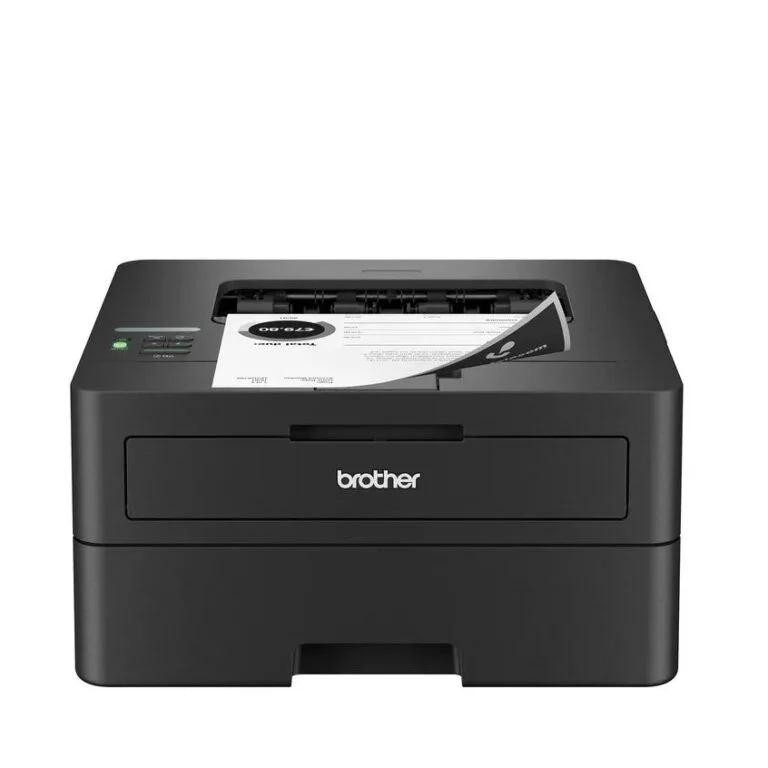
- Peripherals: printer, scanner, webcam (if necessary)
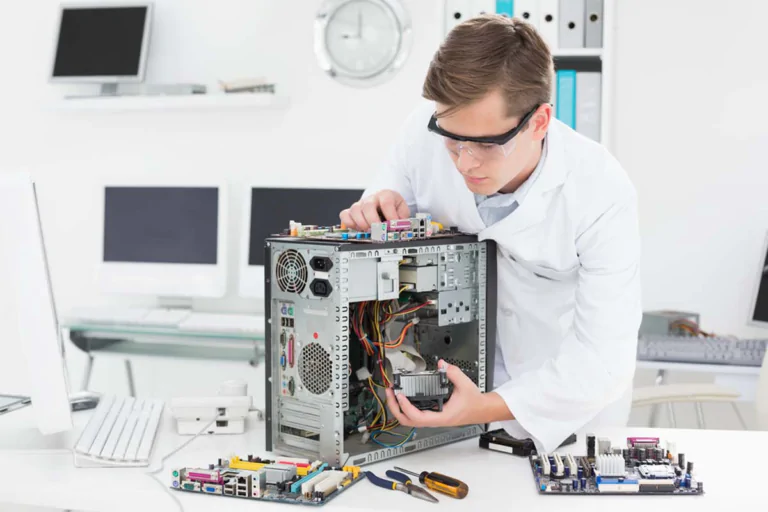
Maintenance and upgrade:
- Easy access to components: for cleaning and replacement
- Upgradeability: RAM, storage
Conclusion:
When choosing an office computer in 2024, it is important to focus on tasks, budget and personal preferences.
- For basic tasks: a computer with an Intel Core i3/Ryzen 3 processor, 8 GB of RAM, a 256 GB SSD drive and an integrated graphics card will do.
- For working with graphics: you will need a computer with a more powerful processor (Intel Core i5/Ryzen 5), 16 GB of RAM, a 512 GB SSD drive and a discrete graphics card.
- For multitasking: We recommend a computer with an Intel Core i7/Ryzen 7 processor, 16 GB of RAM, a 512 GB SSD, and a discrete graphics card.




Leave a Reply