
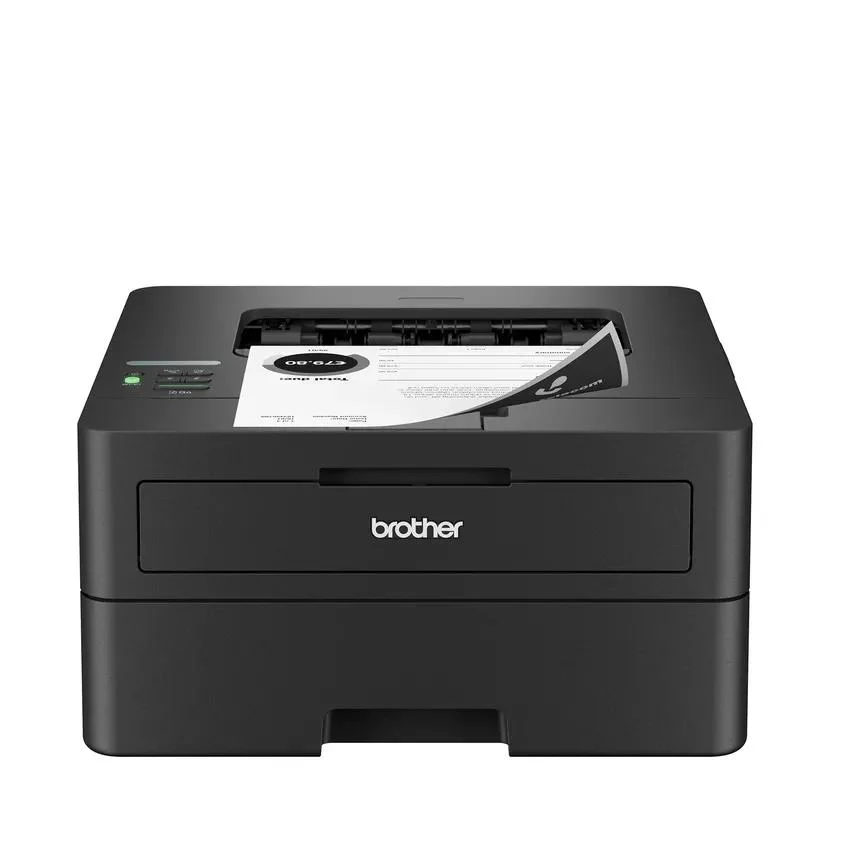
A printer for Mac should match the work you actually do. Contracts and tickets may only need black-and-white printing. School projects need colour, scanning a stack of paperwork calls for a document feeder, and large photographs require a different set of features.
We selected four models for these uses: Brother HL-L2460DW, Canon PIXMA TR8620a, Epson EcoTank ET-2980 and Epson EcoTank Photo ET-8550. All support AirPrint. This guide explains their differences, limitations and running costs rather than treating the lowest purchase price as the deciding factor.
Which printer should you choose? A quick comparison
| Criterion | Brother HL-L2460DW | Canon PIXMA TR8620a | Epson EcoTank ET-2980 | Epson EcoTank Photo ET-8550 |
|---|---|---|---|---|
| Your task | Black-and-white documents without scanning | Colour documents, copies and stacks of originals | Regular colour printing with refillable tanks | Photos and creative work up to 13 × 19 inches |
| US price | About $180 | Approximately $199–233 in observed listings for new units | About $330; a previous promotion was $270 | About $750; previous deals have been around $600 |
| Main compromise | No colour or scanner | Cartridge costs; two-sided scanning requires manual intervention | No automatic document feeder | High purchase price and no ADF |
Brother was listed at $179.99 by the manufacturer, Best Buy and Staples. The lower ET-8550 figure is an example of a past offer, not a promise that you can buy it for $600 today.
If you need a printer for MacBook Air, you do not need a special Air edition. Connection support and the functions available on your version of macOS matter more than the name of your laptop.
1. Brother HL-L2460DW — for black-and-white documents
Price: about $180.
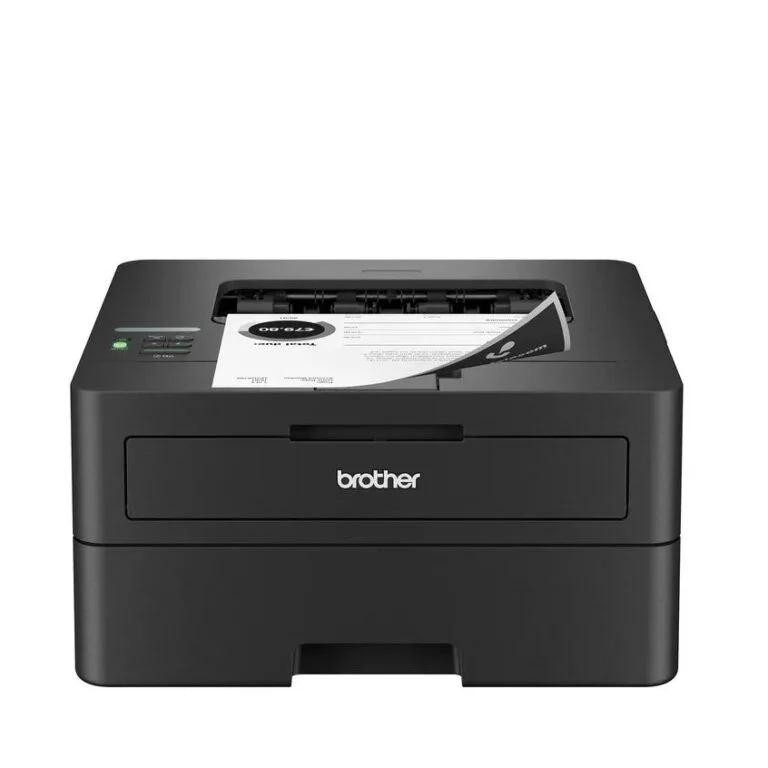
Black-and-white documentsPrinter for Mac
Brother HL-L2460DW
- Type
- Monochrome laser printer
- Functions
- Printing only; no scanner
- Two-sided printing
- Automatic
- Paper supply
- 250-sheet main tray
- Connections
- Wi-Fi, Ethernet, USB; AirPrint
- Consumables
- Toner and a separate drum
macOSAirPrint
PriceAbout $180checked 19 September 2026
This laser printer for Mac makes sense for a specific job: regularly printing documents without needing colour. You are not paying for a scanner, a large touchscreen or photo functions. For a home office handling contracts, invoices and study notes, that can be enough.
Automatic duplex printing saves you from manually reinserting pages when printing long documents. Ethernet is useful when a wired network connection is available nearby. USB provides an option for connecting one computer, although you should still check the supported connection mode in the documentation.
Brother specifies AirPrint for printing from macOS and does not provide separate Mac printer drivers for this model. There is no reason to look for an unofficial “universal driver” on a third-party download site.
Running costs and limitations
The printer has two replaceable consumables: the toner cartridge and the drum. That distinction matters when budgeting, because toner alone does not represent every future maintenance cost.
The checked Staples listing priced genuine TN830XL toner at $98.29, with a stated yield of up to 3,000 pages. Dividing the price by the yield gives approximately 3.28 cents per page for toner alone. This is a calculated guide, not a measured result: it excludes paper, the drum and differences in actual printing conditions. The starter cartridge included with the printer is rated for approximately 700 pages, so the replacement XL yield should not be confused with what comes in the box.
- Automatic two-sided printing.
- Wired and wireless connections.
- A 250-sheet paper tray.
- A straightforward fit for work that does not require colour.
- Cannot scan or copy a paper document.
- No colour printing.
- The drum will eventually need replacing as well as the toner.
- The starter cartridge has a much lower yield than the high-yield replacement.
2. Canon PIXMA TR8620a — an all-in-one for a home office
Price: approximately $199–233 for a new unit in the listings checked; the main Best Buy offer was $199.99.
Home officePrinter for Mac
Canon PIXMA TR8620a
- Type
- Colour inkjet all-in-one
- Functions
- Print, scan, copy and fax
- Ink system
- Five individual cartridges
- Document feeder
- Up to 20 Letter-size sheets
- Two-sided printing
- Automatic
- Two-sided scanning
- Manual page reversal required
- Compatibility
- AirPrint
macOSAirPrint
Price$199–233checked 19 September 2026
Consider the TR8620a when you want one machine for several home tasks: colour documents, copies, scans and occasional photographs. This all-in-one printer for Mac handles multipage originals more conveniently than a model with only a flatbed scanner.
The document feeder is its main practical advantage. You can load a 20-page contract as a stack instead of placing every sheet on the glass. However, automatic feeding does not mean automatic scanning of both sides. If you often digitise double-sided paperwork, this limitation matters more than a fax function or the size of a screen.
Five individual cartridges let you replace a depleted colour separately. That differs from using one combined tri-colour cartridge, but it does not turn the printer into a refillable EcoTank: replacement cartridges remain part of the running cost.
Canon’s product page includes a notice that this model is no longer available. Consider it when a retailer has a new unit in stock, and check the warranty, included accessories and cartridge availability. A price displayed on an old manufacturer page does not confirm that the printer can still be ordered there.
What to check before buying
The TR8620a offers versatility for a moderate initial outlay. It is a practical compromise when you have several different jobs to do. For high volumes of colour pages, however, calculate the cost of suitable ink sets and compare it with a refillable-tank model.
If you mainly scan double-sided contracts, look at alternatives with an automatic duplex document feeder. If scanning is occasional but colour printing is frequent, spending more on the ET-2980 may be more useful than paying for the TR8620a’s extra document-handling functions.
- Printing, scanning and copying in one device.
- A document feeder for multipage originals.
- Separate cartridges for individual colours.
- Automatic duplex printing and AirPrint.
- Cannot automatically scan both sides in a single pass.
- Regular cartridge replacement needs to be budgeted for.
- Some functions are unnecessary if you only print black text.
- With heavy colour use, the purchase price gives an incomplete picture of ownership costs.
3. Epson EcoTank ET-2980 — for regular colour printing
Price: $329.99 at Epson when rechecked. A $269.99 offer was previously found, but it should not be treated as a current discount.
Regular colour printingPrinter for Mac
Epson EcoTank ET-2980
- Type
- Colour inkjet all-in-one with refillable tanks
- Functions
- Print, copy and flatbed scan
- Paper supply
- 100 sheets
- Automatic document feeder
- None
- Two-sided printing
- Automatic
- Compatibility
- AirPrint
- Consumables
- Epson 502 bottled ink
macOSAirPrint
PriceAbout $330checked 19 September 2026
The ET-2980 is aimed at someone who needs a colour printer for Mac and is willing to pay more upfront for a different ink system. Ink is added to tanks instead of being replaced in small cartridges.
Think of a household printing schoolwork: text, colour diagrams, tables and occasional copies. When those jobs are frequent, refill costs matter alongside the price of the machine. If you only print a handful of pages a year, a more expensive tank printer may never repay its initial premium.
The main office-work limitation is the lack of an ADF. Each page must be placed on the scanner glass. That is manageable for an ID document or a drawing, but inconvenient when you regularly digitise large documents.
How it differs from the more expensive photo model
Do not buy the ET-2980 expecting the capabilities of the ET-8550. Colour output and refillable tanks do not mean that two printers have the same ink system or support the same large photo sizes.
For everyday documents, start by assessing the ET-2980. If you need large photographs, artwork or 13 × 19-inch output, consider the specialist photo model. Base that decision on actual projects, rather than a vague promise of “professional quality”.
- Ink refilled from bottles.
- Automatic duplex printing.
- Scanning and copying for individual documents.
- AirPrint for printing from Apple devices.
- No document feeder for stacks of originals.
- Smaller paper tray than the Brother in this guide.
- Higher initial cost than a basic cartridge printer.
- Wide-format photography requires a different machine.
4. Epson EcoTank Photo ET-8550 — for photos up to 13 × 19 inches
Price: about $750 from the manufacturer. Offers around $600 have appeared, but their current availability needs checking.
Large-format photosPrinter for Mac
Epson EcoTank Photo ET-8550
- Type
- Photo inkjet all-in-one with refillable tanks
- Ink system
- Six colours, including Photo Black and Gray
- Borderless photo printing
- Up to 13 × 19 inches
- Scanning
- Flatbed; no ADF
- Connections
- Wi-Fi, Ethernet, USB; AirPrint support
- Main use
- Photography, artwork and creative projects
macOSAirPrint
PriceAbout $750checked 19 September 2026
Choose this photo printer for Mac for its specific strengths: a six-colour ink system and larger output. Buying it just to print contracts is excessive. A home photo workspace, portfolio or illustration project offers a much stronger reason to consider it.
The 13 × 19-inch format goes beyond Letter or A4. However, printing a large image does not mean that the scanner can capture an original of the same size. Separate your requirements for printing and scanning before buying.
There is no ADF. If your work involves dozens of contracts, the printer’s photo capabilities do not compensate for manually feeding originals to the scanner. An office-focused all-in-one would suit that task better.
What to budget for in a photo workflow
Photography requires more than a printer and ink. Include suitable paper, trial prints and storage space for materials in your budget. Comparing a small text page directly with a large photograph is not a useful cost comparison.
AirPrint is convenient for everyday jobs, but its settings differ from Epson’s own software. If you need control over media and photo-printing options, check that your application and macOS version provide the settings you require.
- Borderless photos up to 13 × 19 inches.
- A six-colour system with inks intended for photographic work.
- Refillable tanks.
- Network connectivity and a flatbed scanner.
- The most expensive model in this selection.
- No automatic document feeder.
- Large-format printing does not imply large-format scanning.
- Good photo results require suitable media and attention to the workflow.
How to choose a Mac printer without overspending
Task
Text, colour documents or photographs?
Functions
Do you need scanning, an ADF and duplex printing?
Compatibility
AirPrint and the modes available in your macOS version.
Costs
Printer, consumables, paper and maintenance.
AirPrint, Wi-Fi and drivers are different things
An AirPrint printer can handle basic printing without a separate driver. Wi-Fi describes a network connection; it does not, by itself, confirm AirPrint support.
Check the exact model number. Then check scanner support and the manufacturer’s software separately: printing compatibility is not a promise that every additional function works. For a USB connection, also consider the cable and ports on your Mac.
Laser or inkjet?
If you only need text, monochrome laser printers are a sensible starting point. If colour is essential, rule out monochrome models even when their prices are more attractive.
For an inkjet printer, decide whether lower upfront cost or refillable tanks matter more. There is no universal answer without knowing your printing volume.
A simple budget calculation is:
Cost over your chosen period = purchase price + consumables + paper + necessary maintenance.
Estimate your monthly black-and-white and colour page counts, then compare two or three printers using those same volumes. Do not treat maximum advertised capacity as a prediction of your own running costs.
Scanners: three levels of convenience
- Flatbed: useful for individual pages, photographs and originals that cannot go through a feeder.
- Single-sided ADF: processes a stack, but double-sided originals need turning over.
- Automatic duplex ADF: useful when document volume makes manual reversal a significant waste of time.
None of the four printers here provides the third option. If it is essential, do not choose one of these models simply because it appears in this guide.
How much space will it need?
Measure more than the closed case. Allow space for extended trays, paper output, lifting the scanner lid and replacing consumables. This particularly matters on a low shelf: a printer can fit physically while still being awkward to use.
How to connect a printer to a MacBook
For network printing, connect the printer and Mac to a network on which they can communicate. Open System Settings → Printers & Scanners, add the device and check the suggested connection method.
Print a short document after setup, then test duplex printing and scanning separately if you need them. If the printer does not appear, check its status and network first. Adding it by IP address may help, but requires the correct address and a supported protocol.
Frequently asked questions
Which printer works with a MacBook?
Compatibility depends on the connection and software support. For straightforward network printing, look for AirPrint on the exact model. For scanning and special modes, check support for your macOS version. All four printers in this selection support AirPrint.
Does a MacBook Pro need a different printer?
You do not need a separate category of printer. Start with your tasks, supported connections and essential features. The Air or Pro name does not replace a compatibility check.
What should I choose for occasional printing?
For occasional black-and-white documents, consider the Brother in this guide. If you need colour, account for inkjet maintenance as well as the purchase price. Do not buy an expensive tank printer solely because it promises a low cost per page.
Can I manage without a scanner?
Yes, if you rarely handle paper originals. If you regularly make copies or send documents, an all-in-one can simplify the process and save the space needed for a second device.
Should I buy the cheapest printer?
Only if its limitations suit your work. Check consumables, duplex printing, scanning and the warranty. A low price does not make up for a missing function you need every week.
The final choice
For black-and-white documents without scanning, choose the Brother HL-L2460DW. For mixed home-office tasks and stacks of originals, consider the Canon PIXMA TR8620a. For regular colour printing with refillable tanks, look at the Epson EcoTank ET-2980. For large photographs, consider the Epson EcoTank Photo ET-8550.
Start with essential functions, then compare purchase and running costs. That approach produces a printer suited to your work rather than one with the longest specification list.
Product photos: Brother, Canon and Epson. Manufacturer images illustrate the models discussed.




Leave a Reply