
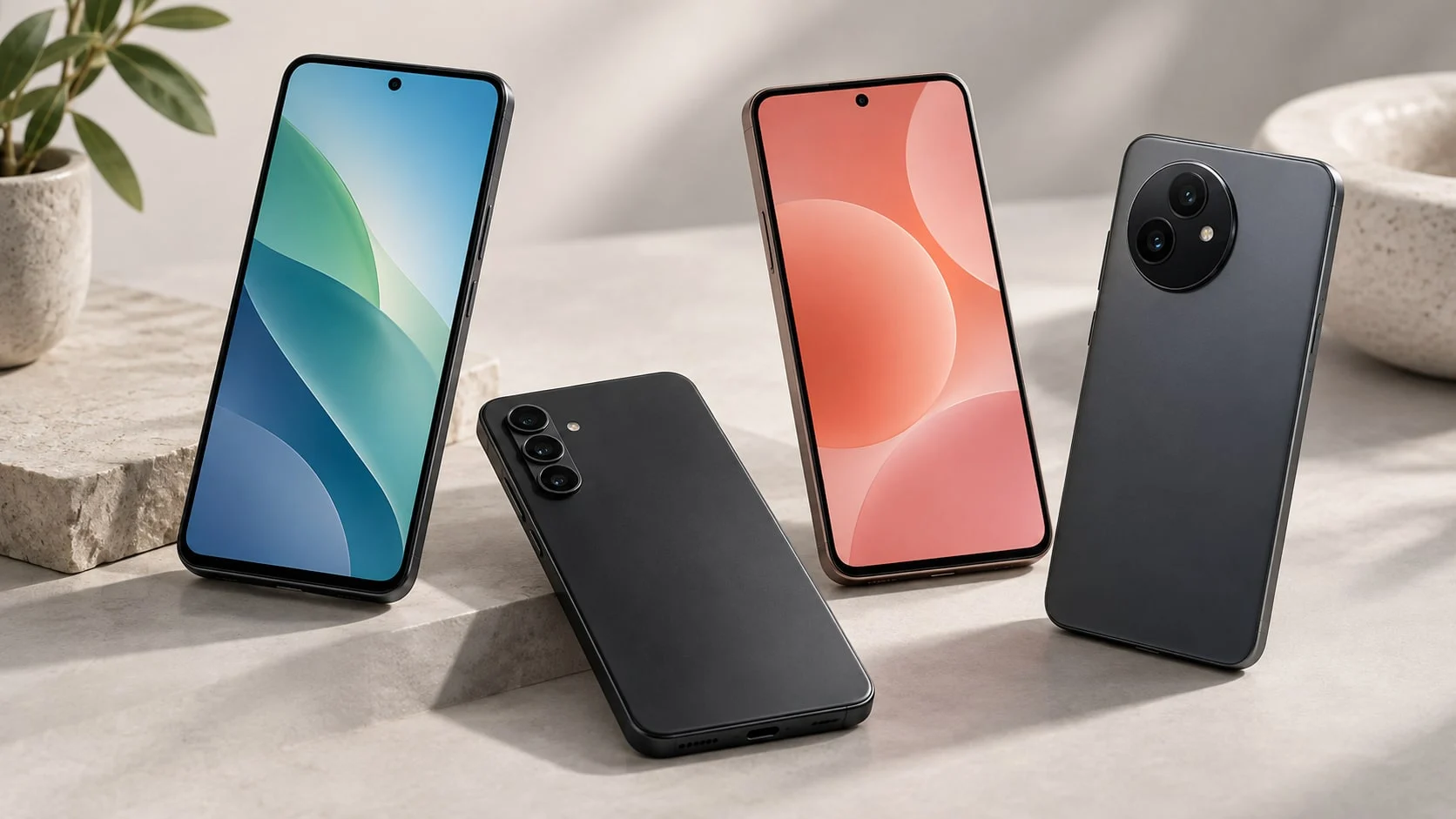
A budget phone is not automatically the cheapest handset on the shelf. What matters more is that it works with your region and your carrier, that you do not hit a 64 GB storage wall a few months in, and that it keeps getting security updates. This roundup has four models for different needs: from a basic phone to a strong all-around Android.
How to choose an affordable phone
Start by setting your price ceiling. Under $250 you usually have to choose between a simpler camera, less storage and a slower processor. In the $300–500 range you already get good OLED screens, a decent main camera and a long software support window. Do not compare a carrier promo price with the price of an unlocked phone: the discount is often tied to a rate plan, a trade-in or an installment plan.
| Check before you buy | Why it matters |
|---|---|
| Regional model and carrier compatibility | A model built for another region can differ in 5G bands, eSIM, firmware and warranty. |
| Storage | 128 GB is a sensible minimum for most people. 64 GB works only if you are disciplined about the cloud and microSD. |
| Updates | A long support window matters more than one extra point in a synthetic benchmark: the phone is safer and stays current longer. |
| Camera | Do not look at the megapixel count alone. Optical stabilization and photo processing show up more clearly in evening shots. |
| Price | Compare the final total for an unlocked handset. Tax, the rate plan and a trade-in all change the price on the shelf. |
Quick picks by need
| What you need | Model | Ballpark price |
|---|---|---|
| Best camera and all-around Android | Google Pixel 10a | from $499 |
| Big AMOLED display, IP67 rating and long support | Samsung Galaxy A26 5G | $299.99 |
| The cheapest Samsung with 5G and microSD | Samsung Galaxy A17 5G | $199.99 |
| A simple phone with 5G and a memory card | moto g play | $179.99 |
The best budget phones
Google Pixel 10a — the best all-around pick under $500
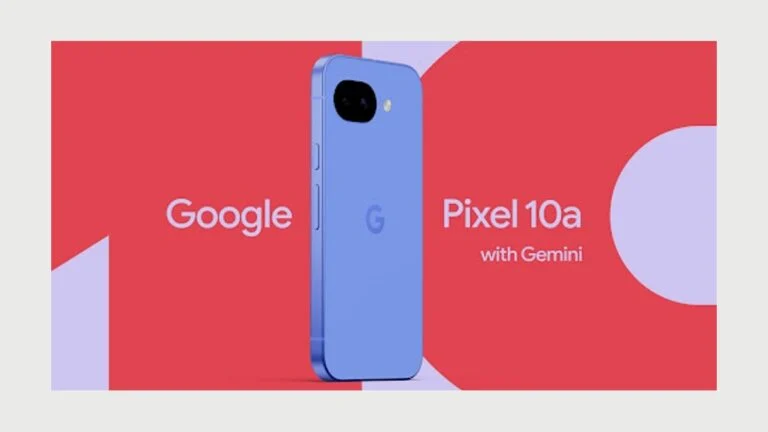
Camera and longevity
- from $499
- Storage 128 GB
- Display 6.3 inches, 120 Hz
- Cameras 48 MP + 13 MP
- Connectivity 5G, eSIM
The Pixel 10a is the most complete choice for someone who wants a good phone without studying spec sheets for hours. It is strongest at everyday photography, a clean Android interface and useful Google features. It is not a gaming phone or a camera phone with an optical zoom, but for photos, navigation, messaging and work it does far more than enough.
- Strong photo processing and an easy camera
- Bright, smooth display
- Long software support
- Costs more than entry-level models
- No dedicated telephoto lens
- Charging is not the fastest in its class
The Pixel is not worth buying for the word “AI” alone. Its real advantage is a predictable experience: the camera gets a good shot quickly, the interface is not cluttered, and updates come straight from Google. The phone makes sense for people who shoot kids, pets, trips and documents, use Google Photos, Maps or Gmail, and plan to carry one phone for several years.
Samsung Galaxy A26 5G — a big display and water resistance
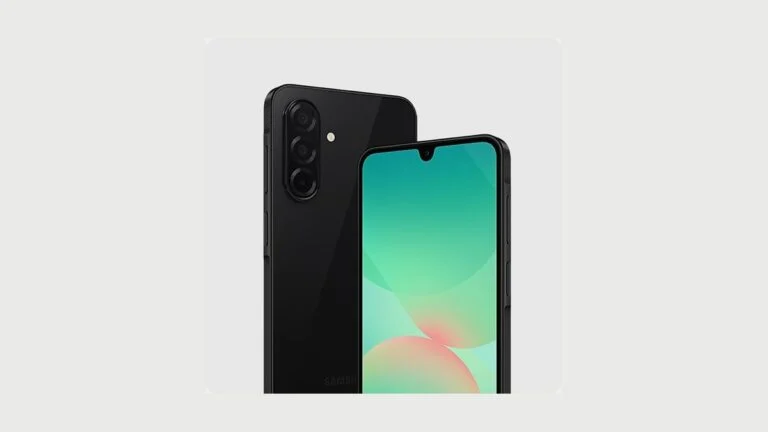
Display, durability and updates
- $299.99
- Storage 128 GB
- Display 6.7-inch Super AMOLED, up to 120 Hz
- Camera 50 MP with optical stabilization
- Water resistance IP67
The Galaxy A26 5G is good for video, social media and everyday tasks: the big AMOLED display counts for more here than a small speed gap against pricier phones. IP67 and the long support Samsung promises make it a practical buy with a few years of headroom.
- Large AMOLED display with smooth scrolling
- IP67 dust and water resistance
- Six generations of OS updates and six years of security updates
- Not the best choice for demanding games
- Fast charging is weaker than on some Chinese rivals
- No reason to pay extra if all you need is a basic phone
This model answers the request “I want a decent Samsung, but not at flagship prices.” It has a 50-megapixel main camera with optical stabilization, a big display and a 5,000 mAh battery. Stabilization does not turn the phone into a professional camera, but it does help you get sharper evening shots and handheld video. When you buy, make sure you are getting the regional model with 128 GB and not a carrier configuration with different network and warranty terms.
Samsung Galaxy A17 5G — an affordable pick for staying connected and everyday tasks
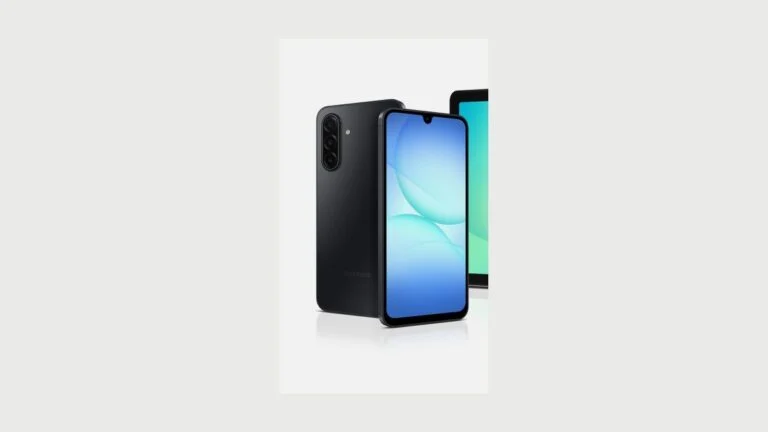
The smallest budget without giving up 5G
- $199.99
- RAM and storage 4 GB + 128 GB
- Connectivity 5G
- Expansion microSD up to 2 TB
- Price $199.99
The Galaxy A17 5G is worth a look when the budget stops at $200 but you need a new phone with a warranty, reasonable storage and 5G. It is fine for messaging, maps, banking apps, video and daytime photos. For demanding games and constant switching between heavy apps, it is better to pay up for the A26 or a Pixel.
- Affordable price and 128 GB of storage
- 5G and microSD support
- Simple Samsung ecosystem
- 4 GB of RAM limits multitasking
- The camera and display are simpler than on the A26
- Not for demanding games
At the cheapest end of the market, do not expect flagship speed. The Galaxy A17 5G works well as a first smartphone, a phone for a relative or a practical daily handset. 128 GB beats the usual 64 GB, and microSD means you never have to worry about photos and offline video. If you edit clips often, play Genshin Impact or keep dozens of apps open, the savings here turn out to be false.
moto g play — plain Android with 5G and expandable storage
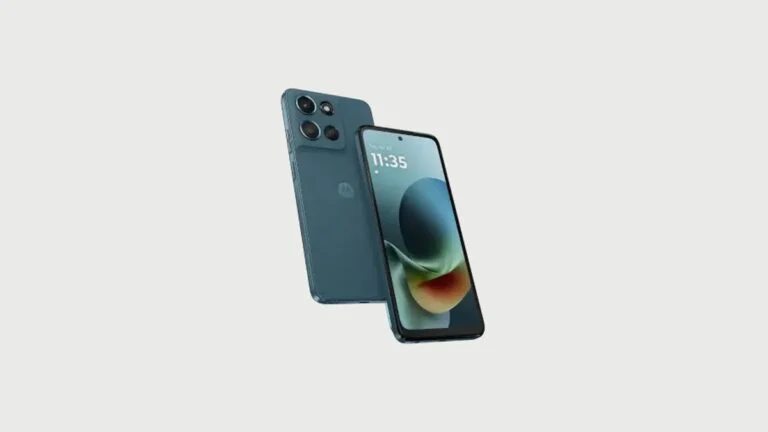
A simple phone with a memory card
- $179.99
- RAM and storage 4 GB + 64 GB
- Display 120 Hz
- Connectivity 5G, Dual SIM
- Expansion microSD
The moto g play suits anyone who needs a straightforward new Android for calls, navigation, streaming and messaging. It has 5G, a 120 Hz display and a memory card slot, but the base 64 GB of storage and 4 GB of RAM will only be enough with moderate use.
- 5G, Dual SIM and microSD
- Smooth 120 Hz display
- Minimal clutter in the interface
- 64 GB of built-in storage fills up fast
- Limited multitasking
- The screen is only HD+
With Motorola it pays to look not only at the price but at how you will use the phone. This model is handy if part of your data can live on a microSD card and you need the phone for basic apps and staying in touch. It does not compete with the Pixel on camera and leaves no performance headroom, but it stays a straightforward device you do not have to overpay for with features you will never use.
What to avoid
- A phone with only 64 GB if it has no microSD slot and you shoot a lot of photos or video.
- A model built for another region without checking compatibility with your carrier and the warranty terms.
- A two- or three-year-old model just because it looks like a bargain in a sale: the support window left may be short.
- A phone on a carrier contract if you have not worked out the monthly payment and the unlocking terms.
FAQ
Which budget phone should you buy?
For all-around use under $500, go with the Google Pixel 10a. If a big AMOLED display, IP67 water resistance and a price around $300 matter more, look at the Samsung Galaxy A26 5G. With a budget around $200 it makes more sense to compare the Galaxy A17 5G against other models officially sold in your country.
How much storage do you need in an affordable phone?
128 GB is the practical minimum. 64 GB is worth taking only if there is a microSD slot or you are in the habit of keeping photos and video in the cloud. For games, offline video and a large number of apps, pick 128 GB or more.
Should you buy a phone from a carrier?
Yes, if you understand the terms: the length of the installment plan, the required rate plan, the trade-in and the unlocking rules. For the freedom to switch carriers an unlocked model is easier to live with, although its starting price is sometimes higher.
Do you need 5G in a budget phone?
For ordinary messaging and navigation, LTE is still enough. But people usually buy a new phone for several years, so 5G is useful as compatibility headroom and often no longer costs much extra.








Leave a Reply