
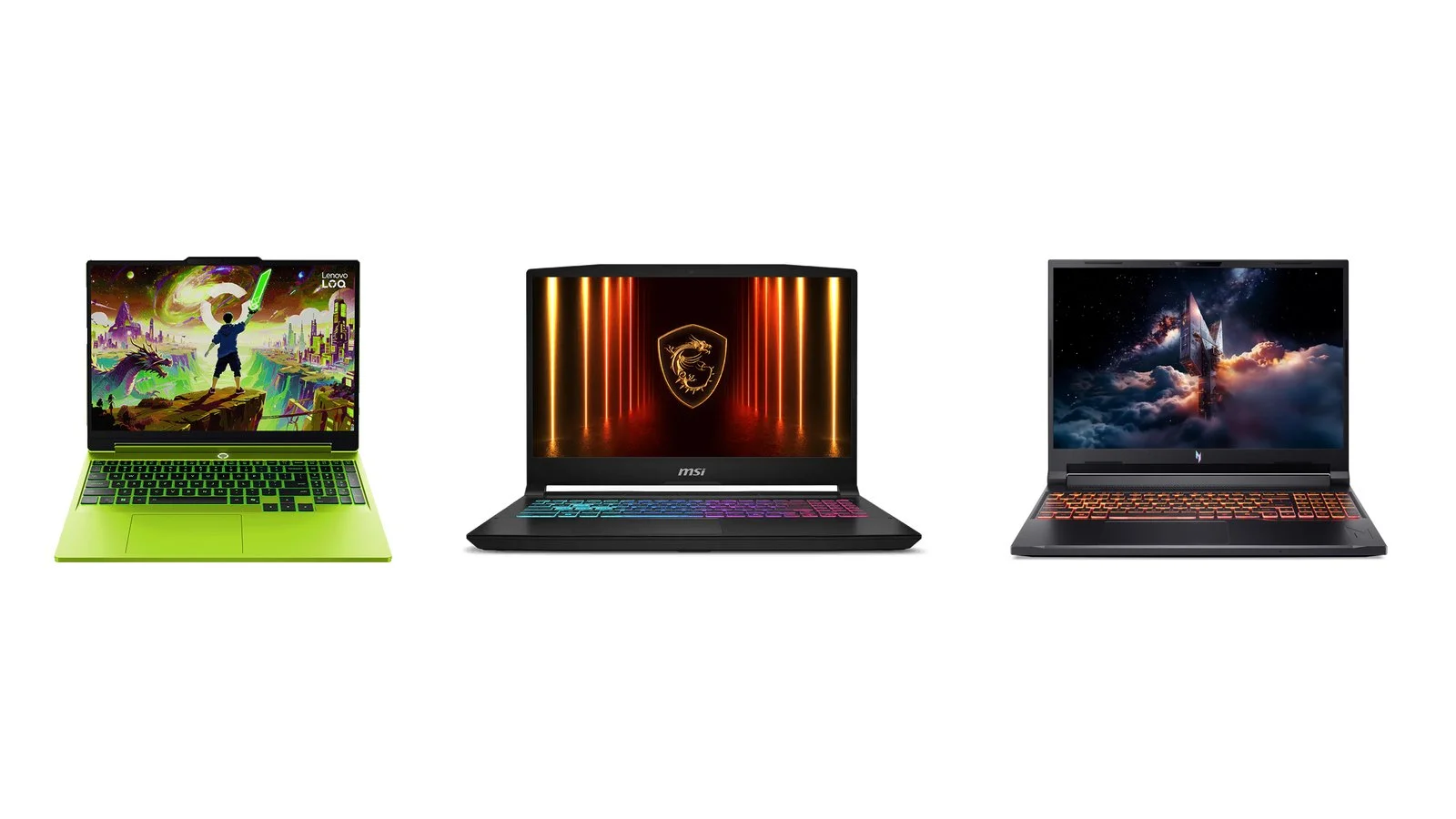
Budget gaming laptops got noticeably pricier in 2026: we found no new RTX 50 laptop for $1,000 in manufacturers’ official stores. On October 5 in the US, HP sold the HyperX OMEN 15 with an RTX 5050 for $1,199.99, Acer’s cheapest gaming laptop — the Nitro V 16 AI with an RTX 5060 — cost $1,299.99, and the Lenovo LOQ 15AHP11 with an RTX 5050 was $1,548.79.
The main reason is pricier memory: TrendForce estimates that rising memory and CPU prices could push the retail price of a mainstream laptop with a $900 MSRP up by almost 40%. Below are six current RTX 5050 and RTX 5060 models (from UAH 65,699 in Ukraine) and tips on where to save. The best balance is the Lenovo LOQ 15AHP11; the most power for the money is the MSI Katana 15 HX.
How we picked
- Current models only. All six laptops are on sale in 2026 and have not been replaced by a new generation. The MSI Katana 15 HX got a refreshed C14W version in 2026 — we explain the differences in its section.
- An RTX 5050 or RTX 5060 GPU. Both belong to NVIDIA’s current generation, come with 8 GB of GDDR7 video memory and support DLSS Multi Frame Generation. We list GPU power as the manufacturers state it.
- Dated prices. Prices come from the manufacturers’ official US stores and from the large Ukrainian retailers Rozetka and Telemart on October 5, 2026, for specific configurations.
- Official specs. Data comes from Lenovo PSREF and the MSI, Acer, HP and ASUS model pages. When a manufacturer does not publish a figure, we say so.
- Different use cases. A laptop to keep for years, maximum power, the most affordable RTX 5060, the best screen, school and gaming, a big battery.
We have not tested these laptops ourselves: the comparison is based on manufacturer data, so we do not quote in-game FPS. Prices change every day, so check the exact configuration before you buy.
1. Lenovo LOQ 15AHP11
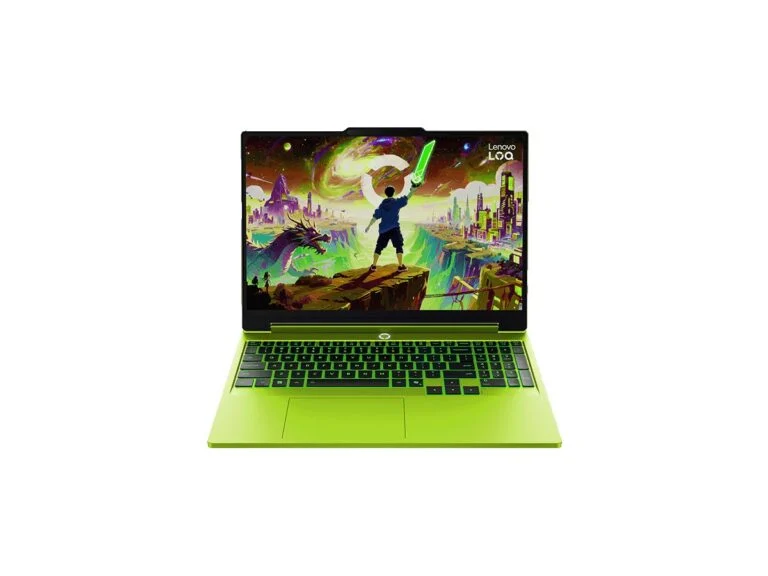
Best balanceGaming laptop, 15.3-inch
Lenovo LOQ 15AHP11
- CPU
- AMD Ryzen 5 216, Ryzen 7 217, 250 or 253
- GPU
- RTX 5050, 5060 or 5070, 115 W TGP
- Memory
- 2 DDR5-5600 slots, up to 32 GB
- Storage
- 2 M.2 2280 slots (PCIe 4.0 x4 and x2)
- Display
- 15.3-inch, 1920×1200, 165 Hz, 300 nits, 100% sRGB
- Graphics switching
- NVIDIA Advanced Optimus
- Ports
- USB4 with 65–100 W charging, HDMI 2.1, 3 × USB-A, RJ-45
- Battery
- 60 Wh, 245 W power adapter
- Weight
- from 2.1 kg
PriceUAH 75,999; $1,548.79 in the USchecked 5 October 2026
For anyone buying a laptop to keep for several years: a 115 W GPU, automatic graphics switching and room for a second memory stick and a second SSD.
- 115 W for the RTX 5050, 5060 and 5070
- USB4 with up to 100 W charging
- Two memory slots and two M.2 slots
- Ukrainian version ships with one 16 GB stick
- Costs more than the Katana 15 HX with the same RTX 5050
The LOQ 15AHP11 is the 15-inch, 11th-generation LOQ with AMD Ryzen 200 processors. The highlight is the GPU: Lenovo lists the same 115 W TGP for the RTX 5050, RTX 5060 and RTX 5070, and switching between integrated and discrete graphics is handled by NVIDIA Advanced Optimus. The 15.3-inch 16:10 screen is factory-calibrated and covers 100% sRGB, and the chassis passed MIL-STD-810H testing.
The Ukrainian 83TN005NRA version with a Ryzen 7 250, RTX 5050, 16 GB and a 512 GB SSD cost UAH 75,999 at Rozetka on October 5 — without Windows, but with a Lenovo Legion M220 mouse and a two-year warranty (one year for the battery). Its memory is a single 16 GB stick: the second slot is free, and a matching module enables dual-channel mode. A second M.2 slot is there for another SSD.
In Lenovo’s US store, a version with a Ryzen 7 250, RTX 5050, 16 GB, a 512 GB SSD and Windows 11 Home cost $1,548.79, down from $1,935.99. The laptop accepts 65–100 W charging over USB4, which is handy on the road, while the bundled power adapter is rated at 245 W.
2. MSI Katana 15 HX
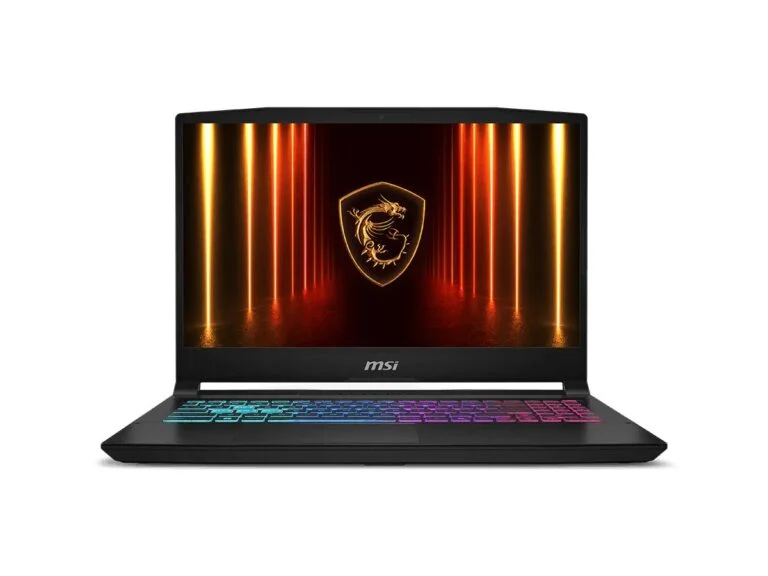
Maximum powerGaming laptop, 15.6-inch
MSI Katana 15 HX
- CPU
- Intel Core i5-14450HX, i7-14650HX or Core i9 (14th gen, HX series)
- GPU
- RTX 5050, 5060 or 5070, up to 115 W with Dynamic Boost
- Memory
- 2 DDR5-5600 slots, up to 96 GB
- Storage
- 1 M.2 PCIe 4.0 slot
- Display
- 15.6-inch, 1920×1080, 144 Hz or 2560×1440, 165 Hz
- Ports
- USB-C with DisplayPort and Power Delivery, 3 × USB-A, HDMI 2.1, RJ-45
- Battery
- 75 Wh, 240 W power adapter
- Weight
- 2.4 kg
PriceUAH 65,699checked 5 October 2026
For buyers who care about performance: an Intel HX-series CPU and a GPU with up to 115 W, for less than the LOQ 15AHP11.
- HX CPU and a 115 W GPU
- Up to 96 GB of memory in two slots
- 1 TB SSD in the UAH 65,699 version
- Weighs 2.4 kg
- Only one M.2 slot
- 720p webcam
The Katana 15 HX pairs 14th-gen Intel Core HX processors with GPUs that can draw up to 115 W: MSI lists that figure for the RTX 5050, the RTX 5060 and the RTX 5070 alike. Memory sits in two slots with up to 96 GB of DDR5-5600, and the ports include HDMI 2.1, Gigabit Ethernet and USB-C with DisplayPort and Power Delivery.
On October 5, Telemart sold the B14WEK-1016XUA version with a Core i5-14450HX, RTX 5050, 16 GB of memory, a 1 TB SSD and a 144 Hz screen for UAH 65,699, down from UAH 69,999 — the lowest price in this roundup among Ukrainian stores. Windows is not included. The trade-off for the power is a 2.4 kg weight, and there is only one M.2 slot for storage.
In 2026, MSI refreshed the model as the C14W: the same HX processors and 115 W for the GPU, a lighter 2.1 kg chassis and two M.2 slots, but a 60 Wh battery instead of 75 Wh. The C14WFOK and C14WEOK versions use DDR4-3200 memory instead of DDR5, so check the memory type if you buy the refreshed Katana. On October 5, Ukrainian stores were selling the B14W version.
3. Acer Nitro V 16 AI
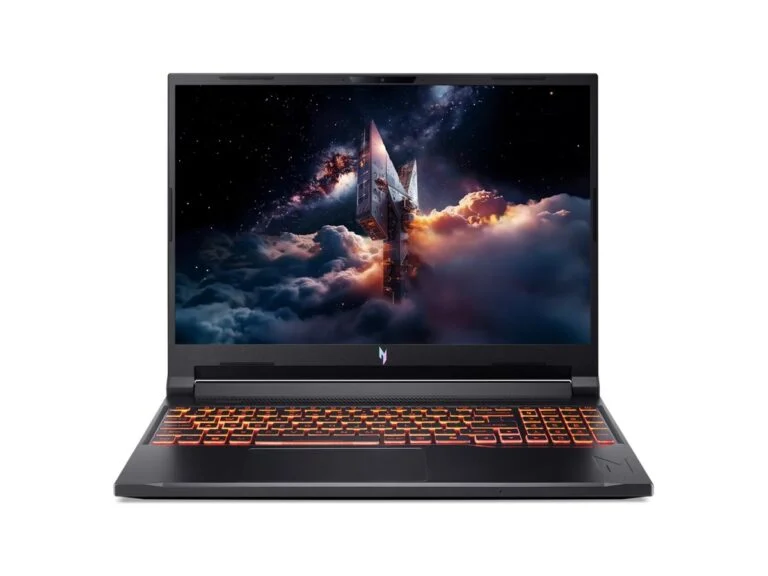
Most affordable RTX 5060Gaming laptop, 16-inch
Acer Nitro V 16 AI
- CPU
- AMD Ryzen 5 340 (versions with Ryzen AI 400 also available)
- GPU
- RTX 5060, up to 85 W, boost clock up to 2155 MHz
- Memory
- 16 GB DDR5, up to 32 GB
- Storage
- 512 GB PCIe 4.0 SSD
- Display
- 16-inch, 1920×1200, 180 Hz
- Graphics switching
- MUX
- Ports
- USB4, 3 × USB-A, HDMI, RJ-45, microSD
- Battery
- 76 Wh, 135 W power adapter
- Weight
- 2.43 kg
Price$1,299.99 in the USchecked 5 October 2026
For buyers who want an RTX 5060 and a 16-inch 180 Hz screen for as little money as possible and can live with an 85 W GPU.
- RTX 5060 and a 16-inch screen for $1,299.99
- 16:10 display at 180 Hz
- MUX and USB4
- GPU limited to 85 W
- 135 W power adapter
- Memory tops out at 32 GB
The Nitro V 16 AI was the cheapest gaming laptop in Acer’s official US store on October 5: the ANV16-61-R2QY version with a Ryzen 5 340, RTX 5060, 16 GB of memory and a 512 GB SSD cost $1,299.99. For that money you get a 16-inch 1920×1200 screen at 180 Hz, a MUX switch, USB4, Gigabit Ethernet and a microSD card reader.
The compromise is GPU power. Acer lists a maximum of 85 W and a boost clock of up to 2155 MHz for the RTX 5060 in this version, while the same GPU gets up to 115 W and up to 2497 MHz in the LOQ 15AHP11 and the Katana 15 HX.
The power adapter is rated at 135 W, the battery holds 76 Wh, and memory expands only to 32 GB. Versions with Ryzen AI 400 processors cost noticeably more: Acer listed $1,899.99 for the ANV16-A71-R9XT with a Ryzen AI 7 450.
4. HyperX OMEN 15
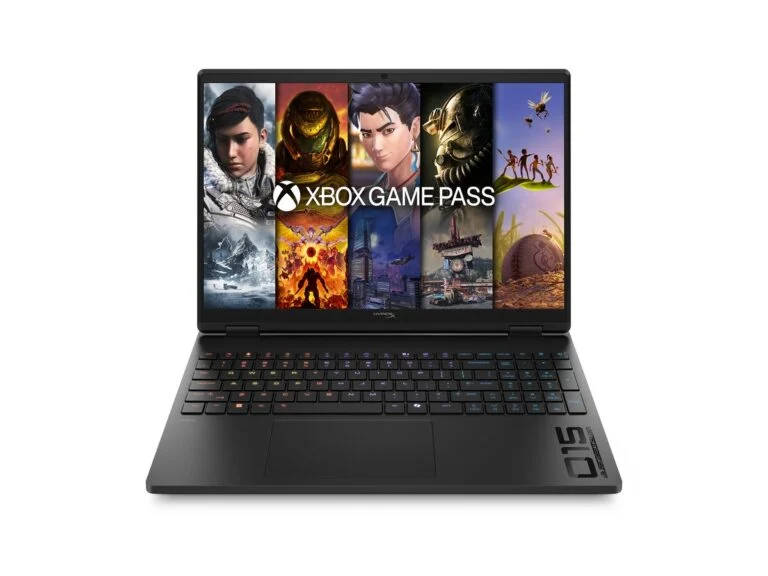
Best screenGaming laptop, 15.3-inch
HyperX OMEN 15
- CPU
- AMD Ryzen 7 260
- GPU
- RTX 5060, 8 GB GDDR7, power not listed by HP
- Memory
- 16 GB DDR5-5600 (2 × 8 GB)
- Storage
- 1 TB SSD, 1 M.2 slot
- Display
- 15.3-inch, 2560×1600, up to 180 Hz, 500 nits, 100% sRGB
- Ports
- 10 Gbps USB-C with Power Delivery and DisplayPort 1.4, 2 × USB-A, HDMI 2.1, RJ-45
- Wireless
- Wi-Fi 7, Bluetooth 6.0
- Battery
- 70 Wh, 150 W power adapter
- Weight
- from 2.42 kg
Price$1,649.99 in the USchecked 5 October 2026
For people who both game and watch movies on their laptop: a 2.5K screen with up to 180 Hz and 500 nits of brightness.
- 2.5K screen, 180 Hz, 500 nits, 100% sRGB
- Dual-channel 2 × 8 GB memory
- Wi-Fi 7 and a 1 TB SSD
- GPU power not listed
- 150 W power adapter
- Only one M.2 slot
In 2026, HP moved its OMEN gaming laptops under the HyperX brand, and the OMEN 15 is the 15-inch model. The strong point of the 15-gb0261nr version is the screen: 15.3 inches, 2560×1600, up to 180 Hz, 500 nits and 100% sRGB coverage. Memory comes as two 8 GB modules, so it runs in dual-channel mode, and wireless is Wi-Fi 7 with Bluetooth 6.0.
In HP’s US store, this version with a Ryzen 7 260, RTX 5060, 16 GB and a 1 TB SSD cost $1,649.99 on October 5, down from $2,199.99. HP does not list the GPU power in the specs, and the power adapter here is 150 W — less than on the LOQ 15AHP11 and the Katana 15 HX.
The base 15t-ga000 version is cheaper — $1,199.99 with a $500 discount — but the savings show: a Core i5-14500HX, an RTX 5050, a single 8 GB memory stick and a 1920×1200 screen with 300 nits and 62.5% sRGB coverage.
5. ASUS TUF Gaming 16 (2026)
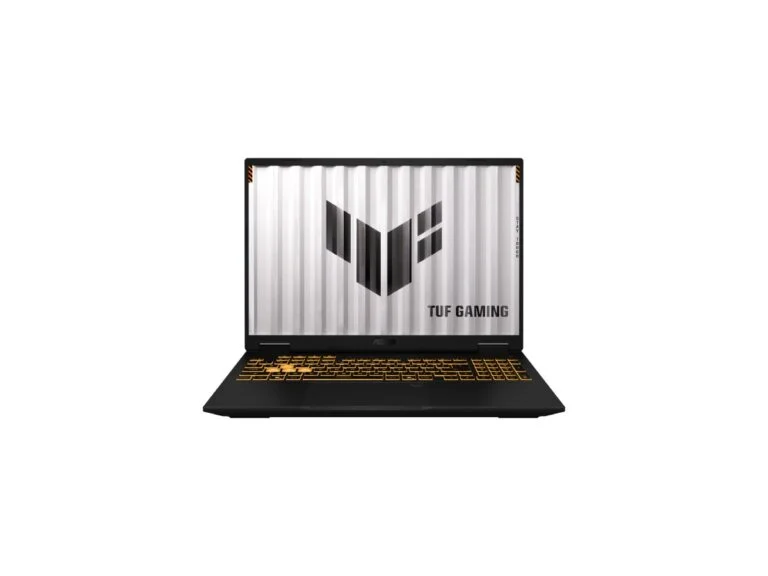
For school and gamingGaming laptop, 16-inch
ASUS TUF Gaming 16 (2026)
- CPU
- Intel Core i5-14450HX or i7-14650HX, AMD Ryzen 7 260 or Ryzen 7 217
- GPU
- RTX 5050, 5060 or 5070, 85 W (70 + 15 W)
- Memory
- 2 DDR5-5600 slots, up to 64 GB
- Storage
- 2 M.2 PCIe slots
- Display
- 16-inch, 1920×1200, 144 Hz or 2560×1600, 165 Hz, 100% sRGB
- Ports
- 10 Gbps USB-C with DisplayPort and charging, 2 × 5 Gbps USB-A, USB-A 2.0, HDMI 2.1, RJ-45
- Battery
- 63 Wh, 150 W adapter or 100 W USB-C adapter
- Weight
- 2.2 kg
For school and gaming: a 100% sRGB screen in every version, two memory slots, two M.2 slots and USB-C charging. The GPU is limited to 85 W, and there is no MUX.
- 100% sRGB on every screen option
- Two memory slots and two M.2 slots
- Charges with a 100 W USB-C adapter
- GPU limited to 85 W
- No MUX, only MSHybrid
- 63 Wh battery
In March 2026, ASUS refreshed the TUF Gaming A16 and F16 and made them more powerful: the new versions offer OLED or 300 Hz screens and GPUs up to the RTX 5070. In August, the company introduced the TUF Gaming 16, a versatile laptop for school, work and gaming with Intel Core HX or AMD Ryzen processors and GPUs from the RTX 5050 to the RTX 5070.
The savings are in power: ASUS lists 85 W (70 W plus 15 W of Dynamic Boost) for every GPU, and the display specs mention only MSHybrid mode, with no MUX switch. On the plus side, every screen option covers 100% sRGB, memory goes up to 64 GB in two slots, there are two M.2 slots for SSDs, and the laptop can also charge from a 100 W USB-C adapter.
The battery holds 63 Wh, and the laptop weighs 2.2 kg. ASUS mentions MIL-STD-810 testing but notes that it is conducted only on selected models. We could not verify a price in the manufacturer’s official store or a large Ukrainian retailer on October 5, so we do not list one.
6. Acer Nitro V 15 (ANV15-A31)
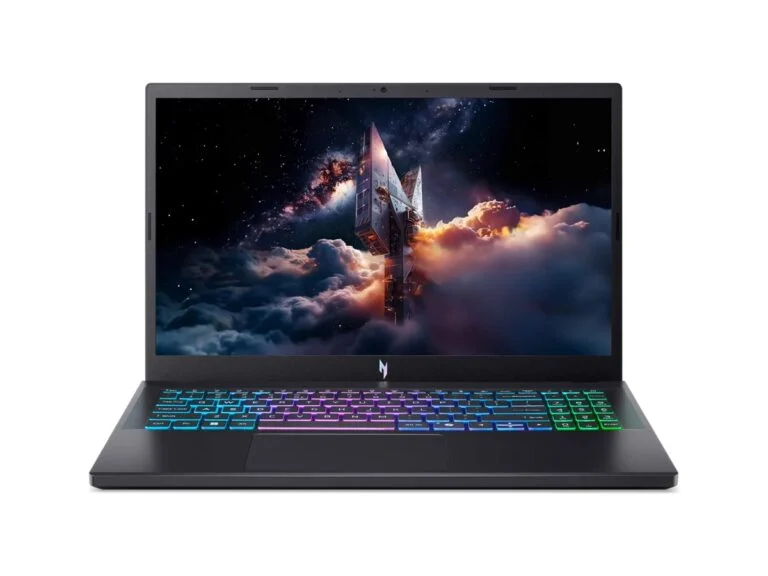
Big batteryGaming laptop, 15.6-inch
Acer Nitro V 15 (ANV15-A31)
- CPU
- AMD Ryzen 5 150 or Ryzen 7 170
- GPU
- RTX 5050, up to 75 W (RTX 5060 and 5070 versions also available)
- Memory
- 16 GB DDR5, up to 32 GB
- Storage
- 512 GB PCIe 4.0 SSD
- Display
- 15.6-inch, 1920×1080, 165 Hz, 45% NTSC
- Graphics switching
- MUX
- Ports
- USB4, 3 × USB-A, HDMI, RJ-45
- Battery
- 76 Wh, 135 W power adapter
- Weight
- 2.1 kg
PriceUAH 66,999checked 5 October 2026
For school and lighter games: a 76 Wh battery, USB4 and a MUX switch. But the GPU is limited to 75 W, and the screen covers only 45% NTSC.
- 76 Wh battery
- USB4 and MUX
- Weighs 2.1 kg
- RTX 5050 limited to 75 W
- Screen covers 45% NTSC
- Memory tops out at 32 GB
The Nitro V 15 with AMD Ryzen 100 processors is the simplest laptop here. On October 5, Rozetka sold the ANV15-A31-R8W3 with a Ryzen 5 150, RTX 5050, 16 GB and a 512 GB SSD for UAH 66,999, down from UAH 75,999; it comes without Windows. Acer says the GPU in this configuration is limited to 75 W — less than in the LOQ 15AHP11, Katana 15 HX, Nitro V 16 AI and TUF Gaming 16.
In return, it has a 76 Wh battery: Acer promises up to 7.5 hours in MobileMark 2025 and up to 10.5 hours of video playback. There is USB4 and a MUX switch, and the laptop weighs 2.1 kg. The 165 Hz screen covers 45% NTSC, while the LOQ 15AHP11 and TUF Gaming 16 are rated for 100% sRGB.
Comparison
| Model | Best for | Key strength | Price on Oct. 5 |
|---|---|---|---|
| Lenovo LOQ 15AHP11 | Keeping a laptop for years | 115 W, Advanced Optimus, upgrades | UAH 75,999 / $1,548.79 |
| MSI Katana 15 HX | Maximum performance | HX CPU and 115 W | UAH 65,699 |
| Acer Nitro V 16 AI | Getting an RTX 5060 | 16-inch, 180 Hz | $1,299.99 |
| HyperX OMEN 15 | Gaming and movies | 2.5K, 180 Hz, 500 nits | $1,649.99 |
| ASUS TUF Gaming 16 (2026) | School and gaming | 100% sRGB, 2 + 2 slots | — |
| Acer Nitro V 15 | School and simple games | 76 Wh battery, USB4 | UAH 66,999 |
GPU, screen and weight
| Model | GPU in the priced version | GPU power, W | Screen | Memory | Weight, kg |
|---|---|---|---|---|---|
| Lenovo LOQ 15AHP11 | RTX 5050 | 115 | 15.3-inch, 165 Hz, 100% sRGB | 16 GB, one module | 2.1 |
| MSI Katana 15 HX | RTX 5050 | 115 | 15.6-inch, 144 Hz | 16 GB, up to 96 GB | 2.4 |
| Acer Nitro V 16 AI | RTX 5060 | 85 | 16-inch, 180 Hz | 16 GB, up to 32 GB | 2.43 |
| HyperX OMEN 15 | RTX 5060 | Not listed | 15.3-inch, 2.5K, 180 Hz | 2 × 8 GB | 2.42 |
| ASUS TUF Gaming 16 (2026) | RTX 5050–5070 | 85 | 16-inch, 144–165 Hz | Up to 64 GB | 2.2 |
| Acer Nitro V 15 | RTX 5050 | 75 | 15.6-inch, 165 Hz, 45% NTSC | 16 GB, up to 32 GB | 2.1 |
How to choose a budget gaming laptop
GPU: RTX 5050, RTX 5060 or RTX 5070
According to NVIDIA, the laptop RTX 5050 has 2,560 CUDA cores, the RTX 5060 has 3,328, and the RTX 5070 has 4,608. All three use a 128-bit bus and 8 GB of GDDR7 (the RTX 5070 also comes with 12 GB), and all support DLSS Multi Frame Generation. Laptops with RTX 40 GPUs only get regular Frame Generation, and RTX 30 laptops have none at all.
Without wattage, a GPU name tells you little. NVIDIA allows a graphics subsystem power of 35–100 W for the RTX 5050, 45–100 W for the RTX 5060 and 50–100 W for the RTX 5070, and it lists the RTX 5060’s clock range as 1455–2497 MHz. Where a particular laptop lands within those limits is up to its manufacturer.
Why watts matter more than the name
Lenovo offers the clearest example. In the LOQ Essential 15IRX11, the RTX 5060 runs at a 65 W TGP and 1455 MHz, while in the LOQ 15AHP11 the same RTX 5060 gets 115 W and 2497 MHz. Same name, different operating conditions.
Note that manufacturers usually quote maximum power including Dynamic Boost, a technology that shifts part of the power budget from the CPU to the GPU. Acer states that Maximum Graphics Power is the highest GPU subsystem power supported in any mode, including Dynamic Boost 2.0, and ASUS writes the TUF Gaming 16’s 85 W as 70 + 15 W. If the specs omit the power, as with the HyperX OMEN 15, ask before you buy.
Memory: at least 16 GB and two modules
16 GB of RAM is a sensible minimum: for example, EA lists 16 GB in both the minimum and the recommended requirements for Battlefield 6. How the memory is installed matters too: two modules run in dual-channel mode, while a single module does not.
The Ukrainian LOQ 15AHP11 ships with one 16 GB stick, so check for a free slot: the LOQ 15AHP11, Katana 15 HX and TUF Gaming 16 each have two. Pricier memory shows in the specs too: the base HyperX OMEN 15t at $1,199.99 comes with a single 8 GB stick, and some versions of the refreshed Katana 15 HX C14W use DDR4-3200 instead of DDR5-5600.
Screen: 144–180 Hz and color gamut
Every model in this roundup has a 144–180 Hz refresh rate, so compare color and brightness. The LOQ 15AHP11, TUF Gaming 16 and OMEN 15 with the 2.5K screen are rated for 100% sRGB, while the Nitro V 15 covers 45% NTSC and the base OMEN 15t covers 62.5% sRGB at 300 nits.
If the specs do not list color gamut, as with the Katana 15 HX B14W, look for measurements in reviews. And remember: the higher the resolution, the heavier the load on the GPU.
MUX switch and Advanced Optimus
In regular Optimus mode, the image from the GeForce GPU reaches the screen through the processor’s integrated graphics. A MUX switch lets the GPU drive the display directly: according to NVIDIA, this increases game performance, reduces latency and enables G-SYNC displays. Advanced Optimus switches between modes automatically and without a reboot.
In this roundup, the LOQ 15AHP11 has Advanced Optimus, and the Nitro V 15 and Nitro V 16 AI have a MUX switch. The TUF Gaming 16 (2026) display specs list only MSHybrid mode, meaning no MUX, and MSI and HP do not mention a switch in the Katana 15 HX and OMEN 15 specs.
Cooling, noise and power
Manufacturers do not publish noise levels, and we did not measure them. The power adapter gives an indirect hint of the power budget: 245 W on the LOQ 15AHP11, 240 W on the Katana 15 HX, 150 W on the OMEN 15 and 135 W on the Nitro V 15 and Nitro V 16 AI.
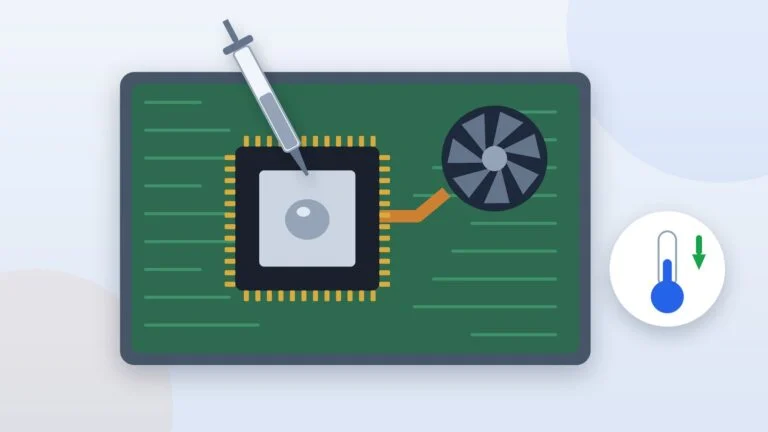
Play plugged in and check your power plan: in energy-saving mode Windows limits performance — our guide on turning off power-saving mode on a laptop shows how to switch it off. Over time, the cooling system will need cleaning, and the CPU and GPU will need a thermal paste replacement.
What you can compromise on
At this budget, compromises are unavoidable. Acceptable ones: a 512 GB SSD (the LOQ 15AHP11 and TUF Gaming 16 have a second M.2 slot), a plastic chassis, a 720p webcam like the Katana 15 HX’s, and no Windows — the Ukrainian versions of the LOQ 15AHP11, Katana 15 HX and Nitro V 15 are sold without an operating system.
Do not skimp on GPU power and memory: you cannot replace the GPU in a laptop like this later, and a single memory stick is best paired with a second one right away. If gaming is secondary and you mostly need the laptop for work, see how to choose a laptop for work.
When a desktop PC is the better choice
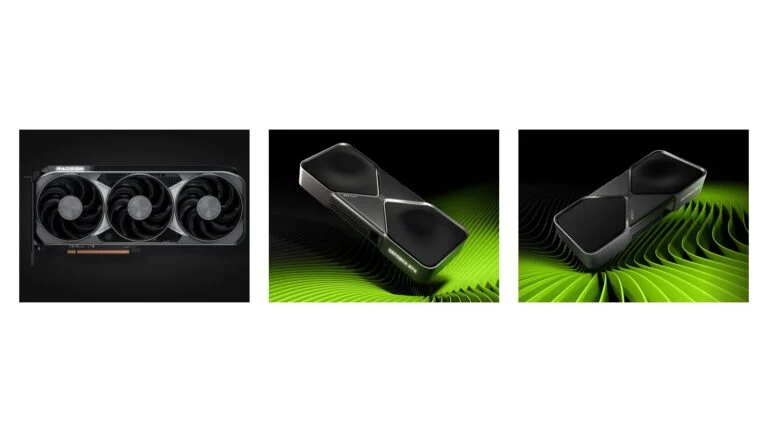
If you do not need to carry the computer around, consider a desktop. According to NVIDIA, the desktop RTX 5060 has 3,840 CUDA cores and a 145 W TGP, while the laptop version has 3,328 cores and up to 100 W for the graphics subsystem. In a desktop you can replace the GPU later, and our ranking of graphics cards covers the models worth buying in 2026.
Sources and methodology
Analysis of public sourcesChecked 5 October 2026
- NVIDIA — GeForce RTX 50 laptop GPU specs nvidia.com
- Lenovo PSREF — LOQ 15AHP11 psref.lenovo.com
- NVIDIA — how Advanced Optimus works nvidia.com
- TrendForce — laptop price increase forecast trendforce.com
- Specs and prices for the other models — official manufacturer pages (links in the cards), Rozetka and Telemart
FAQ
Can you buy a gaming laptop for $1,000 in 2026?
We found no new RTX 50 laptop at that price in manufacturers’ official stores. On October 5 in the US, the HyperX OMEN 15 with an RTX 5050 and 8 GB of memory cost $1,199.99, the Acer Nitro V 16 AI with an RTX 5060 was $1,299.99, and the Lenovo LOQ 15AHP11 with an RTX 5050 was $1,548.79. TrendForce links the increases to pricier memory and CPUs.
Which is better in a laptop: RTX 5050 or RTX 5060?
The RTX 5060 has more CUDA cores — 3,328 versus 2,560 — while the video memory is the same: 8 GB of GDDR7 on a 128-bit bus. But you have to compare them together with power: an RTX 5060 at 65 or 85 W and an RTX 5050 at 115 W run under different conditions, so check the wattage in the specs of the exact version.
How much RAM does a gaming laptop need?
At least 16 GB: that is what EA, for example, lists in both the minimum and the recommended requirements for Battlefield 6. Ideally the memory should be installed as two modules so it runs in dual-channel mode. If there is only one module, check whether there is a free slot.
What is a MUX switch in a laptop?
A MUX switch lets the GeForce GPU send the image to the screen directly, bypassing the integrated graphics. According to NVIDIA, this increases game performance and reduces latency, and Advanced Optimus switches between modes automatically, without a reboot.
Is a laptop with an RTX 3050 or RTX 4050 for UAH 50,000 worth it?
These are previous-generation GPUs: according to NVIDIA’s table, RTX 40 laptop GPUs only have regular DLSS Frame Generation, and RTX 30 GPUs have none. Mind the video memory too: per EA’s requirements, Battlefield 6 needs at least 6 GB, while some RTX 3050 laptops have 4 GB. If your budget allows, choose an RTX 5050 or RTX 5060 and compare the wattage.





Leave a Reply