
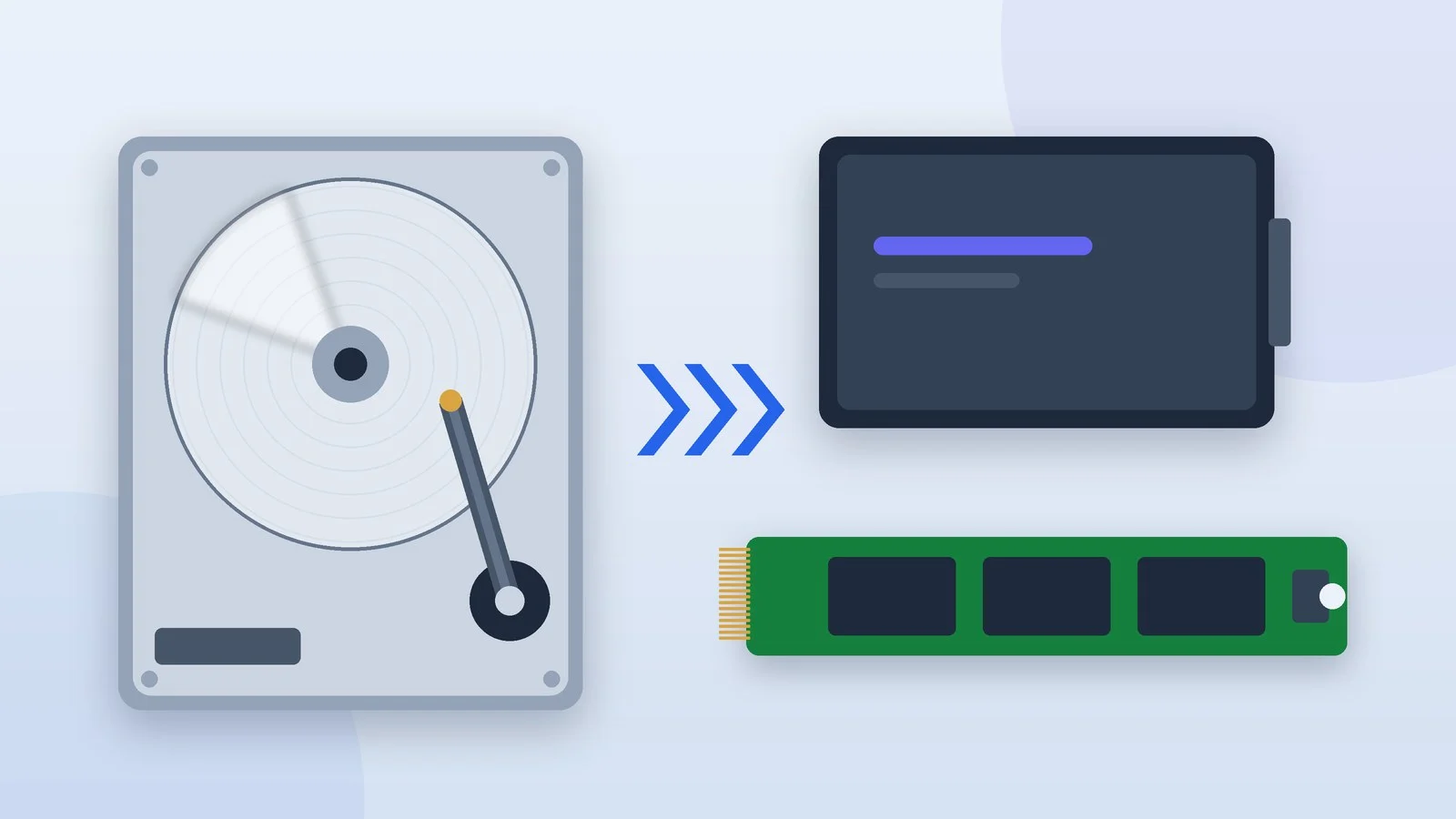
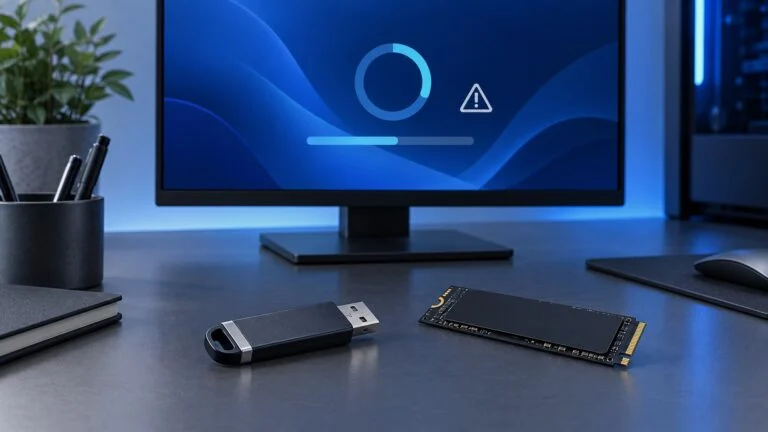
Which is better, an HDD or an SSD, depends on the job, but for your system, apps and games the answer is an SSD. Even a cheap SATA SSD reads large files 2–3 times faster than a typical desktop hard drive and handles random access to small files, the core of how Windows works, hundreds of times faster. HDDs win where cost per terabyte matters: archives, backups and NAS.
Below: how both types of drives work, what speed, endurance and power figures Samsung, Kingston, Seagate and WD list for current models, what a terabyte cost in Ukrainian stores on October 1, 2026, and what to choose for an old laptop, a gaming PC, video editing, a NAS and a console.
How an SSD differs from an HDD
A hard drive stores data on magnetic platters spinning at 5,400–7,200 rpm, and heads on a moving arm read and write it. To read a file, the head first moves to the right track, then waits for the right sector to pass under it. At 7,200 rpm that wait alone averages 4.16 ms, the figure Seagate lists for its NAS and data center drives.
That is why HDDs are slow at random operations: Seagate rates its 32TB Exos data center drive for 170 random 4KB reads per second (at a queue depth of 16). Large files read in sequence are another matter: modern 3.5-inch drives deliver 180–285 MB/s, and 2.5-inch laptop drives 140–150 MB/s.
An SSD stores data in NAND flash memory, with a controller managing the chips. There are no moving parts, so any cell is available almost instantly and requests run in parallel. Samsung rates the 1TB 990 EVO Plus for up to 850,000 random reads per second (at a queue depth of 32), thousands of times more than a hard drive.
Random access is what determines how fast the system boots, apps open and game levels load. That is why the real-world difference between an HDD and an SSD is bigger than the sequential speed figures suggest.
Flash memory types and the SLC cache
A NAND cell stores 1 bit (SLC), 2 (MLC), 3 (TLC) or 4 bits (QLC). More bits mean cheaper gigabytes but slower writes and lower endurance: Kingston puts TLC at typically 3,000–5,000 program/erase cycles and QLC at about 1,000. Mainstream SSDs today use mostly TLC and QLC.
To keep writes fast, the controller first writes data to part of the cells in a fast one-bit mode, the SLC cache (Samsung calls it Intelligent TurboWrite, SanDisk calls it nCache). Rated write speeds are measured with the cache active, and Samsung notes that TurboWrite only works within a certain amount of data. Copying hundreds of gigabytes in one go can slow writes down noticeably.
DRAM or DRAM-less: what HMB is
The controller keeps a table of where each block of data physically sits. Pricier models store it in their own DRAM: the Samsung 9100 PRO has 1GB of LPDDR4X per terabyte. DRAM-less models use HMB (Host Memory Buffer), a small slice of the computer’s RAM. The Samsung 990 EVO Plus works this way and is still rated for reads of up to 7,150–7,250 MB/s.
CMR, SMR and record-breaking hard drives
Hard drives have their own split. In CMR the tracks on a platter sit side by side; in SMR they overlap like roof shingles. According to WD, this fits up to 11% more data, but to change data the drive rewrites a whole group of tracks, so performance can be unpredictable under some workloads.
SMR is used, for example, in Seagate BarraCuda desktop drives from 2TB to 8TB and in 2.5-inch WD Blue and Seagate BarraCuda drives. The NAS lines, WD Red Plus and Seagate IronWolf Pro, are CMR across the board.
New recording technologies set capacity records. With HAMR, Seagate heats a tiny spot on the platter with a laser before writing; since March 2026 it has shipped drives of up to 44TB in volume to two major cloud providers. WD planned volume production of a 40TB ePMR and UltraSMR model for the second half of 2026. On October 1, Telemart offered a 32TB Seagate SkyHawk AI for UAH 70,015.
Form factors and interfaces: SATA, M.2 and NVMe
Hard drives come in 3.5-inch versions for desktops and NAS and 2.5-inch versions for laptops, usually 7 mm thick. Both connect over SATA 6 Gb/s. SSDs come in three main types:
- 2.5-inch SATA: the same case as a laptop HDD, so it fits in its place. The SATA III interface caps speed at about 600 MB/s, so these SSDs read at up to 500–560 MB/s: up to 500 for the Kingston A400 and up to 560 MB/s for the Samsung 870 EVO.
- M.2 SATA: a 22 mm wide card, but with the same protocol and speed as a 2.5-inch SATA SSD. These modules usually have two notches in the connector, the B and M keys.
- M.2 NVMe: a module with a single notch (M key) that runs over the PCIe bus. The NVMe protocol was designed for flash memory: SATA handles one queue of up to 32 commands, while NVMe supports up to 64K queues with up to 64K commands each.
NVMe SSD speed depends on the PCIe generation: each new one doubles per-lane bandwidth, which reaches 32 GT/s with PCIe 5.0. New SSDs also work in older slots, just at the slot’s speed: Samsung lists the 9100 PRO as compatible with PCIe 4.0 x4 and 3.0 x4, and the 990 EVO Plus with PCIe 3.0 x4.
Cost per terabyte: HDDs are 2–5 times cheaper
At Telemart’s prices on October 1, 2026, a terabyte on a 3.5-inch hard drive cost UAH 2,264–3,550, versus UAH 7,445–11,899 on the SSDs in the table below. With HDDs, the cost per terabyte drops noticeably as capacity grows: UAH 3,550 for the 2TB BarraCuda and UAH 2,264 for the 8TB one.
| Drive | Type | Price, UAH | Per 1 TB, UAH |
|---|---|---|---|
| Seagate BarraCuda 2TB | 3.5″ HDD | 7,099 | 3,550 |
| Seagate BarraCuda 8TB | 3.5″ HDD | 18,110 | 2,264 |
| WD Red Plus 12TB | 3.5″ NAS HDD | 30,482 | 2,540 |
| Kingston A400 480GB | 2.5″ SATA SSD | 5,089 | 10,602 |
| Kingston NV3 1TB | M.2 NVMe SSD | 7,799 | 7,799 |
| Kingston NV3 2TB | M.2 NVMe SSD | 14,889 | 7,445 |
| Samsung 990 EVO Plus 1TB | M.2 NVMe SSD | 11,899 | 11,899 |
| Samsung 990 EVO Plus 2TB | M.2 NVMe SSD | 17,469 | 8,735 |
In laptops the gap is smaller: the 2TB 2.5-inch WD Blue cost UAH 9,266, or UAH 4,633 per terabyte, while a Kingston NV3 NVMe SSD of the same capacity cost UAH 14,889. The premium for PCIe 5.0 is modest: the 1TB Samsung 9100 PRO cost UAH 13,399 versus UAH 11,899 for the 990 EVO Plus.
Flash memory prices jumped in 2026 on demand for AI servers. TrendForce estimated quarter-over-quarter contract price increases for NAND at 55–60% in Q1 and 70–75% in Q2, and at least 40% for client SSDs in Q1. For Q3 and Q4, analysts projected slower growth of 10–15% and 15–20%.
The shortage hit hard drives too: back in September 2025, TrendForce reported that lead times for data center HDDs had grown from a few weeks to more than 52 weeks.
SSDs have their own capacity records: Solidigm’s D5-P5336 data center drive holds 122.88TB, more than any HDD. Consumer NVMe SSDs, though, usually top out at 8TB, like the Samsung 9100 PRO, and the Samsung 870 EVO SATA model comes in capacities of up to 4TB.
Reliability and endurance
SSD wear: what TBW means
Flash cells survive a limited number of rewrites, so manufacturers state endurance in TBW, the number of terabytes that can be written to the drive. For the 1TB Samsung 990 EVO Plus it is 600TB, for the Kingston NV3 of the same capacity 320TB. The warranty ends after its term (5 years for both models) or at the TBW limit, whichever comes first.
To use up 600 TBW in five years, you would have to write about 330GB a day. Endurance is calculated with the JEDEC JESD219 client workload, and the share used up is shown by the S.M.A.R.T. attribute Percentage Used: 0 on a new NVMe drive, while 100 means the warranty limit has been reached.
How long an SSD keeps data without power
The JEDEC JESD218 standard requires a client SSD that has used up its rated endurance to keep data without power for at least a year at 30 °C, and a data center SSD for three months at 40 °C. SanDisk separately notes that the permitted storage temperature does not guarantee data retention. So an unplugged SSD should not be treated as a long-term archive.
HDD mechanics: workload ratings and MTBF
For hard drives, manufacturers set a workload rating. Seagate BarraCuda desktop drives from 2TB to 8TB are rated for 2,400 hours of operation and 55TB of reads and writes a year, WD Red Plus NAS drives for 24/7 operation and 180TB a year, Seagate IronWolf Pro and Exos for 550TB a year. Warranties run from 2 years for the BarraCuda to 5 years for the IronWolf Pro.
An MTBF of 1–2.5 million hours is a statistic for a large batch, not a promised service life: WD states plainly that MTBF does not predict an individual drive’s reliability. It is more important to monitor the drive’s health and keep backups.
How to monitor drive health
A drive’s health shows up in its S.M.A.R.T. attributes. Manufacturer utilities display them: Samsung Magician (which also migrates your system to a new SSD), Kingston SSD Manager, SanDisk Dashboard and Seagate SeaTools. Windows 11 itself monitors only NVMe SSDs: in the storage settings, the drive’s properties show estimated remaining life, available spare and temperature.
SSDs rely on the TRIM command: the system tells the drive which blocks were freed after files were deleted. In Windows, TRIM is on by default for NTFS, and once a week the system optimizes drives on its own: it defragments hard drives and sends TRIM to SSDs. To check that TRIM is enabled, run this in Command Prompt:
fsutil behavior query DisableDeleteNotifyThe response “NTFS DisableDeleteNotify = 0” means TRIM is working; 1 means it is off.
Backups: the 3-2-1 rule
Neither an SSD nor an HDD replaces a backup. The U.S. Cybersecurity and Infrastructure Security Agency (CISA) recommends the 3-2-1 rule: three copies of important files (one primary and two backups) on two different types of media, with one of them outside your home or office. For example: your working SSD, an external HDD and the cloud.
Power, noise and shock
SSDs use almost no power at idle: 60 mW for the Samsung 990 EVO Plus, 5 mW in sleep mode and about 0.2 W for the Kingston A400. Under load, NVMe models draw more: 4.2–4.3 W for the 990 EVO Plus and 7.6–9 W for the Gen5 9100 PRO, depending on capacity. Samsung recommends good airflow for them, and heatsink versions are on sale.
Hard drives draw power even when idle: the 4TB WD Red Plus uses 3.1 W at idle and 4.7 W when reading and writing, the 2TB 2.5-inch WD Blue 0.5 and 1.7 W. They are also audible: 23–27 dBA for the WD Red Plus, while SSDs are silent.
For a laptop, shock resistance matters most. The 2TB 2.5-inch Seagate BarraCuda withstands 400 g while running (2 ms pulse) and 1,000 g when off, the 3.5-inch WD Red Plus 70 and 250 g. For SSDs, Samsung lists 1,500 g (0.5 ms, powered off). An M.2 SSD also weighs up to 9 g, versus about 90 g for a 2.5-inch HDD.
HDD vs SSD comparison table
A summary based on the typical models in this article; prices from Telemart on October 1, 2026.
| Criterion | HDD | SATA SSD | NVMe SSD |
|---|---|---|---|
| Sequential read | 140–285 MB/s | 500–560 MB/s | 6,000–14,800 MB/s |
| Random 4KB read | 170 IOPS (Exos 32TB) | 98,000 IOPS (870 EVO) | 850,000 IOPS (990 EVO Plus) |
| Cost per 1 TB | UAH 2,264–3,550 | UAH 10,602 (A400) | UAH 7,445–11,899 |
| Largest models | 32TB (IronWolf Pro, Exos) | 4TB (870 EVO) | 8TB (9100 PRO) |
| Idle power | 0.5–6.9 W | 0.03–0.2 W | 0.005–0.06 W |
| Noise | 23–32 dBA | Silent | Silent |
| Shock when powered off | 200–1,000 g | 1,500 g | 1,500 g |
| Weight | 90–695 g | 41–45 g | Up to 9 g |
| Endurance | 55–550TB workload per year | 600 TBW (870 EVO 1TB) | 320–600 TBW (1TB) |
| Best for | Archives, backups, NAS | Old laptops, PCs without M.2 | System, games, editing, PS5 |
Which is better, HDD or SSD: a checklist by task
Before buying, check the manual or specs of your laptop, motherboard or console:
- the connector: a 2.5-inch SATA bay, M.2 SATA (B and M keys) or M.2 NVMe (M key);
- the module size: 2280 means 22 × 80 mm, 2230 means 22 × 30 mm, a size used in compact laptops and handheld consoles;
- the thickness: double-sided modules are thicker, up to 3.88 mm for the 8TB Samsung 9100 PRO versus 2.38 mm for the 1–4TB versions;
- the PCIe generation: a PCIe 5.0 SSD will also work in a 4.0 or 3.0 slot, but at the slot’s speed;
- cooling: Samsung recommends good airflow for the 9100 PRO, and for the PS5 Sony requires a heatsink or heat transfer sheet;
- warranty and support: Micron stopped shipping Crucial consumer SSDs in March 2026 but promises to keep honoring warranties.
Old laptop
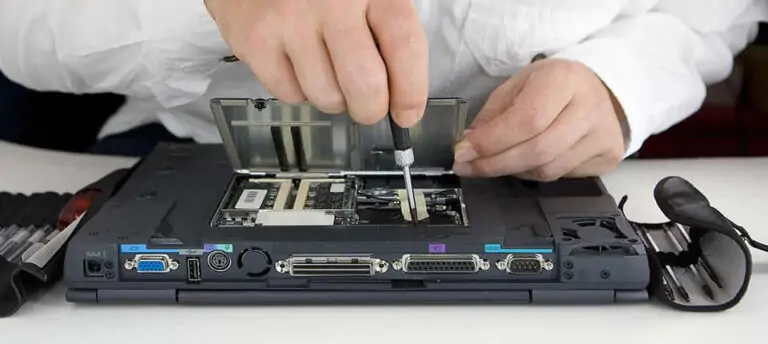
Replacing the HDD with an SSD speeds up a laptop more than any other upgrade. A 2.5-inch bay takes a 7 mm SATA SSD, such as the 480GB Kingston A400 for UAH 5,089. With an M.2 slot, check whether it supports NVMe or only SATA: the modules look alike. You can migrate the system with the maker’s utility, such as Samsung Magician, or do a clean install.
If the laptop still runs Windows 10, check whether it can handle the new system before a clean install; our guide to upgrading to Windows 11 will help. If the laptop also runs noticeably hot, our guide on how to replace the laptop’s thermal paste will help.
Gaming PC
For games, an SSD is increasingly a hard requirement. Starfield’s system requirements say “SSD Required,” and since version 2.0 Cyberpunk 2077 has required an SSD even in the minimum configuration and NVMe for the Ultra preset and the recommended ray tracing setup. Starfield alone needs 125GB of free space, so 1TB is a sensible minimum.
The main option is a 1–2TB PCIe 4.0 NVMe drive: the 2TB Kingston NV3 cost UAH 14,889, the Samsung 990 EVO Plus UAH 17,469. PCIe 5.0 helps mainly when copying large files and delivers full speed only in a Gen5 slot. Frame rates depend on the graphics card and CPU, not the drive.
You can keep your older library on an HDD and move the game you are playing to the SSD; we explained how to do it without reinstalling in our guide to moving Steam games to another drive.
Video and photo editing
In its Premiere requirements, Adobe recommends a fast internal SSD for the app and cache plus an additional high-speed drive for media. In practice, that means an NVMe drive for the system and project, plus a second SSD or a large HDD for footage and archives. If you often write hundreds of gigabytes at a time, choose TLC: according to Kingston, QLC is noticeably slower at writing.
NAS and home archive
Here the HDD’s main advantage is price: a terabyte on the 12TB WD Red Plus cost UAH 2,540, versus UAH 7,445 on the best-value NVMe drive above. Choose drives built for NAS and 24/7 use: WD Red Plus, Seagate IronWolf or IronWolf Pro. BarraCuda desktop drives are built for PCs and 2,400 hours a year. And a NAS does not replace a copy kept elsewhere.
External drive
An external HDD works for backups: it is essentially the same hard drive in a USB enclosure, so avoid shaking it while it runs. For carrying projects around, an external SSD is more convenient: the Samsung T7 Shield reads at up to 1,050 MB/s over USB 3.2 Gen 2 (10 Gb/s), is IP65-rated and, according to Samsung, survives drops from 3 m.
PlayStation 5 and Xbox Series
The PS5 takes PCIe 4.0 x4 M.2 NVMe SSDs of 250GB to 8TB, in sizes 2230 to 22110. Sony recommends reads of 5,500 MB/s or faster and requires cooling, a heatsink or heat transfer sheet, within a total thickness of 11.25 mm. PS5 games can be stored on an external USB drive but play only from internal storage or the M.2 SSD.
On the Xbox Series X|S, games optimized for these consoles run only from the internal SSD or an official storage expansion card. External USB HDDs and SSDs can store those games and run Xbox One, Xbox 360 and original Xbox games.
Sources and methodology
Analysis of public sourcesChecked 1 October 2026
- Samsung — 990 EVO Plus SSD data sheet download.semiconductor.samsung.com
- Kingston — NV3 SSD data sheet kingston.com
- Seagate — Exos hard drive data sheet seagate.com
- JEDEC — SSD requirements under the JESD218 standard jedec.org
- TrendForce — Q4 2026 memory price forecast trendforce.com
FAQ
Which is better for a laptop, an SSD or an HDD?
An SSD: it is several times faster, quieter and lighter, and it handles shocks better. An HDD in a laptop makes sense only as a second drive for archives if there is a second bay: on October 1, 2026, the 2TB 2.5-inch WD Blue cost UAH 9,266, while a Kingston NV3 NVMe SSD of the same capacity cost UAH 14,889.
How long does an SSD last?
Endurance is stated in TBW: for the 1TB Samsung 990 EVO Plus it is 600TB of writes, or about 330GB a day over the 5-year warranty. Windows 11 and manufacturer utilities show how much endurance an NVMe drive has left.
Can I keep an archive on an unplugged SSD?
Not as your only copy. Under the JEDEC standard, a client SSD at the end of its rated endurance must keep data without power for at least a year at 30 °C. For long-term storage, keep several copies on different media following the 3-2-1 rule.
Will a PCIe 5.0 SSD work in an older PC?
Yes, if the M.2 slot supports NVMe. Samsung states that the 9100 PRO works in PCIe 4.0 x4 and 3.0 x4 slots, but its speed will be limited by the slot.
Do I need to defragment an SSD?
No. By default, Windows optimizes drives on its own once a week: it defragments hard drives and runs TRIM on SSDs, telling the drive which blocks can be freed.








Leave a Reply