
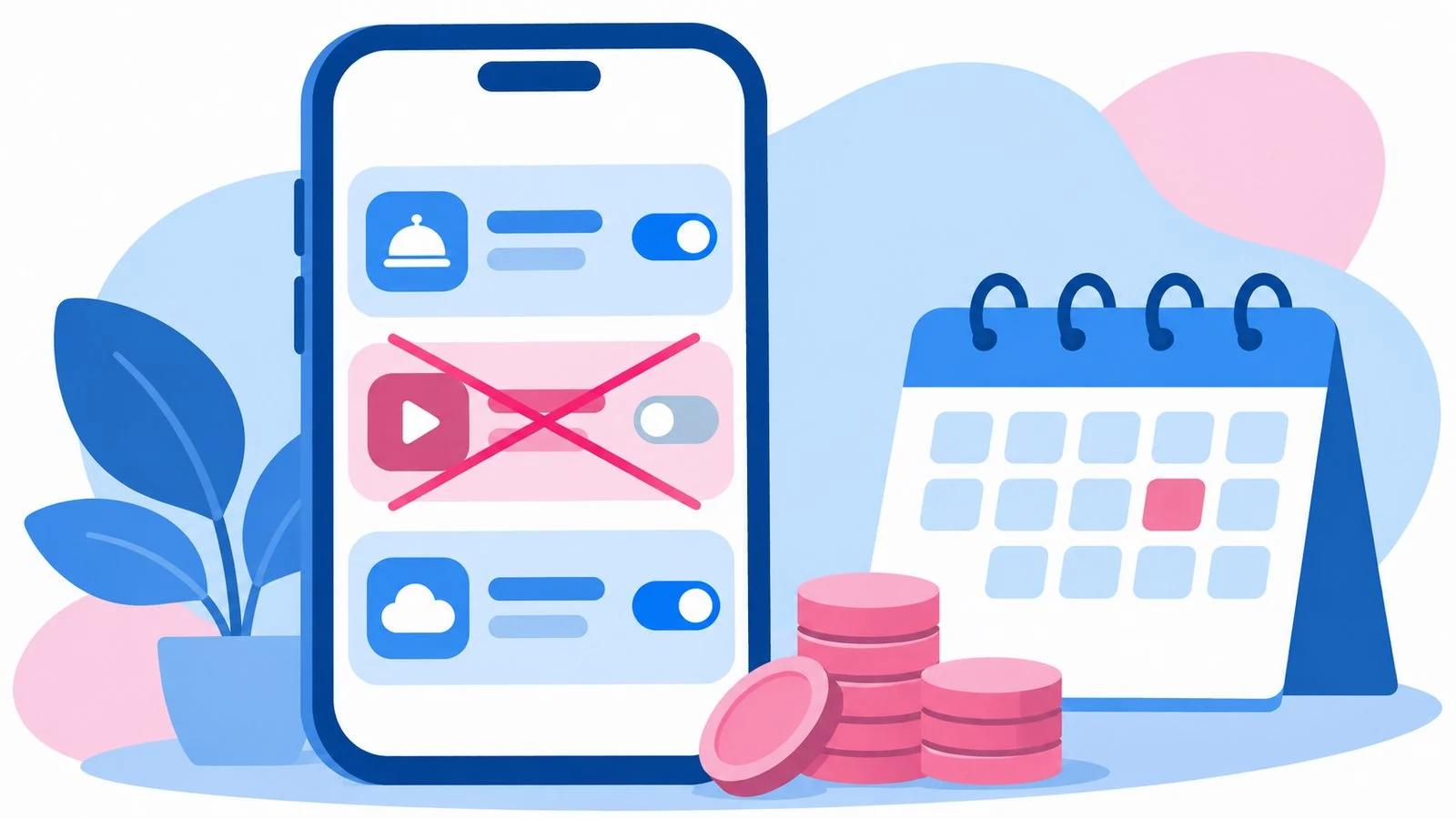
To cancel an App Store subscription on iPhone, open Settings, tap your name → Subscriptions, select the subscription and tap Cancel Subscription. In Google Play on Android, open the subscriptions section in the Google Play app, select the subscription and tap Cancel subscription. Deleting the app doesn’t cancel the subscription — Google specifically warns about this. After you cancel, the subscription keeps working until the end of the paid period.
Below: step-by-step instructions for iPhone, Mac, Windows and Android, what to do if the subscription isn’t in the list, how to get a refund for an accidental charge and how to pause a subscription instead of canceling it. Based on Apple and Google help pages as of November 18, 2026.
1. Cancel an App Store subscription on iPhone or iPad
- Open Settings and tap your name.
- Tap Subscriptions.
- Tap the subscription you want to cancel.
- Tap Cancel Subscription — you may need to scroll down to find the button.
If there’s no cancel button, or red text under the subscription says when it expires, the subscription is already canceled and you won’t be charged again. You can also cancel Apple subscriptions in a browser on the Apple Account page — handy if your iPhone isn’t nearby.
2. Cancel an Apple subscription on a Mac or Windows PC
- Mac: open the App Store, click your name at the bottom of the sidebar (or Sign In), then click your name again on the page that opens → Subscriptions → the subscription → Cancel Subscription.
- Windows: open the Apple Music or Apple TV app, click your name at the bottom of the sidebar → View My Account, scroll down to the Settings section, click Manage next to Subscriptions, then click Edit next to the subscription → Cancel Subscription. In the older iTunes for Windows, the path starts with the Account menu → View….
- Android: a subscription you pay Apple for is canceled at account.apple.com. And if Apple Music or Apple TV is billed through Google Play, cancel it in Google Play.
3. Cancel a Google Play subscription
Google Play subscriptions renew automatically: you’re charged at the start of each billing period until you cancel. First, make sure you’re signed in to the right Google account.
- On Android, open the subscriptions section in the Google Play app (in Google’s help, the link leads to your account’s subscriptions page).
- Select the subscription.
- Tap Cancel subscription and follow the instructions.
From a computer: open the Google Play subscriptions page (address below), click Manage → Cancel subscription next to the subscription, choose a reason and click Continue.
play.google.com/store/account/subscriptionsGoogle gives an example: if you buy a yearly subscription on January 1 and cancel it on July 1, you keep access until December 31, and you won’t be charged on January 1. If a developer removes an app from Google Play, its subscriptions are canceled automatically, but money for past periods is generally not refunded.
4. Pause a subscription instead of canceling
In Google Play, some apps let you pause a subscription — for one week to three months, depending on the app. The pause starts after the current billing period ends.
- Open your subscriptions in Google Play and select the one you need.
- Tap Manage → Pause payments, choose how long and tap Confirm.
You can resume payments at any time with Manage → Resume. A canceled subscription can also be restored with the Resubscribe button, but in some apps you’ll have to sign up again.
How to get a refund for a subscription
App Store. Sign in to reportaproblem.apple.com, click the “I’d like to” field → Request a refund, choose the reason and the subscription and click Submit. You get a response in 24–48 hours; after approval, it takes some more time for the money to reach your card. Eligibility for a refund depends on your country and Apple’s terms.
Google Play. On play.google.com, click your profile picture → Payments & subscriptions → Budget & order history, select Report a problem next to the order, fill out the form and click Submit. Google usually responds within a day, sometimes up to four days. If the purchase was made more than 48 hours ago, Google recommends contacting the app developer directly. Charges that neither you nor anyone in your family made must be reported within 120 days.
If the subscription isn’t in the list
- Find the receipt. Search your email for “receipt from Apple” or “invoice from Apple” — it shows the Apple Account that was used to purchase the subscription. Sign in to that account.
- A family member subscribed. Only they can cancel it — according to Apple, you can’t cancel a subscription purchased by a family member.
- The subscription doesn’t appear in Google Play. Most likely, it was purchased with another Google account: switch accounts in your Google Play profile.
- You pay through your carrier. Subscriptions purchased through a mobile carrier are canceled through the carrier’s support.
If you’re clearing out your phone, also check our roundup of free useful smartphone apps — many tasks can be handled without a paid subscription.
Sources and methodology
Analysis of public sourcesChecked 18 November 2026
- Apple — Cancel a subscription from Apple support.apple.com
- Apple — Request a refund for apps or content support.apple.com
- Google Play — Cancel, pause or change a subscription support.google.com
- Google Play — Request a refund support.google.com
- Google Play — Refund policies support.google.com
Frequently asked questions
Will my subscription be canceled if I delete the app?
No. Google explicitly warns about this; Apple subscriptions are also canceled only in the Subscriptions section — deleting the app doesn’t affect them.
What happens after I cancel a subscription?
You can keep using the subscription until the end of the paid period, and you won’t be charged again.
How do I cancel a free trial so I’m not charged?
Cancel the subscription the same way as a paid one — Apple recommends doing it at least 24 hours before the trial ends.
Can I get a refund for a Google Play subscription?
You can submit a request through Budget & order history on play.google.com. If the purchase was made more than 48 hours ago, Google recommends contacting the app developer.
Why is there no Cancel Subscription button on my iPhone?
According to Apple, if there’s no button or the end date is shown in red, the subscription is already canceled. If the subscription isn’t there at all, it was purchased with another account or not through Apple.





Leave a Reply