
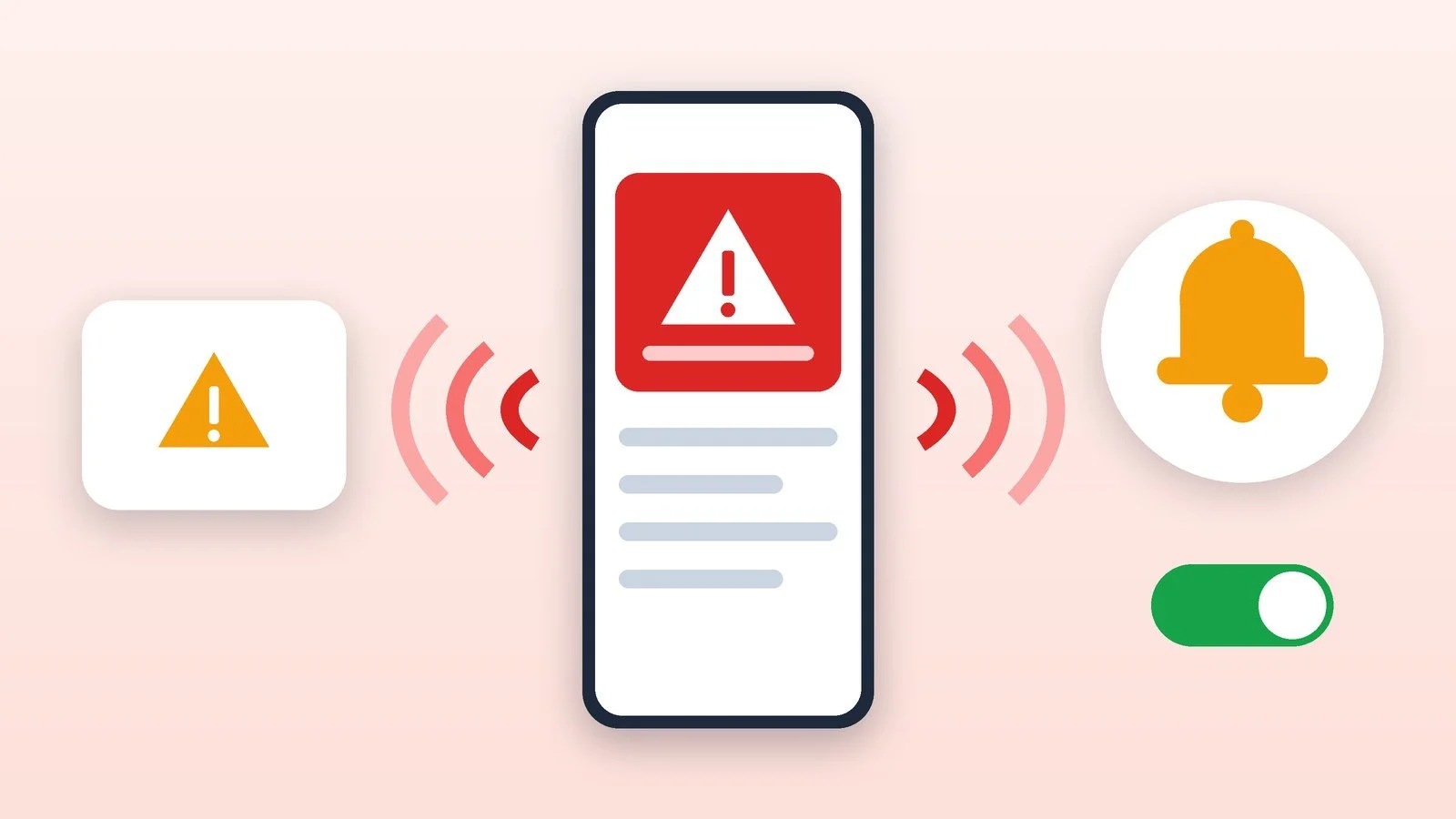
To turn off emergency alerts on Android, go to Settings → Notifications → Wireless emergency alerts and switch off the types you don’t need. On iPhone, go to Settings → Notifications and scroll down to Government Alerts. In Ukraine, the State Emergency Service (DSNS) does not directly recommend turning off alerts about threats and air raid warnings. If the noise bothers you, it is better to remove the extras (test signals, repeats) and keep critical alerts on.
Below are the steps for Pixel and other Android phones, Samsung Galaxy and iPhone, along with a list of the official air raid alert channels in Ukraine. The menu paths were checked against the Google, Samsung and Apple help pages, and the description of the alert system against the pages of the Ministry of Internal Affairs (MIA), DSNS and the Ministry of Digital Transformation, as of October 18, 2026. Item names depend on the model and the system version.
Open the emergency alert settings
- Google Pixel and other Android phones (per Google’s help page): Settings → Notifications → Wireless emergency alerts. Item names depend on the model; on other phones the section may be called something else, so find it using settings search.
- Samsung Galaxy: Settings → Safety and emergency → Wireless emergency alerts. On older One UI versions, the section is under Notifications → Advanced settings → Wireless emergency alerts.
- iPhone (per Apple’s help page): Settings → Notifications, then scroll down to the Government Alerts section.
Result: You can see which alert types can be turned on or off.
Choose what to turn off
Google lists four alert types that can be turned on and off separately: critical threats, severe threats, AMBER alerts and public safety threats. Depending on the region, test alerts may also be available on Pixel. Samsung adds that among its alerts are extreme and severe threats, AMBER and test alerts, and that the “Allow emergency alerts” switch turns all of them on or off at once. Apple says government alerts are on by default and that in the Government Alerts section you can turn an alert type on or off.
- If you want fewer signals, start with test alerts (if they come through) and AMBER. Apple notes that AMBER and public safety alert systems are not available in every country.
- Better keep critical (extreme) and severe threats. The MIA says that on Android the needed alerts are called “Extreme threats” and “Severe threats”; on iPhone the setting may be called “Emergency alerts.”
- Don’t turn them off because of the noise: change the vibration and repeat settings first.
Result: Only the alerts you can do without are turned off.
Adjust vibration and repeats instead of turning alerts off completely
If it’s the repeating signal that bothers you, Google lets you adjust it in the same Wireless emergency alerts section. You can turn “Vibrate” on or off and choose “Alert reminder”: the sound reminder plays once, every two minutes, every 15 minutes, or not at all.
Result: The signal is less intrusive, but the alert still gets through.
How the alert system works in Ukraine
Air raid warnings reach people through several independent channels. Don’t rely on just one.
| Channel | What it is | Limitations |
|---|---|---|
| “Attention all” sirens | Street sirens, television and radio (the MIA and DSNS advise relying on them if a phone alert has not arrived) | Not heard everywhere or all the time |
| Cell Broadcast (DSNS and mobile operators) | The message reaches all phones within the coverage area of the operator’s base stations, even on silent mode; no internet is needed | Mainly smartphones from 2019 and newer with Android 11 or iOS 14.5 and newer; an active SIM and airplane mode turned off are required |
| “Air Alert” app | An app created by Ajax Systems with the support of the Ministry of Digital Transformation; it reports the start and end of an air raid alert in your area | Requires internet; operators don’t charge for its data traffic |
| “Air Alert” Telegram channel | Duplicates the app’s alerts | Requires internet and Telegram |
What changed in 2026
Under Resolution No. 1092 of the Cabinet of Ministers dated September 4, 2026, the air raid alert signal in the nationwide alert system is divided into two levels: red (missile, missile-drone or massed drone threat) and yellow (drone threat). According to the Zhytomyr Regional Military Administration, at the red level you must take cover immediately. The resolution also provides that mobile apps for alerts about air threats must receive threat information within a day, and that the Unified State Web Portal of Electronic Services will be upgraded by December 1, 2026 to inform people about air threats.
If it didn’t work
- There is no emergency alerts section. Search Settings for the word “alerts.” On Samsung with Android 11 the path is different: Notifications → Advanced settings. On iPhone the section is at the very bottom of the Notifications list.
- Alerts keep coming after you turn them off. Some government alerts cannot be turned off; Google and Apple both warn about this.
- An alert didn’t arrive. Check the reception conditions: SIM card, operator network, airplane mode, Android or iOS version. For iPhone, Apple notes that government alerts are available with a SIM or eSIM from a supported operator. The backup channels are the “Air Alert” app and sirens.
- The signal wakes you up at night. Don’t turn off critical alerts: remove the vibration or set up a reminder, as described above. You should still be able to hear the other channels (siren, app).
Sources and methodology
Analysis of public sourcesChecked 18 October 2026
- Google — Set up wireless emergency alerts (Pixel) support.google.com
- Apple — Government, emergency and improved emergency alerts about security threats on iPhone support.apple.com
- Samsung — Use your Galaxy phone or tablet in emergency situations (Wireless emergency alerts) samsung.com
- Cabinet of Ministers of Ukraine — MIA: testing of public alerts about threats (Cell Broadcast) kmu.gov.ua
- Cabinet of Ministers of Ukraine — Resolution No. 1092 of September 4, 2026 kmu.gov.ua
Frequently asked questions
Can you turn off emergency alerts on a phone?
Partly. Google and Samsung let you turn alert types on and off, and Apple lets you turn off government alerts in Settings → Notifications. However, some alerts cannot be turned off completely, and DSNS does not recommend turning off threat alerts in Ukraine.
What is Cell Broadcast in Ukraine?
According to the MIA, it is an alert system in which DSNS messages reach phones within range of selected base stations of the Kyivstar, Vodafone and lifecell operators. The alert sounds even on silent mode and does not require internet.
Which phones receive these alerts?
The MIA’s 2022 statement names smartphones released mainly from 2019 onward, with Android 11 or later or iOS 14.5 or later. Older models most likely will not receive them; the list of supported devices may have changed, so check with DSNS and your operator.
How do I receive air raid signals if alerts are turned off?
Install the “Air Alert” app or subscribe to the Telegram channel of the same name, which the Ministry of Digital Transformation describes as an additional way to receive the signal. Pay attention to the “Attention all” sirens, television and radio.
What do the yellow and red alert levels mean?
Cabinet of Ministers Resolution No. 1092 of September 4, 2026: red means a missile, missile-drone or massed drone threat; yellow means a drone threat. At the red level, as the Zhytomyr Regional Military Administration reports, you must take cover immediately.




Leave a Reply