
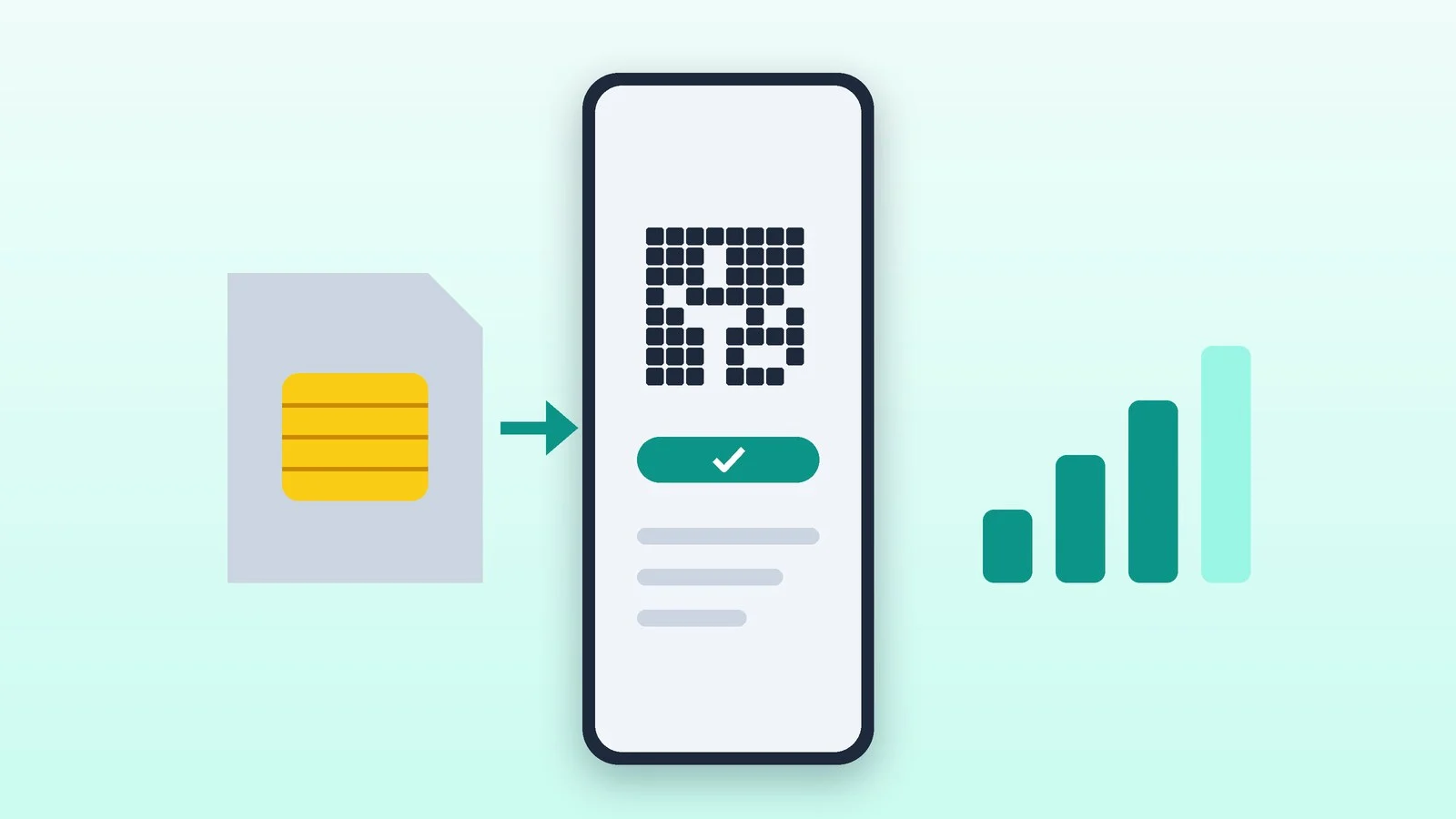
An eSIM is a SIM card built into your phone: your number is loaded onto it with a QR code or through your carrier’s app, with no plastic card involved. You can get an eSIM in Ukraine from all three mobile operators — Kyivstar, Vodafone and lifecell. A new number on eSIM takes a few minutes to buy online, and an existing number can be moved to eSIM in the carrier’s app while keeping your plan and balance.
Below: what each operator charges, whether you need a passport, how to install an eSIM on iPhone and Android, how to move it to a new phone and how to go back to a regular SIM. Prices and steps were checked against the operators’ websites and Apple and Samsung support pages on October 10, 2026.
eSIM at Kyivstar, Vodafone and lifecell compared
| Operator | How to get it | Price | Moving to a new phone |
|---|---|---|---|
| Kyivstar | New number — online store; switch — in the My Kyivstar app | New number — from 400 UAH, the first plan package; switch — no extra charge | In My Kyivstar: Профіль (Profile) → eSIM |
| Vodafone | Website, My Vodafone, stores, City24, banking apps | New number — 420 or 550 UAH with a package; switch — 100 UAH | Delete the eSIM and scan the QR code again (up to 5 times) |
| lifecell | Online store, My lifecell, monobank, EasyPay | New number — 50 or 150 UAH plus a plan; switch — 50 UAH | Delete the eSIM and scan the QR code again (up to 50 times) |
What an eSIM is and what changes when you switch
An eSIM (embedded SIM) is a chip already soldered into the phone. The operator sends a digital profile of your number, usually as a QR code, the phone downloads it to the chip — and from then on the eSIM works like a regular SIM. You need an internet connection only to install or remove the profile.
When you replace a plastic SIM with an eSIM, you keep your number, plan, account balance and active services — all three operators confirm this. The only thing that doesn’t move is contacts stored on the SIM card itself, so copy them to the phone or the cloud first. An eSIM can’t be pulled out of a stolen phone, and the physical slot is freed up — for a local SIM on a trip, for example.
How to check whether your phone supports eSIM
- Dial *#06#: if the screen shows an EID line — the eSIM chip’s number — the phone supports eSIM. Kyivstar and lifecell both recommend this check.
- iPhone: eSIM is available on iPhone XS, XS Max, XR and later. The EID is in Settings → General → About, and Settings → Cellular should have an Add eSIM option.
- Samsung Galaxy: the S series from the S20 on, the foldable Z Fold and Z Flip, and some A-series models. Samsung warns that support depends on the country the phone was made for. To check, go to Settings → Connections → SIM manager and look for Add eSIM.
- Google Pixel, Xiaomi, Motorola and others: the operators keep model lists on their eSIM pages, but those have exceptions too — checking the EID is more reliable.
The operators guarantee that eSIM works only on phones certified in Ukraine. It won’t work on iPhones with two physical SIM slots — those are sold in mainland China, Hong Kong and Macao — or on phones locked to another carrier or unlocked unofficially.
The opposite case is an iPhone with no SIM tray. iPhone Air is eSIM-only in every country, while iPhone 17, 17e, 17 Pro, 17 Pro Max, 18 Pro and 18 Pro Max are sold without a tray in the US, Canada, Mexico, Japan, the UAE, Saudi Arabia and a few other countries. If you bring such a phone home from a trip — say, an iPhone 18 Pro from the US — your number will have to move to eSIM. Kyivstar offers a way to do it: put the plastic SIM in any other eSIM-capable phone, choose Інший пристрій (Another device) in the app and scan the QR code you get with the new iPhone.
Two SIMs in one phone
An iPhone can hold a physical SIM and an eSIM at the same time, and iPhone 13 and later can also use two eSIMs. You can make calls and send texts from both numbers, but mobile data runs through only one line at a time. To use two different carriers, the iPhone must be unlocked. On Samsung Galaxy phones, two eSIMs can be active at once only on some models, and you can store 2 to 20 profiles and switch between them in settings.
Next come the steps for each operator: follow the step for yours, then install the profile with the QR code (step 4).
Get an eSIM from Kyivstar
New number. In the Kyivstar online store, pick an eSIM plan and pay for it — you’ll get a QR code to install it. Prepaid eSIMs are connected without a passport, and you choose from numbers with the 077 code. The price is the plan’s first package: ВСЕ РАЗОМ Легкий costs 450 UAH for 4 weeks, ВСЕ РАЗОМ Крутий 550 UAH, and the data-only plans for tablets and phones, СуперГіг лайт and СуперГіг, cost 400 and 500 UAH a month.
Switching a SIM to eSIM on prepaid:
- Open the My Kyivstar app and go to Профіль (Profile) → eSIM. The option appears only if the phone supports eSIM.
- Follow the prompts — it takes a few taps.
- Wait up to 5 minutes: once the eSIM is active, you’ll get a text. If it doesn’t arrive, restart the phone and select the Kyivstar network manually.
Kyivstar says switching a SIM to eSIM and moving an eSIM to another phone come at no extra charge. Contract customers need to message the live chat in the app to switch. In March 2024 the operator launched online sign-up for eSIM contracts: you verify your identity through BankID or by sharing documents from the Diia app, sign the contract on the website and then receive a QR code. Check on Kyivstar’s website or in its chat whether the service is available before you apply.
Result: Within a few minutes you get a text saying the eSIM is active.
Get an eSIM from Vodafone
New number. On prepaid, Vodafone sells an eSIM with the Flexx GO plan for 420 UAH or Flexx TOP for 550 UAH — the first 4-week service package is included. After installing the eSIM, call 111: the number and plan are activated, and a text confirms the package.
Switching a SIM to eSIM — a replacement eSIM for a regular SIM costs 100 UAH:
- Find your phone in the list on Vodafone’s eSIM page — the button is labeled “Чи підтримує мій смартфон eSIM?” (Does my smartphone support eSIM?).
- Buy a replacement eSIM on the website or in the My Vodafone app. The voucher arrives by email within an hour of payment; if it doesn’t, check your spam folder.
- Follow the instructions in the voucher, add the eSIM to your phone and restart it.
Vodafone eSIMs are also sold in the operator’s stores, at City24 kiosks and in the monobank, A-Bank and Privat24 apps. Contract customers need to buy a replacement eSIM, choose a plan and visit a Vodafone store with the original passport or ID card, or with the ID card and taxpayer number (RNOKPP) shown in the Diia app. Electronic vouchers can’t be returned or exchanged.
Result: Your number runs on the eSIM, with the plan and balance intact.
Get an eSIM from lifecell
New number. The eSIM starter pack costs 50 UAH, and eSIM Бонус (eSIM Bonus) costs 150 UAH and adds 150 bonus points to your account that can be exchanged for services. The eSIM arrives by email right after payment, and you choose and pay for a plan after activation. You can buy it in the lifecell online store, the My lifecell app, monobank and at EasyPay kiosks.
Switching a SIM to eSIM in the app costs 50 UAH:
- Open My lifecell and tap “Замінити SIM на eSIM” (Replace SIM with eSIM) below the main banner.
- Enter and confirm your email address — the eSIM and instructions will be sent there.
- Remove the plastic SIM from the phone and only then scan the QR code.
Your number, plan, main and bonus balances and active services are kept, and you can switch even while roaming. In a lifecell store, a consultant will do the switch — bring your passport or another ID document.
Result: Your number has moved to the eSIM and the plastic SIM has stopped working.
Install the eSIM with a QR code
If the operator sent you a QR code, installation is the same for all three. Connect the phone to Wi-Fi and open the QR code on another screen.
- iPhone: point the camera at the QR code and tap the Cellular Plan Detected notification → Continue → Add Cellular Plan. If the camera doesn’t pick it up, go to Settings → Cellular → Add eSIM. On iOS 17.4 or later you can touch and hold the QR code in an email, then tap Add eSIM.
- Samsung Galaxy: Settings → Connections → SIM manager → Add eSIM → Scan QR code. If the operator gave you an activation code, choose to enter it manually.
- Other Android phones: look in the SIM or mobile network settings for an option to add an eSIM or a mobile plan — Vodafone notes that the path depends on the model.
After installation, choose which number is the default for calls and which one handles mobile data, then make a test call.
Result: The carrier name appears in the status bar and the number in your SIM list.
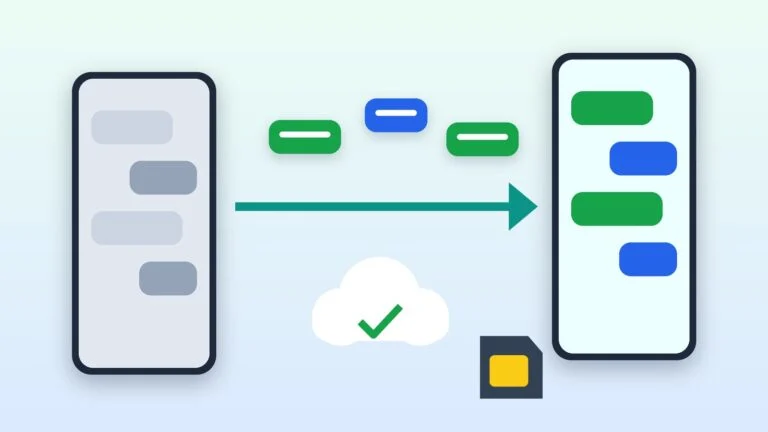
How to move an eSIM to a new phone
Built-in number transfer between phones — called eSIM Quick Transfer on iPhone — works only if the carrier supports it. Apple’s carrier list puts Kyivstar, Vodafone and lifecell among carriers that activate eSIM with a QR code or their own app, Google lists Kyivstar and lifecell the same way, and Samsung doesn’t name any Ukrainian carrier among those supporting instant eSIM transfer. So use your operator’s own method:
- Kyivstar: sign in to My Kyivstar on the new or the old phone, open Профіль (Profile) → eSIM and choose Цей пристрій (This device) if you’re on the new phone or Інший пристрій (Another device) if you’re on the old one. A text confirming activation arrives within 5 minutes.
- Vodafone: delete the eSIM on the old phone and scan the same QR code with the new one — you can do this up to 5 times. Deleting the profile doesn’t remove the number from the network.
- lifecell: turn on internet on both phones, delete the eSIM in the old phone’s settings and scan the QR code with the new one. One QR code can be downloaded up to 50 times; if the eSIM is still on in the old phone, you’ll get an error.
Keep the QR code somewhere safe and don’t forward it to anyone: according to lifecell, it holds your number’s profile — the number, PIN, PUK and serial number. If you deleted the eSIM by accident and have no QR code, Kyivstar customers can order a new one in My Kyivstar.
How to move your number back to a regular SIM
- lifecell explicitly lets you move a number from eSIM to a plastic USIM — on your own with the “Комфортна заміна SIM” (Comfortable SIM replacement) service or with a consultant in a store.
- Vodafone replaces SIMs this way: order a Power SIM on the website with free delivery by Nova Poshta, call 222, give the new card’s serial number and confirm the request with a code sent by text. You can also replace the SIM in a store.
- Kyivstar issues a new SIM in its stores — a non-warranty replacement costs 50 UAH — or offers a Smart SIM for 150 UAH to restore your number yourself. That requires the PUK1 code, which you can find in My Kyivstar; registered prepaid customers can’t replace a SIM on their own and have to visit a store.
Using an eSIM when traveling
Abroad, an eSIM lets you keep two numbers in one phone: your home line for calls and texts, and a local or travel line for data. Supported iPhones can run two eSIMs at once, and iOS 26 has a dedicated travel eSIM flow: when you arrive, the iPhone offers to turn it on, and back home it turns it off and switches to your home SIM automatically, depending on the country.
Prepaid eSIMs are sold by local carriers — on their websites and apps, at airports and in stores — and by worldwide providers with data-only plans covering many countries at once. Depending on local regulations, you may be asked for a passport. To use another carrier’s eSIM, the phone must be unlocked: on iPhone, Settings → General → About should show No SIM Restrictions next to Carrier Lock.
Ukrainian operators have options too. Since August 25, 2026, Kyivstar has sold SIM для подорожей (travel SIM) — a separate data-only eSIM for 38 countries: 5, 10, 20 or 40 GB for 4 weeks at 90, 135, 225 or 400 UAH. It has no calls or texts, and customers of other operators can buy it too. A lifecell eSIM can also be activated while roaming. For everything else to take along, see our trip packing checklist.
If your eSIM won’t activate
- The profile won’t download — check your connection: an eSIM downloads only over Wi-Fi or mobile data on another SIM.
- No text from Kyivstar after 5 minutes — restart the phone and select the Kyivstar network manually.
- The phone won’t let you add this carrier’s plan — it’s locked to another carrier. According to lifecell, this happens with phones bought abroad or imported unofficially.
- The QR code is rejected — the eSIM is still on in the old phone (delete it there) or the download limit is used up: 5 times at Vodafone and 50 at lifecell. In that case you need a new eSIM.
- The QR code email never arrived — check spam. At Kyivstar the QR code is also in the orders section of your online store account; the support line is 0 800 305 300.
- The iPhone doesn’t show your Kyivstar number in settings — it appears after FaceTime is set up; you’ll be charged for one outgoing text to an international number.
- Not sure which number is active — on Kyivstar, dial *161#.
- Nothing helps on iPhone — turn Airplane Mode on and off, restart the phone and update carrier settings in Settings → General → About, in the eSIM section. Before contacting the carrier, have your IMEI or EID and the error message ready.
Free support lines: Kyivstar — 466 from a Kyivstar phone and 0 800 300 466 from other networks, Vodafone — 111 and 0 800 400 111, lifecell — 5433 and 0 800 20 5433.
Sources and methodology
Analysis of public sourcesChecked 10 October 2026
- Kyivstar — eSIM from Kyivstar kyivstar.ua
- Vodafone — eSIM, a convenient virtual SIM vodafone.ua
- lifecell — eSIM: activation and connection guide lifecell.ua
- Apple — Set up eSIM on iPhone support.apple.com
- Samsung — How to set up an eSIM on Samsung Galaxy samsung.com
FAQ
How much does it cost to switch to eSIM in Ukraine?
As of October 10, 2026, switching a SIM to eSIM costs nothing extra at Kyivstar, according to the operator, 50 UAH in the lifecell app and 100 UAH for a Vodafone replacement eSIM. A new number on eSIM costs 50 or 150 UAH plus a plan at lifecell, 420 or 550 UAH at Vodafone and from 400 UAH at Kyivstar; the last two include the first service package.
Do I need a passport to get an eSIM?
Kyivstar prepaid eSIMs are connected without a passport, and on Vodafone and lifecell prepaid, both new numbers and switches are done online without visiting a store. You need an ID document to switch a SIM in a lifecell store or to sign a Vodafone contract — a passport, an ID card, or an ID card with the RNOKPP taxpayer number in Diia. Kyivstar has offered eSIM contracts online via BankID or Diia — check with the operator that the service is available.
Will I keep my number, plan and balance after switching to eSIM?
Yes: the number, plan, balance and active services move to the eSIM. Only contacts stored on the SIM card itself are lost, so save them to your phone before switching.
Can I put an eSIM in an Apple Watch?
With lifecell, yes: the smartwatch eSIM service costs 50 UAH for 4 weeks, the watch uses the minutes and data of your main plan, and the service doesn’t work while roaming. Kyivstar says an eSIM can’t be installed on Apple Watch yet — only on some Samsung Galaxy smartwatches. Vodafone’s eSIM page doesn’t mention it.
What should I do if I lose a phone with an eSIM?
Block the number right away through your operator’s support line or store, then restore it. At Vodafone you buy a new SIM or an eSIM voucher and call 222 — the number is moved within 4 business hours. Kyivstar prepaid customers first get the number back on a physical SIM (you’ll need the PUK1) and then move it to eSIM again in My Kyivstar, while lifecell restores the number on a new eSIM with a consultant in a store.




Leave a Reply