
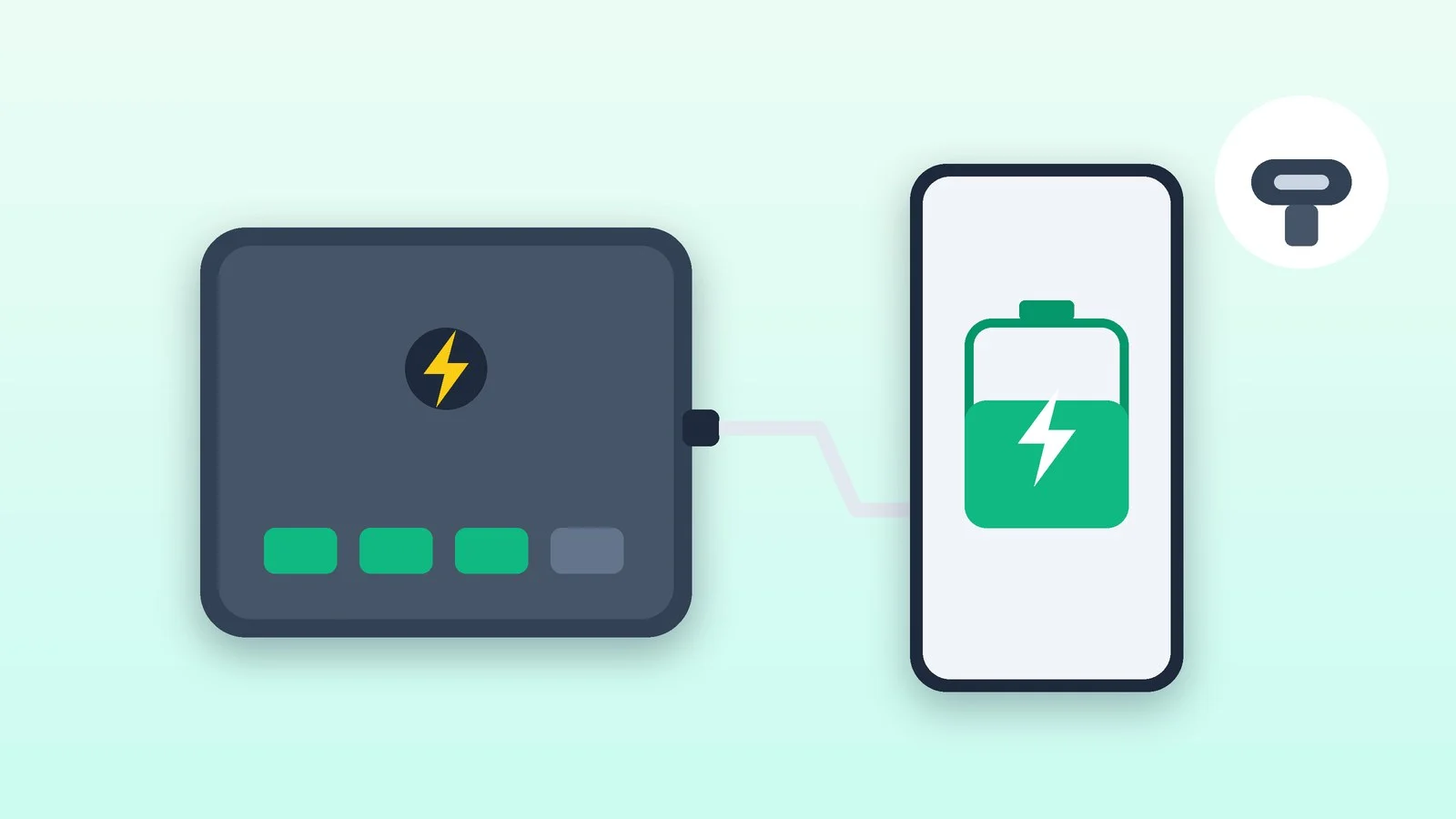
How to choose a power bank: check two numbers — capacity in watt-hours (Wh) and output power in watts with the right fast-charging standard, usually USB Power Delivery over USB-C. A phone needs 10,000 mAh and 20–30 W for a day; for a trip of several days, take 20,000 mAh. A laptop needs an output no weaker than its charger, and without airline approval you can fly with up to 100 Wh.
Below: a table for different tasks, why a power bank delivers less than its rating and how to calculate the number of charges, what USB PD, PPS, Quick Charge and Qi2 mean, how to choose a safe model, flight rules and checks after purchase. The data was checked against IATA, ICAO, USB-IF and WPC documents and pages from Apple, Samsung, Google, Anker and other manufacturers as of October 7, 2026.
How to choose a power bank for your needs
Start with what you will be charging. Capacity determines how many charges you get, and output power determines how fast a device charges. The guidelines below are based on recommendations from phone and laptop makers and on air travel rules.
| Task | Capacity | Output power | What else to check |
|---|---|---|---|
| Phone for a day | 5,000–10,000 mAh | 20–30 W, USB-C PD | Weight; Qi2 optional |
| Phone on a trip | 20,000 mAh | 20–45 W | 2–3 ports, fast input |
| Fast-charging Galaxy or Pixel | 10,000–20,000 mAh | 30–45 W with PPS | 5 A cable for Samsung 45 W |
| Fast-charging iPhone 17 or 18 Pro | 10,000–20,000 mAh | 40–60 W, USB PD | AVS mode for 18 Pro |
| MacBook Air, ultrabook | 20,000–25,000 mAh | 30–70 W, USB PD | Match the stock charger |
| Powerful laptop | Up to 27,000 mAh (100 Wh) | 100–140 W, USB PD | 5 A cable (240W) |
| Router during outages | Wh ÷ router watts = hours | Router adapter voltage | DC or USB-C output |
| Flight | Up to 100 Wh | Any | Two max, carry-on only |
A power bank that is more powerful than your phone needs won’t harm it: with USB Power Delivery, each device draws only the power it needs. Conversely, a weak power bank will charge a laptop slowly and won’t trigger fast charging on a phone.
Why a power bank delivers less than its rating
Inside a power bank are lithium-ion cells — cylindrical (for example, the 18650 format) or flat lithium-polymer ones — and a control board. It monitors the charge, protects against short circuits and overheating, and steps up the voltage to what a phone or laptop needs.
The mAh figure on the case is the capacity of the cells themselves at their nominal voltage of 3.6–3.7 V, while the output is 5 V or more. That’s why it’s easier to compare in watt-hours, which IATA calculates as Wh = Ah × V. A 20,000 mAh power bank with 3.7 V cells stores 74 Wh; with 3.6 V cells, 72 Wh.
When the voltage is stepped up, some energy is lost as heat. Some manufacturers print the rated capacity on the case — how much the power bank delivers at its output. For the Xiaomi Power Bank 20000mAh with a built-in cable, that’s 13,000 mAh at 5 V, or 65 Wh out of the 74 Wh in the cells — about 88%.
The phone itself loses more energy when it charges its battery. Anker estimates the efficiency of each of the two conversions at about 82%, or about 67% combined: a device typically receives 60–70% of a power bank’s capacity. Another 5% or so is usually lost in the cable — more the longer it is. This is true of all power banks; it isn’t a defect.
How many times a power bank will charge a phone or laptop
To estimate the number of charges, convert both batteries to watt-hours and account for losses: (power bank Wh × 0.67) ÷ device battery Wh. Phone capacity is usually listed in mAh. Anker uses 3.87 V as a typical smartphone battery voltage, which makes a 5,000 mAh battery about 19.4 Wh.
Example: a 20,000 mAh (74 Wh) power bank will deliver about 49.6 Wh to a phone battery. That’s about 2.6 full charges of a 5,000 mAh phone — not four, which is what you get by simply dividing the milliamp-hours.
| Capacity, mAh | Energy, Wh | Charges of a 5,000 mAh phone | On a plane without approval |
|---|---|---|---|
| 5,000 | 18.5 | ≈0.6 | Yes |
| 10,000 | 37 | ≈1.3 | Yes |
| 20,000 | 74 | ≈2.6 | Yes |
| 25,000 | 92.5 | ≈3.2 | Yes |
| 30,000 | 111 | ≈3.8 | No |
Laptops work the same way. The 13-inch MacBook Air with M5 has a 53.8 Wh battery, the 15-inch model 66.5 Wh. A 20,000 mAh power bank gives the former about 90% of a charge, and a 25,000 mAh one roughly one full charge with a little to spare.
You’ll get less if you charge wirelessly: in the EU, Apple warns owners of iPhone 15 and later models, as required by the regulator, that wireless charging might use more power than wired charging. Some charge also goes to running the phone while it charges, and in heat or cold, fast charging may not kick in.
Output power and fast charging: USB PD, PPS, Quick Charge
Power in watts is voltage multiplied by current. Advice like “1 A is enough for a phone, 2 A for a tablet” referred to charging at 5 V. Modern phones and laptops negotiate a higher voltage with the charger, so look at the watts on the “Output” line and at the supported standards.
How many watts a phone needs
- iPhone 15 and later models fast charge from USB-C with USB Power Delivery at 18 W or more. iPhone 17e and iPhone Air reach 50% in about 30 minutes at 20 W or higher; iPhone 17, 17 Pro and 17 Pro Max do it in about 20 minutes at 40 W or higher.
- For iPhone 18 Pro and 18 Pro Max, Apple specifies a 60 W-capable source that uses AVS and supports USB PD 3.2 — then 50% takes about 15 minutes.
- Samsung calls its fast charging Super Fast Charging: it’s USB PD 3.0 with PPS at 25 W. Models with 45 W charging need a 45 W source with PPS and a 5 A cable with an electronic marker (e-marker).
- For the Pixel 9 Pro XL and the Pixel 10 and Pixel 11 lineups, Google recommends PPS chargers of 30 W or more; with regular USB PD, sources of 15 W or more will work.
How many watts a laptop needs
A laptop will charge from a power bank if it supports USB-C charging via USB Power Delivery. Use the stock charger’s wattage as a guide: Apple recommends a 20 W adapter for the MacBook Neo, 30 to 70 W for the MacBook Air, 67–96 W for the 14-inch MacBook Pro and 140 W for the 16-inch model.
A Mac will also charge from a lower-wattage source, just more slowly, and macOS Tahoe 26.4 and later will show a “Slow Charger” warning. For a Windows laptop, the wattage is listed on the charger and in the model’s specs. If you don’t know the exact model name, find it with our guide on how to find your laptop model.
Standards and cables
USB Power Delivery (USB PD) is the USB-IF standard for charging over USB-C. Before version 3.1 it was limited to 100 W: 20 V with a 5 A cable. USB PD 3.1 added 28, 36 and 48 V — that’s 140, 180 and 240 W. iPhone, MacBook, Samsung and Google Pixel phones and many USB-C laptops charge via PD.
PPS (Programmable Power Supply) is a USB PD 3.0 mode in which the charger adjusts voltage and current to the battery’s state in real time. Samsung’s Super Fast Charging and the fastest Pixel charging run on it, so for these phones look for PPS specifically in a power bank’s specs, not just PD.
Quick Charge is Qualcomm’s technology. Fast charging with it works only if both the phone and the power bank support it; otherwise the device charges at normal speed. Quick Charge 4 is compatible with USB PD, and only accessories that have passed UL certification get the Quick Charge logo.
A cable limits power just like a power bank does. USB-IF-certified USB-C to USB-C cables are marked with a 60W (20 V × 3 A) or 240W logo, and Samsung’s 45 W charging as well as 100 W and above require a 5 A cable. If you charge several devices at once, look at the total power (Total Output): it is shared between the ports.
For the power bank itself, input power (Input) matters. Its charging time is roughly the watt-hours divided by the input watts: 74 Wh at 18 W takes more than four hours, at 60 W more than an hour. In practice it takes longer because of losses and reduced power when it heats up.
Wireless power banks: Qi2 and MagSafe
A magnetic power bank is convenient — you can use the phone while it charges — but it usually delivers fewer charges from the same watt-hours than a cable does. The wireless charging standard is Qi from the WPC consortium. Qi2 added magnetic alignment and 15 W, and Qi2 25W, launched in July 2025, charges a phone from 0 to 50% in about 30 minutes, according to the WPC.
Only certified devices may carry the Qi and Qi2 logos, and you can look up a model in the WPC certified products database. A “MagSafe compatible” label refers to the magnetic attachment to an iPhone, not to the standard or power — look for the Qi2 or Qi2 25W logo.
The phone also limits the speed. With its own MagSafe Charger and a 30 W or higher adapter, Apple promises up to 25 W for iPhone 17, 17 Pro, 17 Pro Max, 18 Pro, 18 Pro Max, 16 Plus and 16 Pro Max. iPhone 16 and 16 Pro get up to 22.5 W, iPhone Air up to 20 W.
iPhone 17e, iPhone 15 and earlier models get no more than 15 W from MagSafe. iPhone 16e has no MagSafe magnets: it charges via standard Qi.
IATA specifically warns about wireless power banks: they are easy to counterfeit and to produce without quality checks, and passengers have reported cases of such devices overheating and self-destructing. When traveling, switch off a wireless power bank and keep it away from your phone so it doesn’t start charging it by accident.
Battery chemistry and safety
Cell types
Lithium-ion and lithium-polymer batteries share the same chemistry: IATA explicitly classes lithium-polymer batteries as lithium-ion. The difference is the cell shape: flat polymer cells allow a thinner case. Anker’s regular power banks are rated for 300–500 full cycles, according to the company.
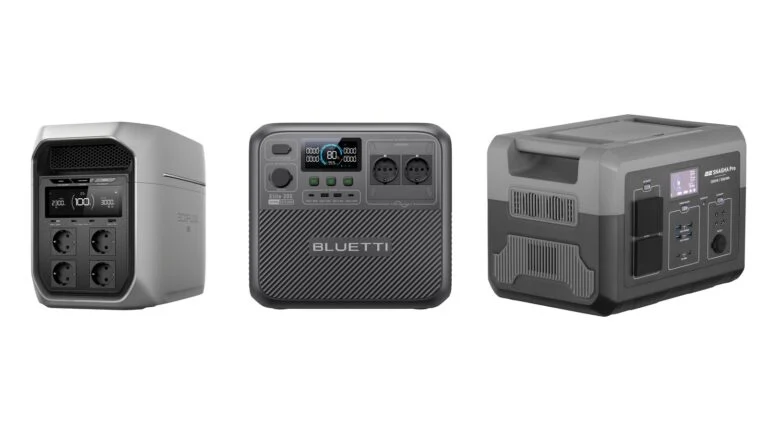
LiFePO4 (lithium iron phosphate) is found mostly in portable power stations. Anker cites at least 3,000 cycles for these cells versus about 500 for regular lithium-ion, but they are heavier per watt-hour.
Power banks with semi-solid-state cells appeared in 2026. In September 2026, Belkin introduced its UltraCharge Pro lineup, which adds a gel-like layer to the liquid electrolyte. According to the company, this reduces the risk of overheating, fire and swelling, and 80% of capacity remains after 1,000 cycles. For now, these are the manufacturer’s own figures.
Labels and certifications
Under air transport rules, every type of lithium battery taken on a plane must pass UN 38.3 testing — IATA points this out. Power banks also have their own safety standard, UL 2056, which tests protection against overcharging and deep discharge, short circuits and overloads, drops and heat.
NFPA (the US National Fire Protection Association) advises buying batteries listed by a recognized testing laboratory and labeled accordingly. On the case, look for the capacity in Wh — required on all lithium-ion batteries — plus input and output ratings, the manufacturer and the model. If airport staff can’t verify the watt-hours from the case or the manual, the power bank may be refused on board.
How to charge and store it
Anker advises charging and storing a power bank at 0–35 °C, keeping it out of the sun and out of a parked car, not charging it for long periods on a bed or sofa, and unplugging it once it’s fully charged — including not leaving it on overnight. NFPA also advises stopping charging once the battery is full.
For long-term storage, Anker recommends about 60% charge and topping up every three months; for its own devices, Apple recommends about 50% and recharging to 50% every six months. Don’t store a power bank with keys or other metal objects: they can short the contacts. If your phone gets very hot while charging, unplug it and follow our guide on what to do if your phone overheats.
Power banks on planes: the 2026 rules
Since March 27, 2026, an ICAO addendum to the dangerous goods rules has been in force. Power banks travel only in carry-on baggage, no more than two per person; they can’t be recharged on board, and ICAO recommends against using them to charge a phone in flight.
Without airline approval, you can carry a power bank of up to 100 Wh — about 27,000 mAh at 3.7 V. For 100–160 Wh, ICAO left an option with the airline’s permission, but IATA’s passenger guidance marks such power banks as forbidden, and from January 1, 2027, IATA is removing this exception from its regulations. Passengers can’t carry anything over 160 Wh.
IATA also advises against putting a power bank in the overhead bin, using it during taxi, takeoff and landing, or charging it right before departure: airlines prefer a charge below 25%. An airline may set stricter rules. For what else to put in your carry-on, see our checklist on what to pack for a trip.
How to check a power bank after you buy it
The check takes one full charge and discharge cycle. A USB tester helps with exact measurements, but a lot is visible without one.
- Check the labels. Multiply the mAh by the cell voltage and divide by 1,000: the result should match the Wh on the case. If it says 20,000 mAh and 37 Wh, one of the numbers is wrong, and it’s better to return that power bank.
- Compare the weight. Lithium-ion cells are heavy: the Xiaomi Power Bank 20000mAh with a built-in cable has a listed weight of 342 g. A noticeably lighter power bank with the same number on the case is a red flag.
- Test fast charging. Plug in a drained phone and see how much charge it gains in 30 minutes: Apple promises about 50% for iPhone fast charging, and 20 minutes for iPhone 17 at 40 W. To show the exact percentage, see our guide on how to show battery percentage on iPhone. A Mac running macOS Tahoe 26.4 or later warns you itself if the source is too weak.
- Run a full cycle. Charge the power bank to 100%, let it cool down, and discharge it into a device through a USB tester: it will show how many watt-hours came out. Compare the result with the rated capacity on the case or, if there isn’t one, with Anker’s estimate: about 18% of the energy is lost inside the power bank. If you got much less, contact the seller.
- Watch the temperature. During fast charging, the power bank and the phone get warm — Anker considers this normal. A hot case, a smell, popping sounds or swelling are reasons to unplug everything immediately.
- Check certification. Look up a Qi2 model in the WPC database and a Quick Charge accessory in the compatible devices list on Qualcomm’s website.
Sources and methodology
Analysis of public sourcesChecked 7 October 2026
- IATA — Passengers travelling with lithium batteries, 2026 guidance iata.org
- USB-IF — USB Power Delivery usb.org
- Wireless Power Consortium — Qi and Qi2 standards wirelesspowerconsortium.com
- Apple — Fast charge your iPhone support.apple.com
- Anker — Why doesn’t my power bank charge my devices as many times as expected? service.anker.com
FAQ
How many times will a 20,000 mAh power bank charge a phone?
About 2.6 times if the phone has a 5,000 mAh battery: roughly two-thirds of the power bank’s 74 Wh reaches the battery. For your own phone, calculate it like this: 74 × 0.67 ÷ (phone mAh × 3.87 ÷ 1,000).
Which power bank can I take on a plane?
Up to 100 Wh — about 27,000 mAh at 3.7 V — no more than two, and only in carry-on baggage. Recharging a power bank on board is banned under ICAO rules in force since March 27, 2026, and an airline may set stricter limits.
Can I charge a laptop from a power bank?
Yes, if the laptop charges over USB-C via USB Power Delivery. The power bank’s output should be no weaker than the stock charger, otherwise charging will be slow, and 100 W or more requires a 5 A cable.
Can I leave a power bank charging overnight?
Better not: Anker advises unplugging a power bank once it’s fully charged and not leaving it plugged in overnight, and NFPA advises stopping charging once the battery is full. Charge it on a hard surface, not on a bed or sofa.
Why does my power bank charge my phone slowly?
Check whether the power bank and the phone support the same fast-charging standard — USB PD, plus PPS for Samsung and Pixel — and whether the cable is rated for the required power. Speed also drops when several devices charge from the power bank at once, and in heat or cold.





Leave a Reply