
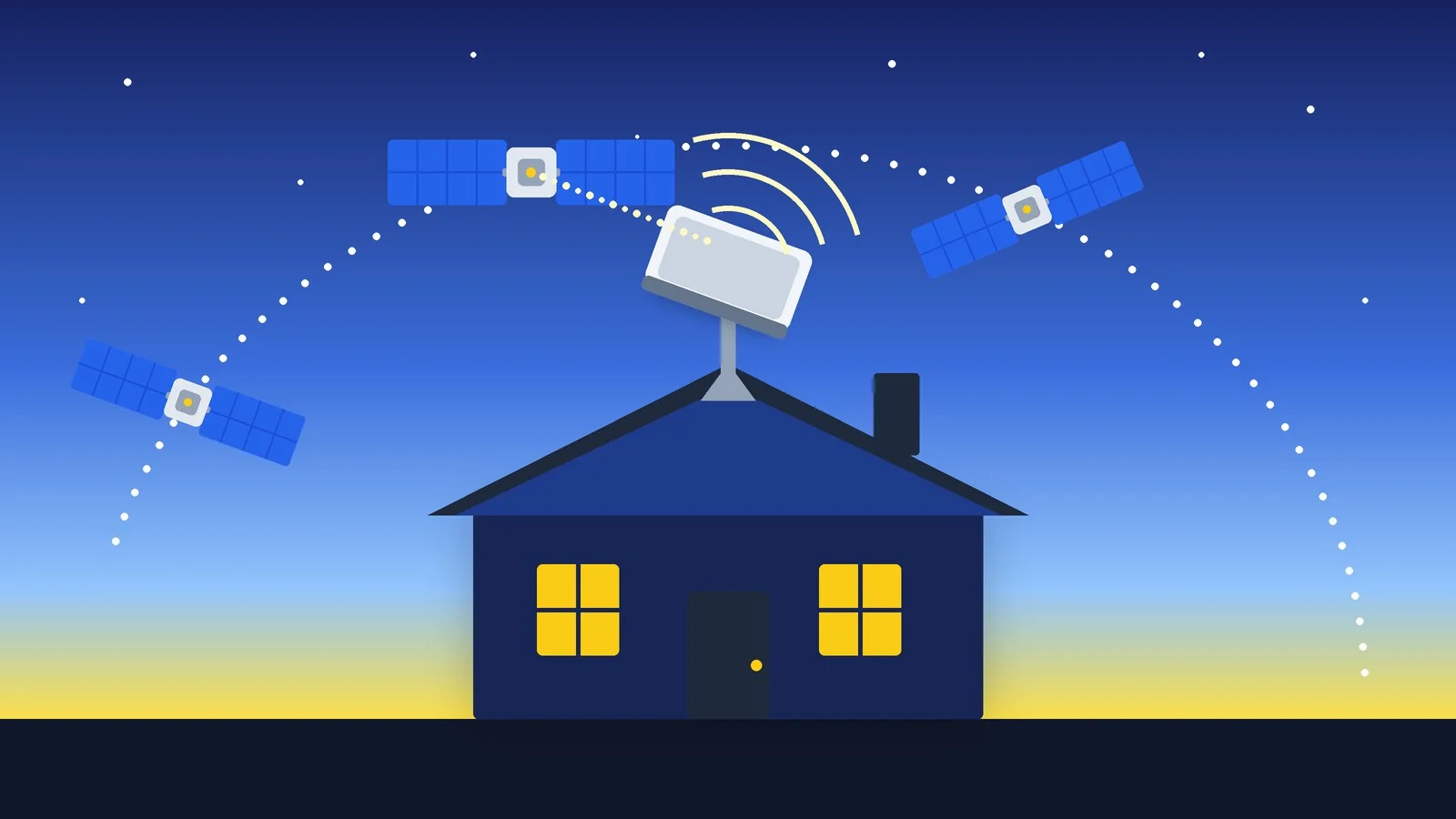
To connect Starlink in Ukraine, order a kit at starlink.com/ua, and once it arrives, register the terminal on the “whitelist”: unregistered terminals are blocked in the country. On the Ukraine site, plans start at $30 a month (“Home Lite”) and $80 a month (“Home”); prices are as of October 15, 2026.
Below you’ll find how much Starlink costs, which kit to choose, how to order, install, and activate the terminal, how to complete the mandatory registration under the 2026 rules, and how much electricity it uses during power outages. The information comes from the starlink.com pages for Ukraine and the official pages of the Ministry of Defense, Diia, and the Ministry of Digital Transformation; checked on October 15, 2026. The Starlink site for Ukraine opens in Ukrainian, so the names of buttons and menu items below are given in English translation.
How much Starlink costs in Ukraine
| Plan on the site | Monthly price | Download speed | Things to consider |
|---|---|---|---|
| Home Lite | from $30 | up to 200 Mbps | Not available in all regions; slower at peak times |
| Home | from $80 | up to 400+ Mbps | Faster than Lite |
| Roam | from $55 | — | For travel and a different address |
Prices on the site are in U.S. dollars. According to Starlink’s help, prices depend on the market, currency, and taxes, and the set of plans depends on your address: if the plan you want isn’t listed at checkout, it isn’t available to you right now. All Home plans include unlimited data, and you can change your plan at any time.
We couldn’t find the price of the kit (dish, router, and cable) on the open starlink.com/ua pages: it’s shown in the order form. Old figures from 2022–2023 news reports shouldn’t be used, since both plans and terms have changed since then. On the site’s store as of October 15, 2026, accessory prices were listed: third-generation router, $145; Router Mini, $60; 45 m Starlink cable, $165.
Starlink’s homepage promises 30 days to test the service: if the terminal doesn’t suit you, you can get a full refund.
Which kit to choose
The starlink.com/ua store lists Starlink V5, Mini, Standard 4, and Standard 4X in its consumer section. Check the order form to see which of them are available to you. The main differences, according to Starlink’s specifications:
| Kit | Wi-Fi | Antenna, kg | Power draw, W |
|---|---|---|---|
| Mini | Built-in, Wi-Fi 5 | 1.10 | 20–40 |
| V5 | Router Mini | 1.1 | 35–50 |
| Standard 4 | Router Mini, Wi-Fi 6 | 2.9 | 75–100 |
| Standard 4X | Router 3, Wi-Fi 6 | 2.9 | 75–100 |
Router Mini covers up to 204 m², Router 3 up to 297 m² and up to 235 devices, and the built-in Wi-Fi in Mini covers up to 112 m² and up to 128 devices. Standard and Mini are rated for temperatures from −30 to +50 °C and have IP67 protection; Standard melts snow at up to 40 mm per hour, and Mini at up to 25 mm per hour.
According to the site, Starlink Mini is a compact portable kit that fits in a backpack, with a built-in router and a DC power supply; its maximum download speed is over 200 Mbps.
How to connect Starlink in Ukraine
The process goes like this: check the address, order the kit, install the dish, register the terminal, and activate the service.
Check coverage
Open starlink.com/ua or the availability map at starlink.com/ua/map, and enter the installation address in the address field. On the map, areas are marked “Available” and “Coming soon.”
Result: You can see whether Starlink can be ordered at this address.
Choose a kit and plan
The site shows only the plans available for your address, account, and equipment; if the plan you want isn’t listed, it isn’t available right now. For a home, people usually choose “Home Lite” or “Home,” and for travel, Roam.
Result: The kit and plan are selected.
Place your order or deposit
If there’s no free capacity in your area, you can pay a deposit when you order and join the queue. Starlink doesn’t give a timeline: when your place in line comes up, you’ll get an email with the subject “Your Starlink is ready! Confirm your order in the next 7 days.” Confirm your order in your account within seven days, or the deposit will be canceled and fully refunded.
Result: The order is placed, or you're in the queue with a deposit.
Install the antenna
Find a spot with an open view of the sky; the obstruction check tool in the Starlink app for iOS and Android will help you pick one. Connect the power: within a few minutes, the terminal connects to the satellites. For Standard and Mini, use the alignment tool in the app. The UTID you’ll need for registration is in the app’s settings; to see it, connect to the terminal’s Wi-Fi.
Result: The terminal connects to the satellites.
Register the terminal
Submit the terminal’s details for verification (how to do this is in the next section). Once the terminal is added to the “whitelist,” it starts working; the Ministry of Defense gives a deadline of up to 48 hours.
Result: The terminal is added to the “whitelist.”
Activate the service
Go to starlink.com/setup or open the Starlink app, enter your Starlink ID, contact details, and service address, choose a plan, add a payment method, and click the place-order button. The country on the site must match the country of your account, or the kit may not activate. After the first power-up, the terminal may download an update automatically overnight.
Result: The service is active; billing happens every 30 days.
Mandatory terminal registration
Since February 2026, only verified Starlink terminals work in Ukraine. The Cabinet of Ministers adopted a resolution on a “whitelist,” which the Ministry of Defense is introducing together with SpaceX; all other terminals are blocked. According to the government, the reason is the use of Starlink on Russian drones. Verification is required even for terminals you haven’t switched on yet, and verified terminals work only in a stationary position or at low speed while moving.
What you’ll need: the KIT number, the kit’s serial number, found on the box or on the terminal’s sticker; the UTID, the terminal’s ID in the Starlink app’s settings; the Dish ID, if you have one (it’s on the body of newer terminals); and your account number on starlink.com/ua.
| Who | Where to file | How |
|---|---|---|
| Individual or sole proprietor (FOP) | ASC (CNAP), Nova Poshta, Ukrposhta | In person, with the terminal |
| Foreign national with a residence permit | ASC (CNAP) | In person, with the residence permit |
| Legal entity | Diia portal | Online, with a qualified electronic signature |
| Military service member | DELTA system | Through the responsible officer in the unit |
- Price and timing. Registration is free. The Ministry of Defense gives a deadline of up to 48 hours, and Diia says up to two days. At the ASC (CNAP), bring your passport or ID card and your RNOKPP tax number.
- How many terminals. According to the Ministry of Digital Transformation, one person can register up to three terminals. A legal entity can register up to 10 terminals, and critical infrastructure businesses have no limit. Applications on the Diia portal are submitted by a legal entity that has been listed in the Unified State Register (EDR) for more than a year (this doesn’t apply to critical infrastructure businesses).
- Queues. Because of strikes on the power grid, ASC (CNAP) offices are running on backup power sources. The Ministry of Defense recommends checking the schedule in advance and booking a spot in the electronic queue.
- Late to register. A blocked terminal can be submitted for verification later; once it’s added to the list, it starts working.
- Sold or lost. Individuals remove the terminal from the register through ASC (CNAP); after that, they can register another one.
How much electricity Starlink uses
According to Starlink’s help, Standard 4 and Standard 4X use 75–100 W on average (20 W when idle), while Mini uses 20–40 W (15 W when idle). For Starlink V5, the specification lists 35–50 W. Consumption depends on temperature, location, and the terminal’s operating mode.
To estimate how the kit will run during a power outage, divide the power station’s capacity in watt-hours by the power draw in watts. For example, a 500 Wh station will run a Mini at 40 W for no more than 12.5 hours, and a Standard at 100 W for no more than 5 hours; conversion losses will make it shorter.
Mini accepts 12–48 V DC input at 60 W; when powered via USB-C, Starlink requires a 100 W power source (20 V, 5 A), and Mini won’t work with a source below 65 W. The Standard power supply is rated for 100–240 V AC, so it needs an outlet or an inverter. We wrote about choosing a power source in our roundup of the best portable power stations for home, and about backup mobile service with eSIM in a separate guide.
Sources and methodology
Analysis of public sourcesChecked 15 October 2026
- Starlink — Ukraine page: plans and prices starlink.com
- Starlink — help: how much electricity Starlink uses starlink.com
- Starlink — kit technical specifications starlink.com
- Diia — update to Starlink verification rules (13.07.2026) diia.gov.ua
- Ministry of Defense of Ukraine — answers to frequently asked questions about Starlink verification mod.gov.ua
Frequently asked questions
How much does Starlink cost in Ukraine?
As of October 15, 2026, on starlink.com/ua, Home Lite costs from $30 a month, Home from $80, and Roam from $55. The site shows the kit price in the order form.
Do I need to register Starlink in Ukraine?
Yes. Only terminals on the “whitelist” work in the country; the rest are blocked. Verification is free and required even for a new terminal you haven’t switched on yet.
Where can an individual register Starlink?
At ASC (CNAP), as well as at Nova Poshta and Ukrposhta branches. Prepare the KIT number and UTID, and bring the terminal to show. Legal entities submit an application online through the Diia portal.
Does Starlink work during a power outage?
Only if the terminal and router are powered from a backup source. Mini uses 20–40 W on average, and Standard 4 and 4X use 75–100 W, so it’s best to calculate the capacity of your power source in advance.
Can I use Starlink while traveling?
For travel, Starlink offers the Roam plan. In Ukraine, verified terminals work only in a stationary position or at low speed while moving, and Home isn’t designed for use on the road.




Leave a Reply