
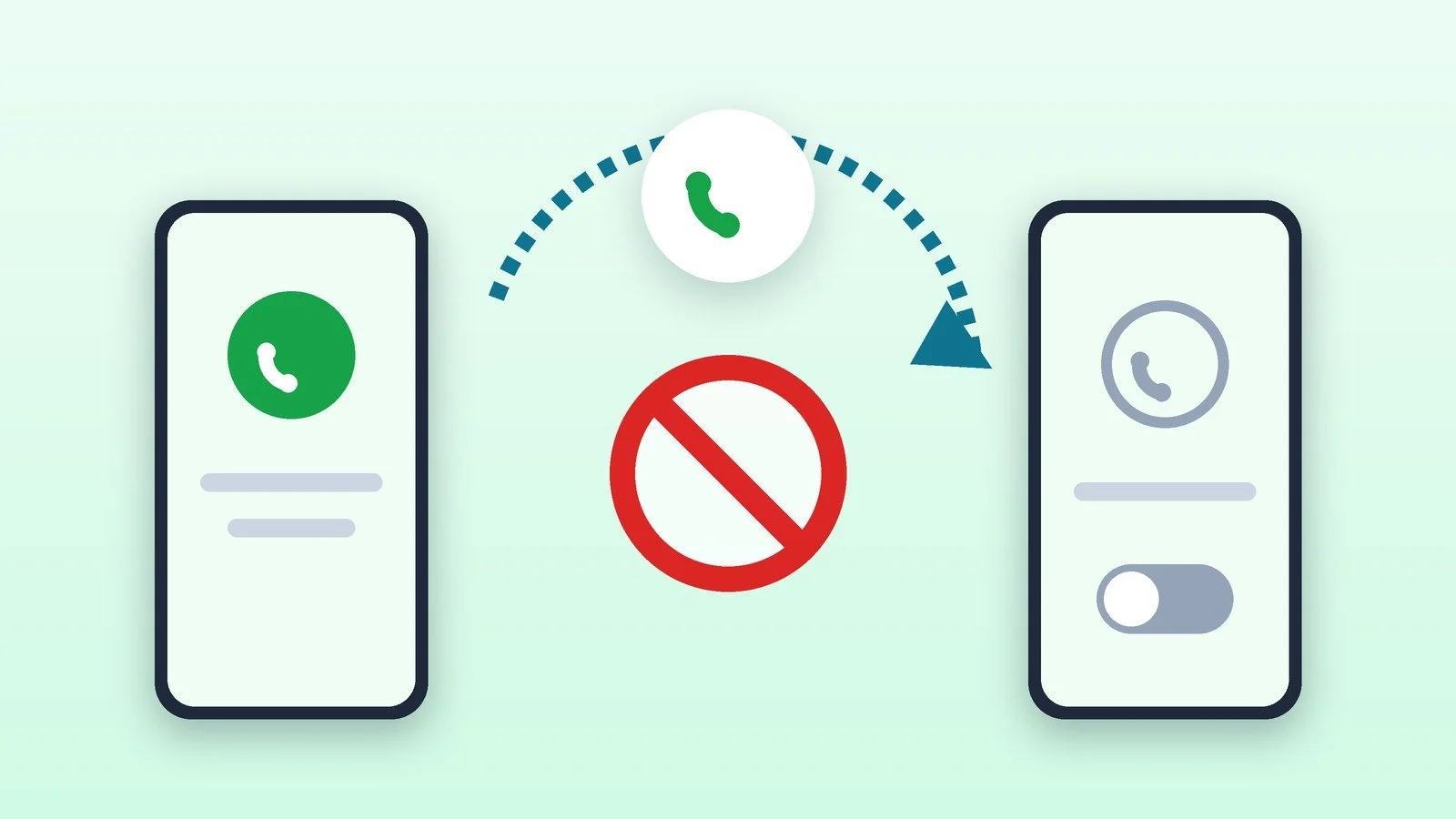
To turn off call forwarding, dial ##002# on your phone and press the call button: this code cancels all types of forwarding on the number. Kyivstar, Vodafone and lifecell describe it on their pages. If you only need to turn off one type, use the code for that type: ##21# (unconditional forwarding of all calls), ##61#, ##62# or ##67#.
Below you will find what ##21# and the other codes mean, how to turn off forwarding in iPhone and Samsung settings, and what to do if you never turned forwarding on. The codes and menu items were checked against the Kyivstar, Vodafone and lifecell operator pages and the Apple and Samsung help pages as of October 18, 2026. Dial the codes the same way you dial a phone number, then press the call button.
What ##21# and the other forwarding codes mean
Kyivstar provides the most detailed table. The asterisk turns forwarding on, the hash sign turns it off, and two hash signs cancel it. In the last case, the number the calls were going to is also removed from the system.
| Type of forwarding | Check | Turn off (number is kept) | Cancel (number is deleted) |
|---|---|---|---|
| Unconditional: all calls, even when the phone is off | *#21# | #21# | ##21# |
| No answer | *#61# | #61# | ##61# |
| Number unreachable (phone off or out of network) | *#62# | #62# | ##62# |
| Line busy | *#67# | #67# | ##67# |
| All conditional forwarding | ##004# | ||
| All forwarding | ##002# |
So ##21# means “cancel unconditional forwarding” and delete the number the calls were going to. The ##002# code cancels all forwarding types at once. If you may want to restore forwarding to the same number later, use “Turn off” (#21#) rather than “Cancel”: in the first case, Kyivstar keeps the number in the system.
Check whether forwarding is on
Don’t change anything until you have checked. Dial the codes from the table and press call: the operator will show the status of the service.
- Unconditional: *#21#.
- Conditional: *#61# (no answer), *#62# (unreachable), *#67# (busy).
- iPhone: Settings → Apps → Phone → Call Forwarding. If the switch is green, forwarding is on and you can see the number calls are forwarded to. If there is no such item, call forwarding is not available on your iPhone: contact your operator.
Result: You know which forwarding is on and which number it goes to.
Cancel forwarding with a code
The fastest way is one code. Open the Phone app, enter the code and press the call button:
##002#It cancels all forwarding types. To turn off only conditional forwarding (no answer, unreachable, busy), use ##004#. For a single type, enter ##21#, ##61#, ##62# or ##67#.
Result: All forwarding types on your number are canceled.
Turn off forwarding in your phone’s settings
- iPhone: Settings → Apps → Phone → Call Forwarding, and turn off the Call Forwarding switch. While forwarding is on, its icon appears in the status bar. When forwarding is turned off, the number the calls were going to is not notified. If your iPhone has two SIM cards, first select the right one in the SIM cards section.
- Samsung Galaxy: open the Phone app, tap the menu with three dots → Settings → Supplementary services → Call forwarding, select the SIM card and call type, and turn forwarding off. In its help article on incoming calls that don’t come through, Samsung also asks you to make sure call forwarding is turned off.
- Pixel and other Android phones: Google does not describe a single path in its help. Kyivstar’s help notes that the phone menu items are called “Call forwarding” or “Redirection”: choose the forwarding type and turn it off. Conditional forwarding is provided by the operator, as Google’s help for the “Record a message” feature states, so the ##002# code is more reliable.
Result: Forwarding is turned off on the phone itself.
Turn off forwarding through your operator
- lifecell: in the “My lifecell” account, uncheck the forwarding type you need, or press “TURN OFF ALL.” If the code did not help, contact support: 5433 from a lifecell number or 0 800 20 5433.
- Kyivstar: use the codes from the table above (the service is free). Support: 466 from a Kyivstar mobile or 0 800 300 466 from other networks; there is also a chat in the “My Kyivstar” app.
- Vodafone: the ##002# code or the code table; support — 111 or 0 800 400 111 (free).
Result: Forwarding is also turned off in the operator’s account.
Check that forwarding is turned off
Dial *#21# again (and the conditional *#61#, *#62#, *#67#). To test it, ask a friend to call you when you don’t answer, are on another call or your phone is off: the call should stay on your number. On iPhone, check the status in Settings → Apps → Phone → Call Forwarding: the switch should be off.
Result: Calls are coming to your phone again.
If it didn’t work
- The ##002# code did not work. Make sure you dial it in the Phone app like a regular number and press call, and that your phone is within network coverage. Try the code for the specific type (##21# and the others). If that doesn’t help, contact your operator’s support.
- There is no forwarding in the phone menu. On iPhone this means the feature is not available from your operator or network (CDMA): Apple advises contacting your operator. Use the code instead.
- Calls keep going to someone else’s number. Forwarding may have been turned on by someone else’s command or link. Cancel it with ##002#, check the status with *#21#, *#61#, *#62#, *#67#, and contact your operator’s support. If your phone is lost or stolen, follow the plan in what to do if your phone is stolen. For signs of surveillance, read how to tell that your phone is being tapped.
- Forwarding works in Ukraine but not abroad. Kyivstar says the service does not work while roaming; other operators may charge more for it. For more on settings while traveling, see our article on eSIM with Ukrainian operators.
- You need forwarding to another number, not turned off. On iPhone, turn it on in Settings → Apps → Phone → Call Forwarding → Forward To, and enter the number. For conditional forwarding, Apple advises contacting your operator.
Sources and methodology
Analysis of public sourcesChecked 18 October 2026
- Kyivstar — Call forwarding (code table) kyivstar.ua
- Vodafone Ukraine — Roaming: how to avoid unexpected charges vodafone.ua
- lifecell — Roaming: call forwarding roaming.lifecell.ua
- Apple — Set up call forwarding on iPhone support.apple.com
- Samsung — What to do if incoming calls do not come through on Samsung Galaxy samsung.com
Frequently asked questions
What does ##21# mean?
It is a GSM network code that cancels unconditional forwarding of all incoming calls and removes from the system the number they were going to. Kyivstar labels it “Cancel” and #21# “Turn off,” which keeps the number. You can check the status with *#21#.
How do I turn off all forwarding with one code?
Dial ##002# and press call. Kyivstar and lifecell describe this code as canceling all forwarding types; Vodafone describes it as turning off all previously set unconditional and conditional forwarding.
How can I tell whether forwarding is on my phone?
Dial *#21#, *#61#, *#62# and *#67#: the operator will show the status of each type. On iPhone, check Settings → Apps → Phone → Call Forwarding: a green switch means it is on, and the recipient’s number is visible.
Does call forwarding cost money?
Kyivstar does not charge for the service, and forwarded calls are billed as regular calls at your tariff. While roaming, as lifecell warns, a forwarded call can cost as much as two roaming calls.
Can someone turn on forwarding without my knowledge?
Apple warns about scammers who send links asking you to turn on call forwarding, and iPhone blocks such links. Do not dial codes from messages sent by strangers, and check the status with *#21#, *#61#, *#62#, *#67#.

Leave a Reply