
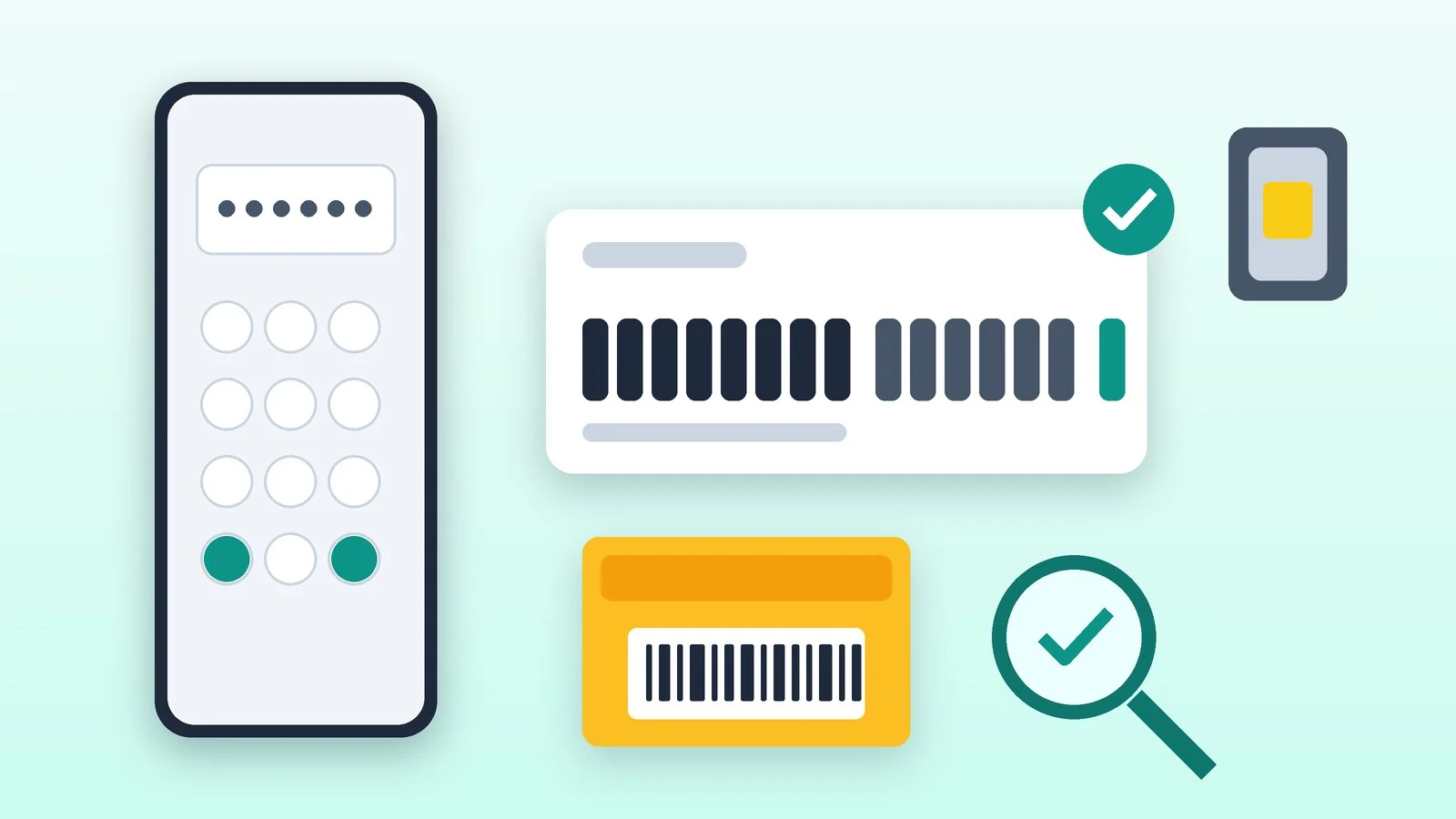
To check a phone’s IMEI, dial *#06# in the Phone app: 15 digits will appear on the screen. Compare them with Settings and the sticker on the box, then check the number in official services. Below is what each one confirms and what it doesn’t.
These instructions are written for iPhone, Google Pixel and Samsung Galaxy; on other Android phones, menu items are named slightly differently. The details were checked against the help pages of Apple, Google and Samsung and the State Customs Service of Ukraine’s page as of October 14, 2026. All steps take a few minutes.
Dial *#06# in the Phone app
Open the Phone app, just as you would to make a call, and enter the code. You usually don’t need to press the call button: the window with the number appears on its own.
*#06#Both Samsung and the State Customs Service of Ukraine describe this method. On some models, a serial number is shown next to the IMEI. If the phone has two SIM cards, or a SIM and an eSIM, there will be two numbers: check each one.
Result: A 15-digit IMEI appeared on the screen; a phone with two SIM cards shows two numbers.
Find the IMEI in Settings
This is the backup route if the code doesn’t work, and the main one on iPhone. Menu paths:
- iPhone: Settings → General → About. The serial number, EID and IMEI are in this list, possibly further down: scroll the screen. To copy a number, touch and hold it.
- Google Pixel: Settings → About phone → the IMEI line. On a Pixel with a SIM and an eSIM, the second IMEI is shown in the same section after you turn on the two-active-SIMs mode.
- Samsung Galaxy: Settings → About phone. On some models, the IMEI and serial number are in the “Status” section.
If the iPhone isn’t set up yet, turn it on by holding the side button until the Apple logo appears. On the welcome screen, tap the info icon in the bottom-right corner: the identifiers will appear there.
Result: The number in Settings matches the one the code showed.
Compare the number with the box and the body
On an original iPhone box, the barcode lists the serial number, EID and IMEI/MEID. Samsung boxes have a sticker with the model, IMEI and serial number; the text is small, so you may need to zoom in.
On iPhone 6s through iPhone 13 (including the second- and third-generation SE), the IMEI is engraved on the SIM tray. iPhone 14 and newer have no IMEI engraving. If the number on the box doesn’t match the number in the phone, stop: it is either a box from another device or a reason to doubt the phone itself.
Result: The IMEI in Settings, on the box and on the phone body match.
Make sure the number looks genuine
An IMEI is 15 decimal digits: the first 8 (the TAC) identify the model and origin, and the last one is a check digit, calculated with the Luhn algorithm from the other fourteen. This way you can catch a typo or a crude fake:
- Write down the 15 digits. Starting from the second digit from the right, double every second digit; if the result is greater than 9, subtract 9.
- Add up all 15 digits. In a genuine number, the sum is divisible by 10 with no remainder.
An example with a hypothetical number, 490154203237518: the doubled digits (2, 5, 4, 0, 8, 2, 9) plus the rest give 60, and 60 is divisible by 10. In a number with a different last digit, the sum would no longer divide evenly.
Result: You’ve confirmed the number has 15 digits and passes the check-digit test.
Check the IMEI in official services
We found no single official service that would confirm that a phone is genuine, legally imported and not stolen. There are two that confirm individual facts, and both come with caveats.
| Service | What it checks | What it doesn’t check |
|---|---|---|
| Samsung: IMEI check for Galaxy | A form for Samsung smartphones and tablets: requires the IMEI, an email address and a country (Ukraine or Moldova); up to five checks per day | Authenticity: Samsung warns that a successful check does not guarantee it |
| State Customs Service: IMEI check | Whether the IMEI is in the customs clearance data for phones cleared since September 4, 2026 | Authenticity, warranty, operator blocking, and whether it is on a stolen-phone list |
To check a phone on the customs site, enter the IMEI in the field and click the search button. If the number is not in the database, that does not mean the phone was imported illegally: the service only covers clearances from September 4, 2026, so earlier ones are not visible there.
The warranty check at checkcoverage.apple.com takes an iPhone’s serial number, not the IMEI. The serial number is in the same About list.
Result: You see what official services confirm and what they don’t.
Make sure the phone isn’t tied to someone else’s account
For a used phone, this check matters more than any IMEI check: a phone tied to someone else’s account is useless, even if the number is fine.
- iPhone. According to Apple’s support article, turn on and unlock the phone. If it asks for a passcode, the data hasn’t been erased: have the seller erase it in front of you. Start the setup: if the phone asks for the previous owner’s Apple Account, it is still linked, and you shouldn’t buy it until the seller enters the password or removes the device from the account in a browser. The phone is ready once the welcome screen appears.
- Android. After a reset, the phone may ask for the Google account that was on it before (FRP protection). Samsung says that without the previous account’s password, a service center will unlock the device only with proof of purchase: a receipt, a warranty card or a credit agreement. Ask the seller to sign out of the Google account and reset the phone in front of you.
Result: After a reset, the phone doesn’t ask for the previous owner’s details.
IMEI, serial number and EID: what’s the difference
| Number | What it identifies | When you need it |
|---|---|---|
| IMEI | The phone as a device, not the owner or the SIM card | Connecting to a network, operator blocking, warranty |
| Serial number | A specific unit from the manufacturer | Warranty and service; Apple uses it to check warranty coverage |
| EID | The eSIM in the phone | Setting up an eSIM: the operator may ask for the IMEI or EID |
We wrote separately about connecting an eSIM with Ukrainian operators: how to get an eSIM in Ukraine.
Can you tell from the IMEI whether a phone is stolen?
Not directly. According to Samsung’s support page, an operator can block the IMEI of a stolen phone: the device stops making calls, sending messages and using the internet, even with a different SIM card. The operator adds the IMEI to its equipment register and sometimes to a shared database that other operators use. Whether such a block applies on your network is best confirmed with your operator.
For phones in Ukraine, we found no public official service that shows whether an IMEI is reported as stolen: the State Customs Service’s tool does not do this check. Third-party “IMEI check” sites are commercial rather than government: as a rule, only a basic check is free, while a detailed report is paid. Treat their answer as a hint, not as proof. Besides, the IMEI is designed to be hard to change, but special tools can spoof it, so a “clean” result doesn’t guarantee a “clean” phone.
If your phone was stolen or lost
The IMEI is needed to report a loss to the operator and the police, so Ukraine’s State Special Communications Service advises writing it down in a safe place in advance. First, block the phone and the SIM card: we covered this separately in a step-by-step plan for Android and iPhone. You can’t find a phone by its IMEI yourself: Google and Apple locate devices through the account.
If it didn’t work
- The *#06# code didn’t show the number — make sure you enter it in the Phone app on the dialer screen, not in Contacts or the search bar. If that doesn’t help, open Settings or check the box.
- The number in the phone doesn’t match the box — don’t use the box as proof, and don’t buy the phone until the seller explains the discrepancy with the documents.
- The IMEI isn’t found on the customs site — the phone may have been cleared before September 4, 2026; the service can’t see that. That’s no reason to accuse the seller, but it is a reason to ask for documents.
- The phone won’t turn on — you can find the IMEI on the box, in your Apple Account (the Devices section at account.apple.com), or in Google’s device-finding service: select the phone and tap the info icon.
- Two IMEI numbers — this is normal for a phone with two SIM cards or a SIM and an eSIM. Check both.
Sources and methodology
Analysis of public sourcesChecked 14 October 2026
- Apple — How to find the serial number, EID or IMEI on iPhone support.apple.com
- Apple — Activation Lock for iPhone and iPad support.apple.com
- Google — IMEI and EID on a Pixel phone support.google.com
- Samsung Ukraine — IMEI check for Samsung Galaxy samsung.com
- State Customs Service of Ukraine — Check a phone’s customs clearance by IMEI customs.gov.ua
Frequently asked questions
How many digits are in an IMEI?
Fifteen, the last one being the check digit. There is also a 16-digit IMEISV, which has two software-version digits in place of the check digit.
Can you find a phone by its IMEI?
Not on your own: Google and Apple find a device through the account, not by its IMEI. The operator and the police need the IMEI, so it is included in a report of a lost or stolen phone.
Which IMEI should you check if the phone has two SIM cards?
Both. The State Customs Service of Ukraine explicitly advises checking every number if a phone has several IMEIs, and an operator may ask for the second one when you set up an eSIM.
What does it mean if the IMEI isn’t in the State Customs Service database?
Only that it isn’t among the clearances made since September 4, 2026. The phone may have been imported earlier, so the service proves neither that it is legal nor that it is not.
How do you find the IMEI if the phone won’t turn on?
Check the box, the SIM tray on an iPhone from the 6s through the 13, or your Apple Account (account.apple.com → Devices). For Android, use Google’s device-finding service: select the phone and tap the info icon.

Leave a Reply