
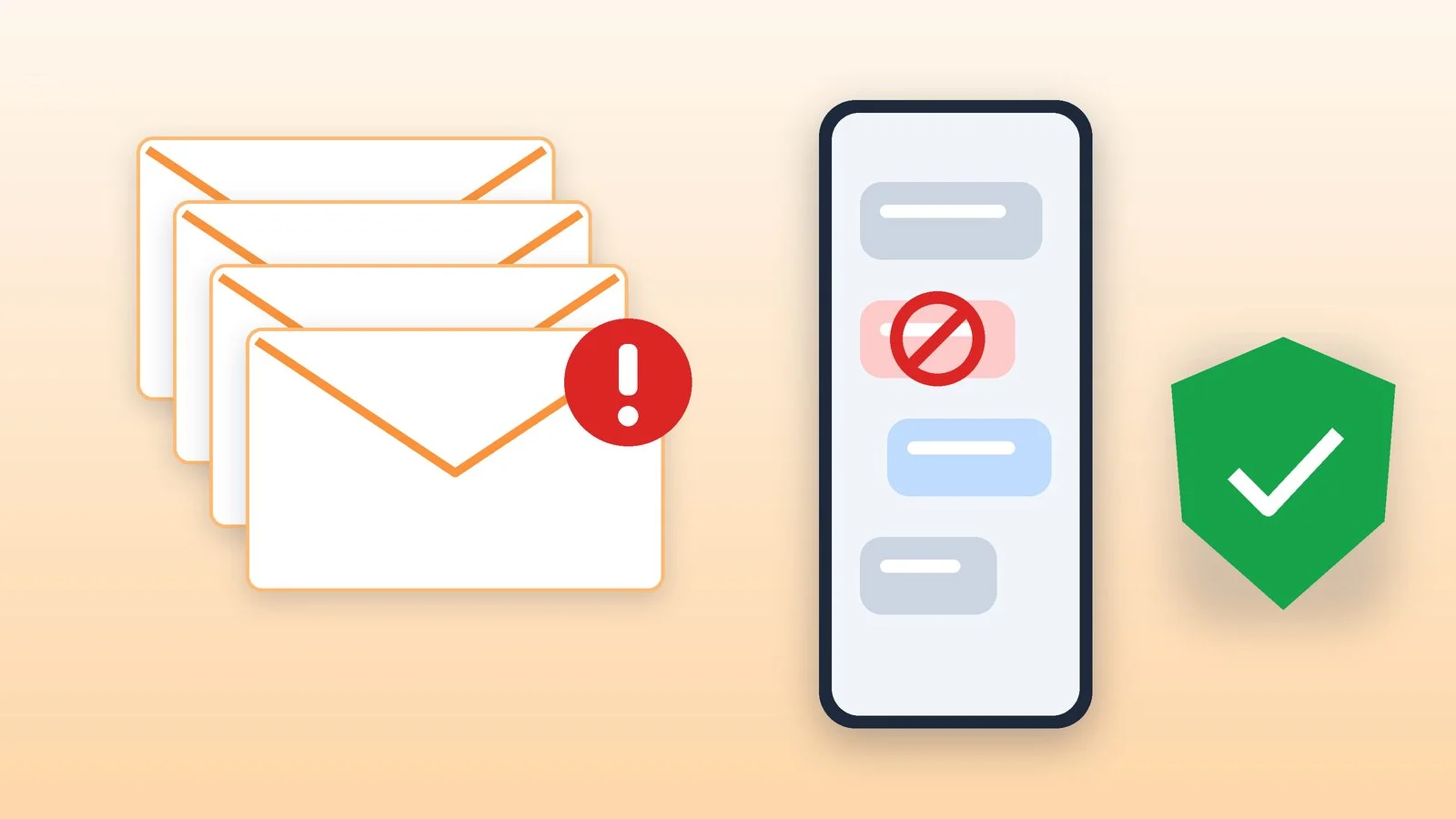
Spam is bulk messages that arrive without your consent: advertising and scam emails, SMS, calls and messenger messages. In Ukraine, the Law “On Electronic Communications” explicitly prohibits intentional mass mailings without the recipient’s consent. You protect yourself from spam with email and phone filters, by blocking senders, by reporting, and with a simple rule: do not follow links or share codes from unfamiliar messages.
Below: what counts as spam under the law, what forms it takes and why it is dangerous, plus specific settings for Gmail, iPhone and Android, carrier services and reporting in Telegram. Menu item names are taken from Google and Apple help pages as of October 21, 2026.
What spam is under the law
Ukraine’s Law “On Electronic Communications” (No. 1089-IX) gives a precise definition: spam is electronic, text or multimedia messages sent to a user repeatedly, meaning more than five messages to one subscriber, to their email or device without the user’s prior consent. The exceptions are messages from a communications provider about its own services and messages from state authorities and local governments on matters within their remit.
Article 120 of the same law prohibits intentional mass mailings without the recipients’ consent. Advertising sent to a phone number that a company obtained when selling a product or service is allowed only with the person’s consent and only if they can opt out of it free of charge, at any time and in a simple way. Personal messages that are not sent in bulk and not for profit are not considered spam.
The word itself comes from English: SPAM is a brand of canned meat from the American company Hormel, and intrusive advertising came to be called “spam” after a sketch by the British comedy group Monty Python in which the word is repeated endlessly in a café.
Types of spam and why it is dangerous
Most spam is just advertising, but the same stream also brings emails and messages that try to trick you out of a password, codes or money. Such attacks are called phishing: Apple defines it as fraudulent attempts to obtain your personal information.
| Channel | What it looks like | Why it is dangerous |
|---|---|---|
| Mailings, emails from “well-known” companies, empty emails | Phishing, spoofed address, checking whether your mailbox is active | |
| SMS | “You’ve won a prize,” a link “to an app” | Malware, premium short numbers |
| Calls | “Support service,” “a loved one is in trouble” | Extracting money and personal data |
| Messengers | Messages from strangers, group invitations | Links, ads, scam offers |
| Calendar | Unsolicited invitations and subscriptions | Phishing disguised as an event |
A few warning signs from official help pages. Gmail warns about emails from an address that looks like that of a well-known sender, for example with a zero instead of the letter “O,” and explains that spammers send empty emails to check whether an address exists. Kyivstar describes SMS about winning a promotion that does not exist and messages from “acquaintances” with a link to an app or video, after which the phone may start sending requests to short numbers and charging money.
How to protect yourself from spam: the main rules
- Do not follow links or open attachments from suspicious and unwanted messages. Both Apple and Kyivstar give this advice.
- Never share passwords or verification codes with anyone, and do not enter them on pages someone sent you to. Google says it never asks for personal information by email.
- Verify through an official channel. Got a message about a “prize” from your carrier? Call its support line (for Kyivstar, 0 800 300 466). Someone calls from “support”? Hang up and contact the company yourself.
- Do not reply to empty or strange emails: a reply confirms to the spammer that the address is active.
- Protect your accounts: turn on two-factor authentication and do not use the same password for several accounts — Kyivstar names this rule separately. Password managers help you keep different passwords.
- Unsubscribe from mailings you signed up for yourself, and block unknown senders. Under the law, you can opt out of advertising free of charge and at any time.
Email spam: Gmail and iCloud
According to Google, Gmail blocks more than 99.9% of spam, phishing and malware, but some still reaches the Inbox. Here is what to do with such emails in Gmail on the web on a computer:
- Report it. Select the emails and click “Report spam” at the top. The email moves to the Spam folder, and Google receives a copy of it to improve its filters.
- Block the sender. Open the email, and at the top right, next to “Reply,” click “More” → “Block sender.” All their emails will go to Spam. The list of blocked addresses is in “Settings” → “See all settings” → “Filters and Blocked Addresses.”
- Unsubscribe. For mailings you signed up for, click “Unsubscribe.”
- Recover an email you need. In the Spam folder, select it and click “Not spam.” If you add the sender to Google Contacts, Gmail will stop moving their emails to Spam.
In iCloud Mail, spam is handled the same way — by marking the message as junk or moving it to the Junk folder. Apple asks you to forward suspicious emails sent in its name to reportphishing@apple.com, and emails with threats or harassment received in iCloud to abuse@icloud.com.
Spam calls and SMS on iPhone
Calls. Open Settings → Apps → Phone. Under “Screen Unknown Callers,” you can choose “Ask Reason for Calling” — then an unknown caller first gives their name and the reason for the call — or “Silence,” so such calls go to voicemail. In the same place, you can turn on “Unknown Callers” (their calls are moved to a separate list) and “Spam,” which silences calls your carrier has identified as potential spam or fraud; this works only if your carrier provides that information. To block a specific number, use the Phone app: “Contacts” → the contact → “Block Contact.”
Messages. In Messages, tap the menu icon above the conversation list → “Manage Filtering” and turn on “Filter Unknown Senders”: their messages will go to a separate folder without notifications. To report a message, swipe left on it and choose “Delete and Report Junk,” or tap the “Report Junk” link below it.
Spam calls and SMS on Android
Below are the steps for Google’s Phone and Messages apps, which come on Pixel and many other smartphones. Samsung and other manufacturers have their own apps that work differently.
- Spam call protection. In the Phone app, tap “More” → “Settings” → “Caller ID & spam.” “See caller and spam ID” is on by default; you can also turn on “Filter spam calls” — then you will not get notifications about such calls, but they will stay in the call log.
- Reporting a call. Select the call in the log and tap “Block” or “Report spam.” If a number you know was flagged by mistake, open “Recents,” select the call and tap “Not spam.”
- SMS spam. In Google Messages, touch and hold the chat, then tap “Block” → “Report spam” → OK. The chat moves to the “Spam & blocked” folder, the sender is blocked and will not find out about the report. Google receives the spammer’s number and their last 10 messages.
What carriers offer
- Vodafone Ukraine — the “Suspicious Number” service. It blocks incoming calls and SMS from numbers that, according to the carrier, have likely been used for scam calls or spam, and warns you if you call such a number yourself. It costs UAH 0.50 a day on prepaid and UAH 15 a month on contract plans (as of October 21, 2026). To activate it, dial
*207*1#or use My Vodafone; to deactivate,*207*0#; to check the status,*207*2#. If a number is blocked by mistake, the carrier asks you to call 111. - Kyivstar. To turn off informational and advertising messages from Kyivstar itself, write to its support chat. For unwanted messages from other companies, Kyivstar advises using the contacts in the message or the sender’s website, and checking suspicious offers at 0 800 300 466.
- lifecell. We did not find a separate anti-spam service on the carrier’s official website. Use the filters and blocking on the phone itself.
Vodafone explains that suspicious numbers are identified by the carrier’s own algorithms and that it does not guarantee the service will work on partners’ networks when roaming. So the rules from the list above are needed in any case.
Spam in messengers
In Telegram, a chat with a stranger has a Report spam button. Under Telegram’s rules, such messages are reviewed by moderators, and if the report is confirmed, the sender’s account is temporarily restricted: it can message only people who have its number saved in their contacts and reply to those who wrote first. Telegram explicitly lists unsolicited advertising, links, and invitations to groups and channels as reasons to report. Other popular messengers have similar blocking and reporting features — look for them in the chat or profile menu.
If you have already clicked a link or shared a code
- You entered a password on a suspicious site. Change that account’s password right away and turn on two-factor authentication — this is what Apple advises for an Apple Account, and the same rule works for any service.
- You gave out card details or a code from a bank SMS. Call your bank immediately at the number on the back of the card and ask them to block it.
- You installed an app from a link in an SMS. Delete it and check your account for unfamiliar paid services; if you suspect charges, contact your carrier.
- You lost money or access to an account. Report the cyber incident on the cyber police website, cyberpolice.gov.ua.
Sources and methodology
Analysis of public sourcesChecked 21 October 2026
- Law of Ukraine “On Electronic Communications” No. 1089-IX (Articles 2, 120) zakon.rada.gov.ua
- Google — Report spam in Gmail support.google.com
- Apple — Screen and block calls on iPhone support.apple.com
- Apple — Report spam and block senders in Messages support.apple.com
- Vodafone Ukraine — Suspicious Number vodafone.ua
Frequently asked questions
What counts as spam under Ukrainian law?
Messages to an email address or device sent without prior consent more than five times to one subscriber. Messages from a carrier about its services and from authorities on matters within their remit are not considered spam.
Is it dangerous just to open spam?
The main danger lies in links, attachments and replies. Do not follow links, do not open files and do not reply: a reply to an empty email confirms to the spammer that the address exists.
What happens when I report spam?
In Gmail, a copy of the email goes to Google to improve the filters; in Google Messages, the sender’s number and their last 10 messages do. On iPhone, a report about an SMS may also be passed to the carrier. The sender does not find out about the report.
How do I unsubscribe from Kyivstar advertising SMS?
Kyivstar suggests writing to its support chat to turn off the carrier’s informational and advertising messages.
Can I get rid of spam completely?
No. A carrier service blocks only numbers that its algorithms consider suspicious, and reporting on iPhone does not stop the sender from writing again. Filters, blocking and caution with links together remove most spam.


Leave a Reply