
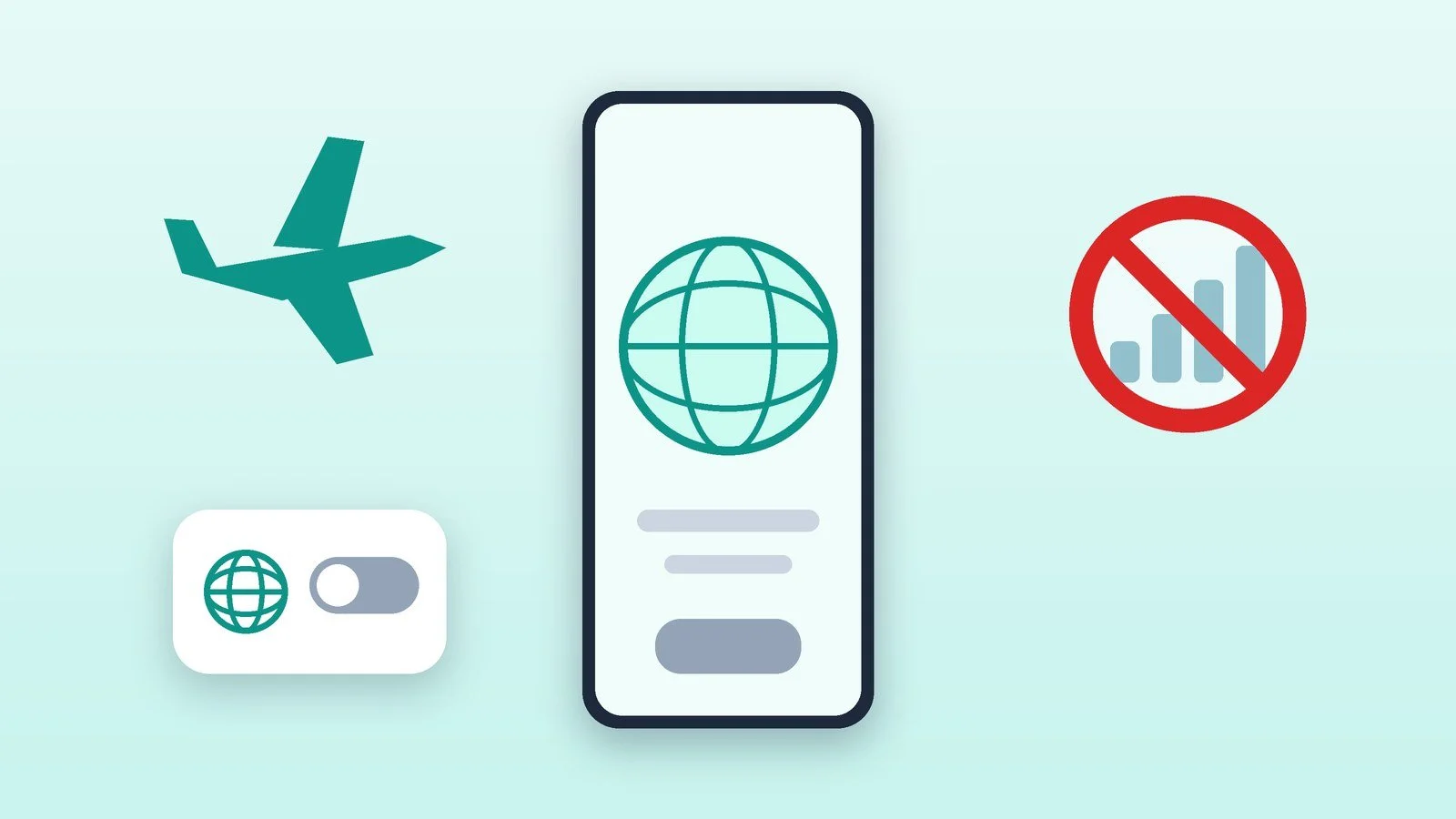
To turn off roaming on your phone, switch off “Data roaming”: on iPhone, this is Settings → Cellular → Cellular Data Options → Data Roaming; on Pixel, Settings → Network & internet → SIMs → Roaming; on Samsung, Settings → Connections → Mobile networks → Data roaming. You can also block internet roaming on the carrier’s side: Vodafone has the code *600*12# for this, Kyivstar offers blocking internet in countries with expensive roaming, and lifecell offers the “My lifecell” app or customer support.
Below are the steps for Android and iPhone and the ways to turn off roaming with the Ukrainian operators Kyivstar, Vodafone and lifecell. They were checked against the operators’ official pages and the Google, Apple and Samsung help pages as of October 18, 2026. Menu item names depend on the model and system version: if you cannot find the one you need, search for “Roaming” in the settings.
Turn off data roaming in the phone settings
This is the fastest and free method. Do it before leaving the country, before approaching the border, before a flight or a trip by water transport: lifecell and Vodafone recommend paying attention to this.
- iPhone: Settings → Cellular (or Cellular Data) → Cellular Data Options → Data Roaming — turn it off. If the iPhone has two SIM cards or an eSIM, first select the number you need, then open Cellular Data Options. When cellular data and roaming are off, the cellular icon does not appear in the status bar.
- Google Pixel: Settings → Network & internet → SIMs, select the card and find the “Roaming” setting: it allows or prohibits the phone from transmitting data over other operators’ networks. Names in your Android version may differ.
- Samsung Galaxy: Settings → Connections → Mobile networks → Data roaming. Samsung notes that if the switch is inactive, you should check whether “Mobile data” is turned on under Connections → Data usage.
- Other Android phones: Ukrainian operators describe the path as follows: Settings → Mobile network (or Connections) → Data transfer while roaming (on some phones, “Data roaming”) → turn it off.
Result: The phone does not transmit mobile data through other operators’ networks and in other countries.
Select the network manually and turn on airplane mode where needed
The problem is not only in the settings. Vodafone and lifecell warn that near the border or on board, the phone may automatically connect to a neighboring country’s network or to a maritime or aviation network with higher tariffs. In that case, selecting the operator manually helps.
- Android: Settings → Mobile network (or Connections) → Operator: turn off automatic network selection and choose your operator’s network. Vodafone describes the same path as “Network” → “Network selection.”
- iPhone: Settings → Cellular Data → Network Selection: turn off automatic selection and choose your network.
- On a plane and on a ferry: turn on “Airplane Mode” and use Wi-Fi only.
Result: The phone does not connect automatically to a foreign network near the border, on a plane or on a ferry.
Block internet roaming on the operator’s side
Phone settings can be turned back on by accident. A block on the operator’s side is more reliable. The data below is taken from the operators’ pages; apart from USSD codes, all of them have an app.
- Vodafone Ukraine: dial *600*12#, or in the My Vodafone app open “Services” → “Roaming” → “Ban on mobile internet in roaming” (the option’s label is in Ukrainian). To restore internet, dial *600*13#; check the status with *600*14#. The GigaRoaming, GigaRoaming Max, GigaRoaming Ultra, GigaRoaming America and Affordable Roaming services automatically lift the ban.
- Kyivstar: the “Blocking internet roaming for countries with high tariffs” service blocks internet in countries with especially high tariffs, as well as on sea and air transport. It is activated automatically. Check its status with *106*30*1#; to reconnect it, use “My Kyivstar” or *106*30#. Note: the code *106*30*0# turns the block off, meaning it restores internet. The service does not block internet in other countries or in Ukraine, so in the remaining countries, turn off roaming on the phone.
- lifecell: mobile internet in roaming can be turned off for free in the personal account on lifecell.ua, in the “My lifecell” app or by calling customer support at +38 063 543 3111. There is no separate USSD code for this on the operator’s page.
Result: The operator will not turn on internet roaming without your decision.
Stop background spending
Even with roaming turned off, it makes sense to restrict apps: operators remind that the phone may use internet for automatic updates, syncing and media downloads.
- Turn off automatic app updates and photo and video downloads in messengers.
- Turn off automatic photo and video uploads to cloud storage (lifecell names Google Photos, iCloud, OneDrive, Dropbox and lifebox).
- Turn off modem mode and internet sharing.
- On Android, restrict background data: Settings → Network & internet → Data usage, select the app and turn off “Background data.” On iPhone, open Cellular Data, select the app and turn off its access to mobile data, or turn on Low Data Mode.
Result: The phone does not spend mobile internet in the background.
Check the result
Make sure data roaming is off and mobile internet does not work. Open any web page in a browser: with data and roaming off, it will not load until you connect to Wi-Fi. Costs can be checked with the operator: at lifecell, the bill in Ukraine is shown by the code *111#, and the bill and roaming services by *108#.
Result: Roaming is off, and you can see it.
Where each setting is turned off
| Operator | How to block internet in roaming | How to restore it |
|---|---|---|
| Vodafone Ukraine | *600*12# or My Vodafone | *600*13# or turn off the ban in the app |
| Kyivstar | The block service is connected automatically (*106*30# connects it, *106*30*1# checks it) | *106*30*0# or “My Kyivstar” |
| lifecell | Personal account, “My lifecell,” +38 063 543 3111 | The same methods |
Roaming spending limits
Instead of a full ban, Kyivstar offers limiting spending: in “My Kyivstar” you can set a limit in gigabytes or hryvnias, and once it is reached, mobile internet is turned off. By default, limits of UAH 2,000 and UAH 4,000 per 4 weeks apply (the first can be turned off, the second is mandatory). Internet can be restored in the app or with the code *106*222#. At Vodafone, when 100 euros in roaming is reached, mobile internet is suspended; it can be restored with the code *600*17# or in My Vodafone, after connecting to Wi-Fi.
If it didn’t work
- Internet still works abroad or money is being charged. Check that the block with the operator is really connected (the status check code), background data and automatic updates are turned off, and the phone has not switched to a neighboring country’s network. At Vodafone, the ban is lifted automatically by the GigaRoaming and Affordable Roaming services.
- Internet has disappeared in Ukraine. If you have switched to another operator’s network (national roaming), turn on data roaming, otherwise the internet will not work there. Then turn automatic network selection back on.
- The “Data roaming” switch is inactive. On Samsung, check whether “Mobile data” is turned on. If the phone is a work device, the setting may be blocked by your organization.
- After *600*16*0#, the phone does not see the network. Vodafone writes that with roaming turned off, the SIM card cannot connect to a network: the service can be turned on through My Vodafone over Wi-Fi.
- You need operator help. Kyivstar: 466 from a Kyivstar mobile, or 0 800 300 466 (from Ukraine), +380674660466 from abroad. Vodafone: 111 or 0 800 400 111 in Ukraine, +380 500 400 111 from roaming. lifecell: 5433 or 0 800 20 5433; roaming support +38 063 543 3111.
If the phone is lost or stolen abroad, act first according to the Android and iPhone plan: what to do if your phone is stolen. And if you are going abroad for a long time and want local internet, see how to connect an eSIM in Ukraine: Kyivstar, Vodafone and lifecell.
Sources and methodology
Analysis of public sourcesChecked 18 October 2026
- Apple — About cellular data roaming settings for iPhone and iPad support.apple.com
- Google — How to connect to mobile networks on a Pixel phone support.google.com
- Kyivstar — Blocking internet roaming for countries with high tariffs kyivstar.ua
- Vodafone Ukraine — Roaming: frequently asked questions vodafone.ua
- lifecell — Roaming: how to avoid unexpected charges roaming.lifecell.ua
Frequently asked questions
What does turning off roaming on a phone mean?
Most often it means data roaming: Apple explains that it allows internet access over the cellular network where your operator’s network is unavailable. Turning it off lets you avoid paying for internet in roaming.
Can I turn off roaming with the operator so the phone does not spend money?
Yes. At Vodafone, the code *600*12# bans internet in roaming; at Kyivstar, there is a blocking service for countries with expensive roaming; at lifecell, internet in roaming is turned off in the personal account, in the app or through customer support by phone.
Why did the internet in Ukraine disappear after I turned off roaming?
Most likely, you switched to another operator’s network. Kyivstar writes that for internet on national roaming, you need to turn on “Data transfer while roaming” on Android or “Data roaming” on iPhone.
Does airplane mode work instead of turning off roaming?
It is needed on a plane and on a ferry: lifecell recommends turning on “Airplane Mode” so the phone does not connect to maritime and aviation networks with higher tariffs. In other cases, it is simpler to turn off data roaming.
What should I do if internet abroad runs over 4G?
Vodafone writes that with 4G internet in roaming, you cannot turn off data transmission, and advises switching the network type to 3G and then turning off data transmission.

Leave a Reply