
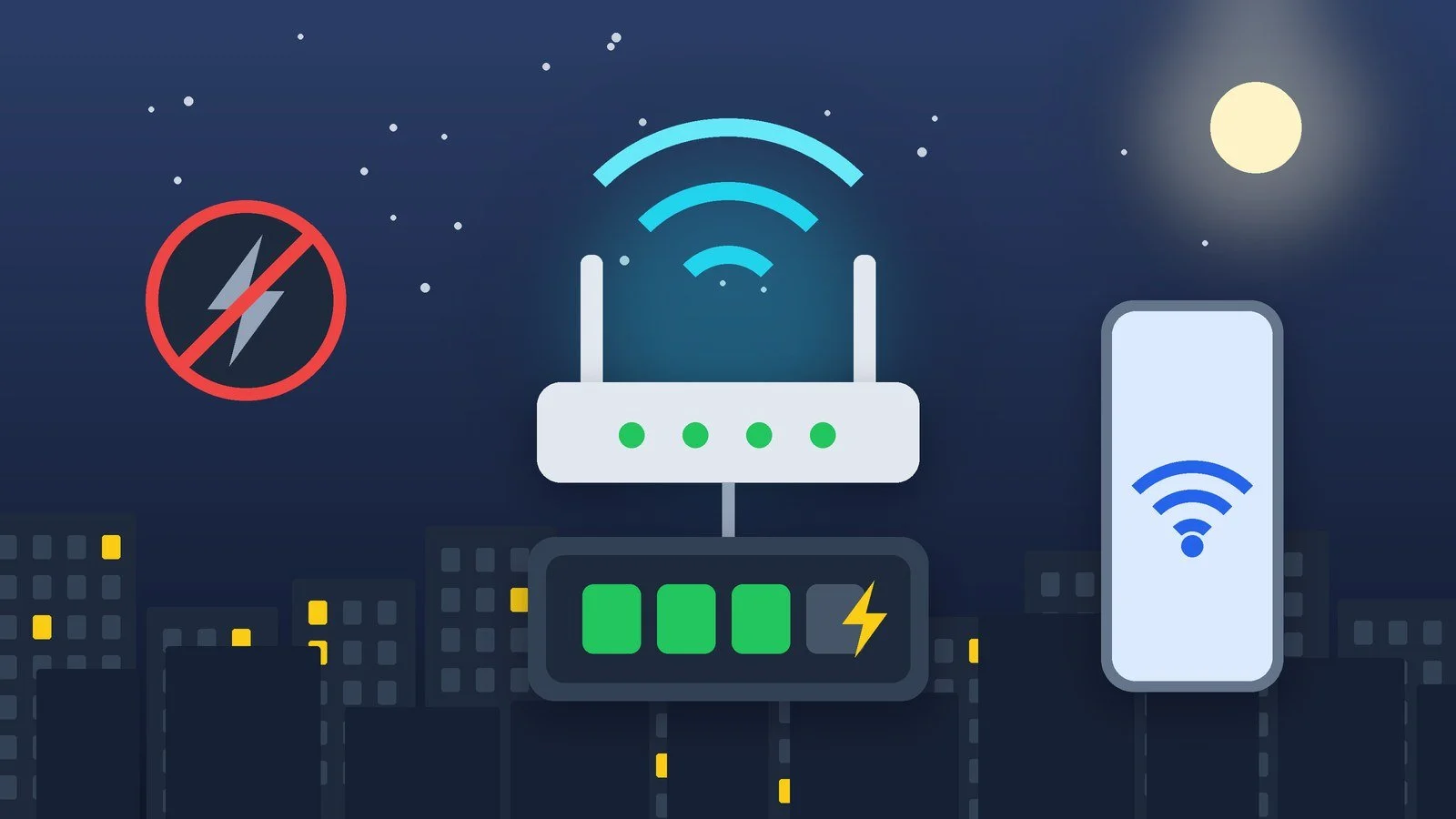
Internet drops during a power outage for one of two reasons: your own equipment stops working (the router and, with GPON, the optical terminal, ONT), or the provider’s equipment loses power. The first can be fixed yourself: power the router and ONT from a mini UPS, a power bank or a portable power station. The second is out of your hands, so you need a backup channel: mobile internet.
Below you’ll find how to tell which connection you have, what to power and with what, how the mobile backup works, and what Ukrainian operators claim about the autonomy of their networks. The autonomy figures are claims made by the operators and the regulator as of October 15, 2026. They can’t be verified independently, so each one comes with its source.
Why the internet goes down with the lights
At home, that means the router and, with GPON, the optical terminal. They run from a wall socket through small adapters. No power, no Wi-Fi, even if the signal is still arriving over the cable.
The provider’s equipment also needs power, and you have no say in that. Kyivstar explains this with the example of home internet: the cable runs in a ring from a base station through several buildings, so when the ring loses power or the UPS batteries run out in two buildings, the internet also disappears in a third building where the power is on. There is a second reason too: batteries. According to Kyivstar, the new LiFePO4 batteries for the fixed network need up to 4 hours of stable power to charge fully. If the power is switched on less often, they don’t have time to charge and work for less time.
Mobile internet works in a similar way. According to Kyivstar, base stations across Ukraine can run autonomously for up to 10 hours on average, but during outages part of the traffic from the fixed network moves to the mobile one, the load grows, and the batteries drain faster. The operator notes that connectivity problems during blackouts happen with every operator.
Which connection do you have: GPON, FTTB or mobile
The connection type determines what exactly needs power. The technology descriptions come from Kyivstar’s home internet help page, and the autonomy claims come from the operators’ pages.
| Connection | What comes into the apartment | What to power at home | What operators claim |
|---|---|---|---|
| GPON (fiber to the apartment) | An optical cable to the ONU terminal; the router connects to it | ONU and router | Kyivstar: the network works for up to 72 hours during a power outage; Vodafone: up to 100 hours of operation without power |
| FTTB (fiber to the building) | An Ethernet cable from the entrance | Router | Kyivstar: 99% of the fixed network is backed up for up to 12 hours |
| Mobile (4G or 5G router, phone) | A signal from a base station | Router or phone: they have their own battery | Kyivstar: base stations for up to 10 hours on average |
If an optical cable reaches your apartment and a small terminal stands there, you have GPON. If a regular Ethernet network cable comes in, it is most likely FTTB. If the technology is something else (DOCSIS cable internet, xDSL, or FWA fixed wireless), ask your provider what in your building is powered from the grid. In its tips from October 14, 2026, NKEK asks you to consider xPON technology, the network’s backup power and the ability to power the ONU and router when choosing fixed internet.
What to power the router and ONT with
First, look at the label on the power adapter of your router and ONT: it shows the voltage and current. Many devices run on a DC adapter rated at 9 or 12 V, so for them not only a 230 V source will work, but any source that outputs the same voltage. Keep this in mind when buying a new router too: our roundup of budget Wi-Fi routers can help you choose a model.
| Device | Power according to the manufacturer |
|---|---|
| Huawei OptiXstar EG8010Hv6-10 (optical terminal) | 12 V DC, 1 A; maximum consumption 2.1 W |
| TP-Link XZ000-G3 (GPON terminal, discontinued) | 9 V DC, 0.6 A |
| TP-Link Archer AX53 (Wi-Fi 6 router) | 12 V, 1 A power supply |
| TP-Link Archer AX55 (Wi-Fi 6 router) | 12 V, 2 A power supply |
| MikroTik hAP ax² (Wi-Fi 6 router) | Input 12–28 V DC; maximum 12 W without connected devices, 27 W with them |
The current rating on the adapter shows what it is designed for, not how much the device consumes: a terminal with a 2.1 W maximum won’t draw more than those 2.1 W. So the key thing when choosing a power source is matching the voltage, and then having enough power headroom.
- DC mini UPS. Outputs 5, 9 or 12 V directly, without converting to 230 V and back, and is designed specifically for routers and terminals. The 2E Mini DC 36W LFP, for example, has 12, 9 and 5 V outputs at 3 A each and a LiFePO4 battery of 20,000 mAh. Models and prices are in our UPS roundup.
- Power bank with a USB → DC cable. Kyivstar lists a power bank, a mini UPS and a portable power station as power sources for a router. You need a converter cable for the right voltage (for example, 12 V) with a suitable plug: check the size and polarity against the adapter. Not every power bank can power a load while charging: Anker, for example, says its Prime 12,000 mAh (130 W) doesn’t support pass-through charging and turns off its output while it charges. In that case, the router will switch off as soon as you plug the power bank in to charge.
- Portable power station. It has 230 V sockets, so the router and terminal connect through their own adapters. A good fit if you also need to power a laptop. Models are in our roundup of portable power stations for home.
- 230 V UPS. A regular UPS also works: the router and terminal plug into it through their own adapters. But for such a small load, a DC mini UPS is usually more efficient, because there is no double voltage conversion.
How long the setup lasts depends on capacity and load. If the manufacturer gives capacity in watt-hours, divide it by the combined draw of the router and terminal and subtract losses: in practice, you’ll get less. If only mAh is given, as with many mini UPSes, the runtime can’t be calculated from the spec sheet. Test it in practice: unplug the power from the socket and time how long it takes for the router to turn off.
Backup channel: mobile internet
If everything is down, the mobile network comes to the rescue. It also depends on base-station power, but that is a different link in the chain, and you can use it as a backup.
- Phone as a hotspot. On Android, swipe down from the top of the screen and tap “Hotspot.” Up to 10 devices can connect to it, and some operators limit tethering or charge for it. On iPhone, go to Settings → Personal Hotspot and turn on “Allow Others to Join.”
- 4G router with a battery. A router with a SIM card and a built-in battery works independently of the wall socket: for example, the Huawei E5785, which we wrote about in our 4G Wi-Fi router review.
- Economy mode. During outages, Kyivstar asks people not to watch videos or make video calls, and to communicate by voice calls, SMS and text messages instead: that way, base-station batteries last longer.
- National roaming. According to NKEK, if your operator’s coverage has disappeared because of a lack of power, you can switch to another operator’s network. The service is limited: voice, SMS and data at basic 2G and 3G speeds are available.
What operators say about autonomy
- Kyivstar (November 25, 2025). Base stations can run autonomously for up to 10 hours. More than 25% of the network is equipped with generators, and all facilities on the NSDC list have power for at least 72 hours. 99% of the fixed network is backed up for up to 12 hours (excluding the combat zone and frontline areas). For the router to work, the operator asks you to arrange backup power on your side in advance.
- Vodafone. On its home internet pages, the operator claims autonomy of “up to 100 hours of operation without power” and says that equipment with backup power provides stable internet during outages. Ask your operator which equipment you have and whether you need to power it yourself.
- NKEK (October 14, 2026). The regulator has published infographics with advice: how to prepare power sources for a smartphone and router, how to use national roaming, how to save battery and data, how to turn off automatic photo and video downloads in Telegram, Viber and WhatsApp, and what to look for when choosing fixed internet.
These are claims by the operators and the regulator, not independent measurements: real autonomy depends on the load, how well the batteries are charged, and where you live.
What to do in advance
- Ask your provider for your connection type and whether your building has backup power for the network.
- Find the voltage and current on the power adapters of the router and ONT.
- Choose a power source for that voltage and a cable with a matching plug.
- Test the setup in practice: unplug the socket and time how long it runs.
- Charge your power source in advance: UPSes and power banks also depend on mains power, and Kyivstar reminds users that batteries need time to charge.
- Prepare a backup: charge your phone and power bank, and check that your phone’s hotspot works.
Sources and methodology
Analysis of public sourcesChecked 15 October 2026
- Kyivstar — Answers to questions about network operation during power outages kyivstar.ua
- Kyivstar — Internet without power kyivstar.ua
- NKEK — About national roaming nkek.gov.ua
- Vodafone — Internet for home vodafone.ua
- Huawei — OptiXstar EG8010Hv6-10 e.huawei.com
Frequently asked questions
Why does my internet go down even though I have a UPS?
A router on a UPS keeps working, but the signal may not arrive. Kyivstar explains that the cable runs in a ring through several buildings: if the neighboring buildings lose power or their UPSes run down, the internet also disappears where the power is on. Another cause is drained batteries in the provider’s equipment.
Do I need to power the ONT, or just the router?
With GPON, you need to power both devices: Kyivstar advises connecting the router and the ONU terminal to a backup source. With FTTB there is no terminal in the apartment, so the router is enough. Your provider can tell you which technology you have.
How long will a router run on a power bank?
It depends on the power bank’s capacity and the load: there is no universal figure. If the manufacturer gives watt-hours, divide them by the combined draw of the router and terminal and allow for losses. It is more reliable to test in practice by unplugging the socket.
Does mobile service work during a power outage?
As long as the base stations’ batteries are charged. Kyivstar cites up to 10 hours on average, but under heavy load and with infrequent charging, it is less. If your operator’s network has disappeared, you can use national roaming, but it is limited to voice, SMS and 2G and 3G data.
Which is better: a mini UPS or a power bank?
For a router, a DC mini UPS is more convenient: it is designed for this load and delivers the right voltage without an inverter. A power bank works if it has an output of the right voltage and pass-through charging, and the cable matches the plug. Kyivstar mentions both options.









Leave a Reply