
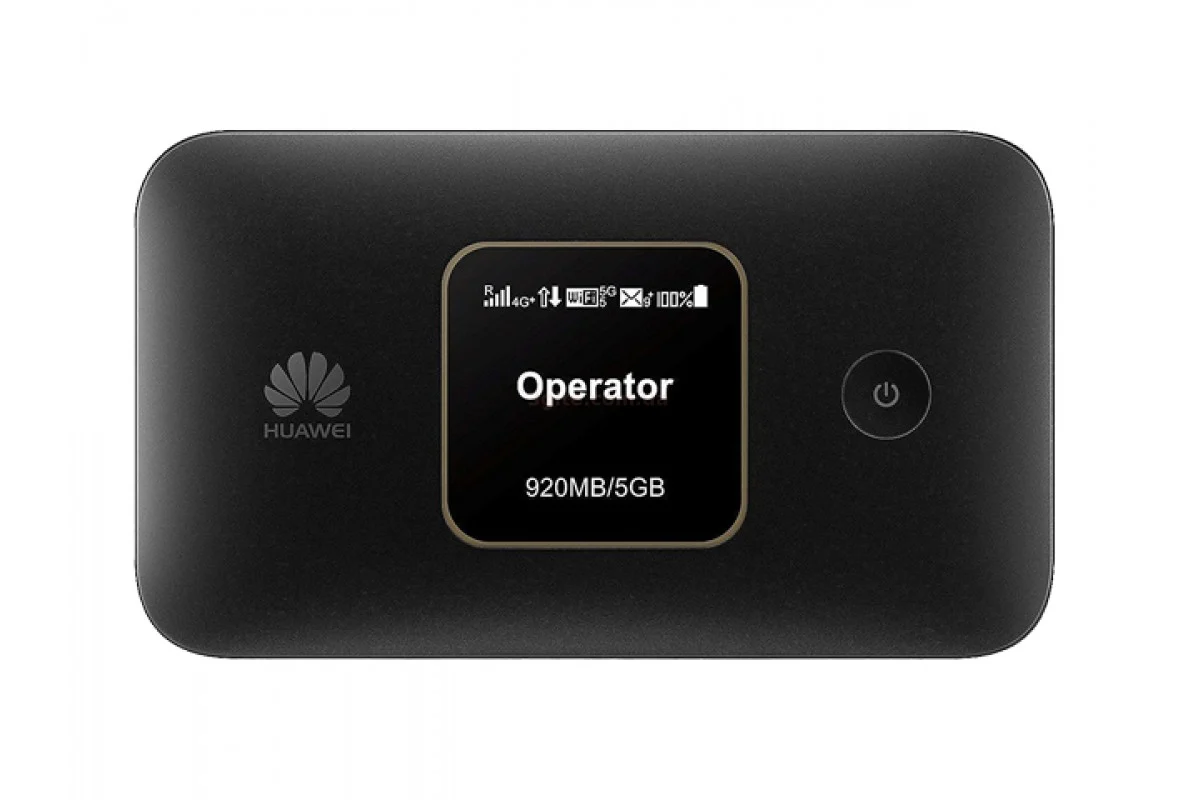
The Huawei E5785 is a portable 4G router with a SIM card, a battery and Wi-Fi for several devices. The model can still be useful on trips, at a country house, as a backup connection or anywhere there is no wired internet. But before buying one in 2026 it is important to check the exact variant, the supported LTE bands and the state of the battery: this is a 4G device, not a replacement for a modern 5G router.
What the Huawei E5785 can do
The E5785 belongs to the mobile Wi-Fi routers: you put a micro-SIM inside, and the device then gets mobile internet and shares it over Wi-Fi. Common versions are specified for 4G and 3G, dual-band Wi-Fi on 2.4 and 5 GHz, a small display and a 3,000 mAh battery. The lineup includes regional versions with different sets of LTE bands, so the name E5785 alone is not enough to go by.
| Feature | What it means in practice |
|---|---|
| 4G LTE and 3G | Works with the mobile network, but does not support 5G. |
| Wi-Fi 2.4 and 5 GHz | 2.4 GHz travels through walls better, 5 GHz can mean less interference close to the router. |
| 3,000 mAh battery | Runtime depends on the signal, the temperature and the number of connected devices; on an old unit it will be shorter. |
| Compact body | Handy for travel, but the internal antennas are weaker than a desktop router with external antennas. |
| High quoted LTE speeds | That is a theoretical maximum; real speed is set by the carrier, the plan, network load and the supported bands. |
How to set up the router with a SIM card
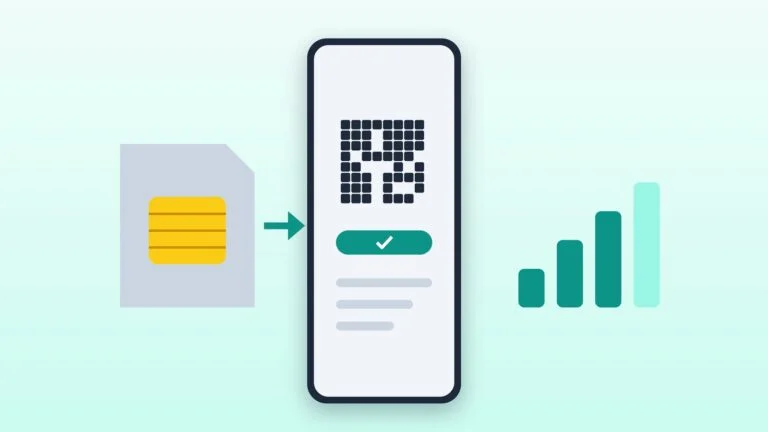
Prepare the SIM card
Turn off the PIN request on a smartphone, or be ready to enter the code in the router interface. Make sure the plan allows internet sharing and the account has funds.
Insert the SIM and turn the device on
Install the micro-SIM while the device is switched off, turn the router on and wait for it to register on the network. If no network appears, check the SIM in a phone first.
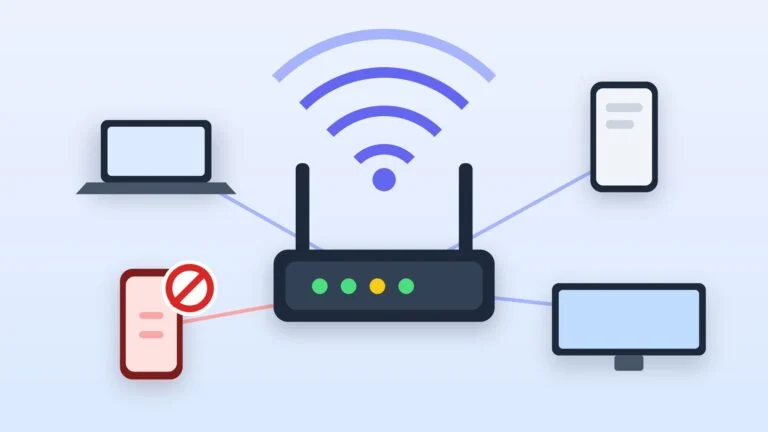
Connect to Wi-Fi
The network name and the factory password are usually printed on the label under the cover or shown in the device menu. Change the Wi-Fi password and the administrator password right away.
Check the APN
In most cases the carrier profile is created automatically. If there is signal but no internet, open the web interface and compare the APN with your carrier’s settings.
How to get the best 4G speed
- Put the router closer to a window and higher off the floor, not deep inside the room.
- Test the speed in several spots: sometimes moving it a meter changes the result noticeably.
- For devices nearby try the 5 GHz network; for a far room, 2.4 GHz.
- Do not leave the router in direct sun or in a closed car: overheating hurts performance and shortens battery life.
- Compare the speed in the morning, in the afternoon and in the evening: if it drops at peak hours, the problem may be the load on the base station rather than the router.
Is a used E5785 worth buying
Buying used makes sense when the price is clearly lower than a new current device and you can test the router with your own SIM card. Inspect the cover and the micro-USB port, check whether the device reboots on its own, connect several clients and see how fast the charge drops. A worn battery is a common problem with mobile gear: if the router only holds up next to a power outlet, its main advantage is gone.
| Scenario | The E5785 works | Better to look for another device |
|---|---|---|
| Travel and backup internet | Yes, if 4G is stable and the battery is in good shape | If you need 5G or an external antenna |
| Country house or a small office | Only with a good signal and a moderate load | If many people use the internet all the time |
| Home internet | As a temporary solution | For constant use and several rooms a desktop router is better |
| Online gaming and heavy downloads | Possible on a good network, but with no guarantees | If you need consistently low latency |
When a 5G router is the better choice
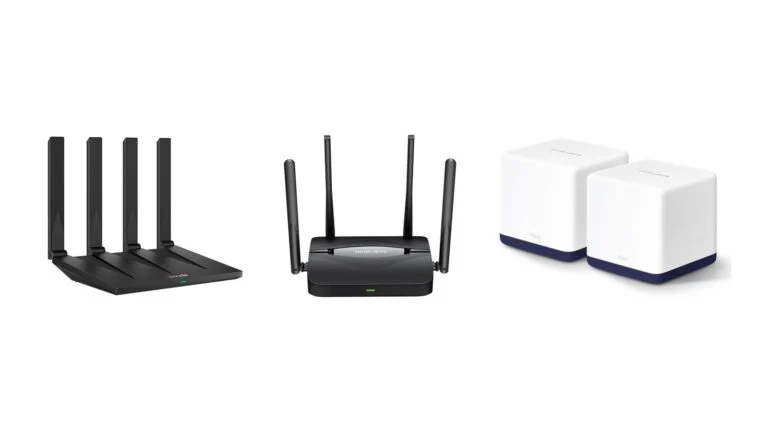
Moving to 5G makes sense not because of the number on the box, but when the coverage is real and the plan fits. If 4G already gives a stable speed for work and video in your area, a healthy E5785 remains a practical option. If a 5G network is available, several people at home are online at once and the router is bought for several years, a modern model with 5G and newer Wi-Fi may have more of a future.
Does the Huawei E5785 support 5G?
No, it is a 4G and 3G router. Speed and coverage will depend on the LTE mobile network and on the exact variant of the device.
Why does the router see the network but there is no internet?
Check the balance and the plan of the SIM card, the APN settings, that the PIN is off and that the same SIM works in a phone. If everything is fine, restart the device and compare the result in another location.
How many devices can be connected?
Technically a mobile router can share Wi-Fi with several devices, but comfortable use depends on the quality of the LTE signal and on your tasks. For a couple of smartphones and a laptop the load is usually reasonable; for a large office it is not.
Which Wi-Fi band should you choose: 2.4 or 5 GHz?
2.4 GHz travels through walls better and reaches further. 5 GHz is usually less congested and more convenient close to the router. In practice it is better to test both options in your own space.








Leave a Reply